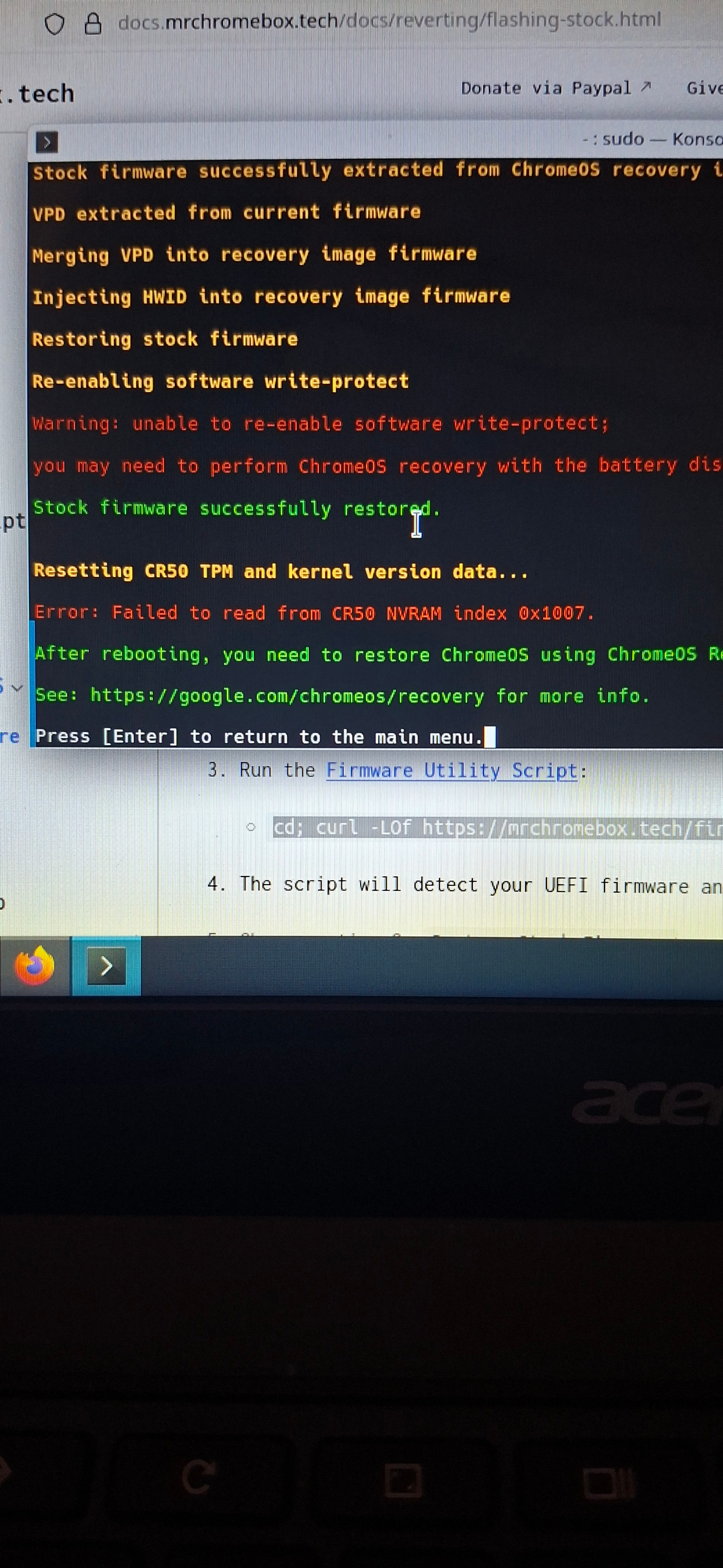
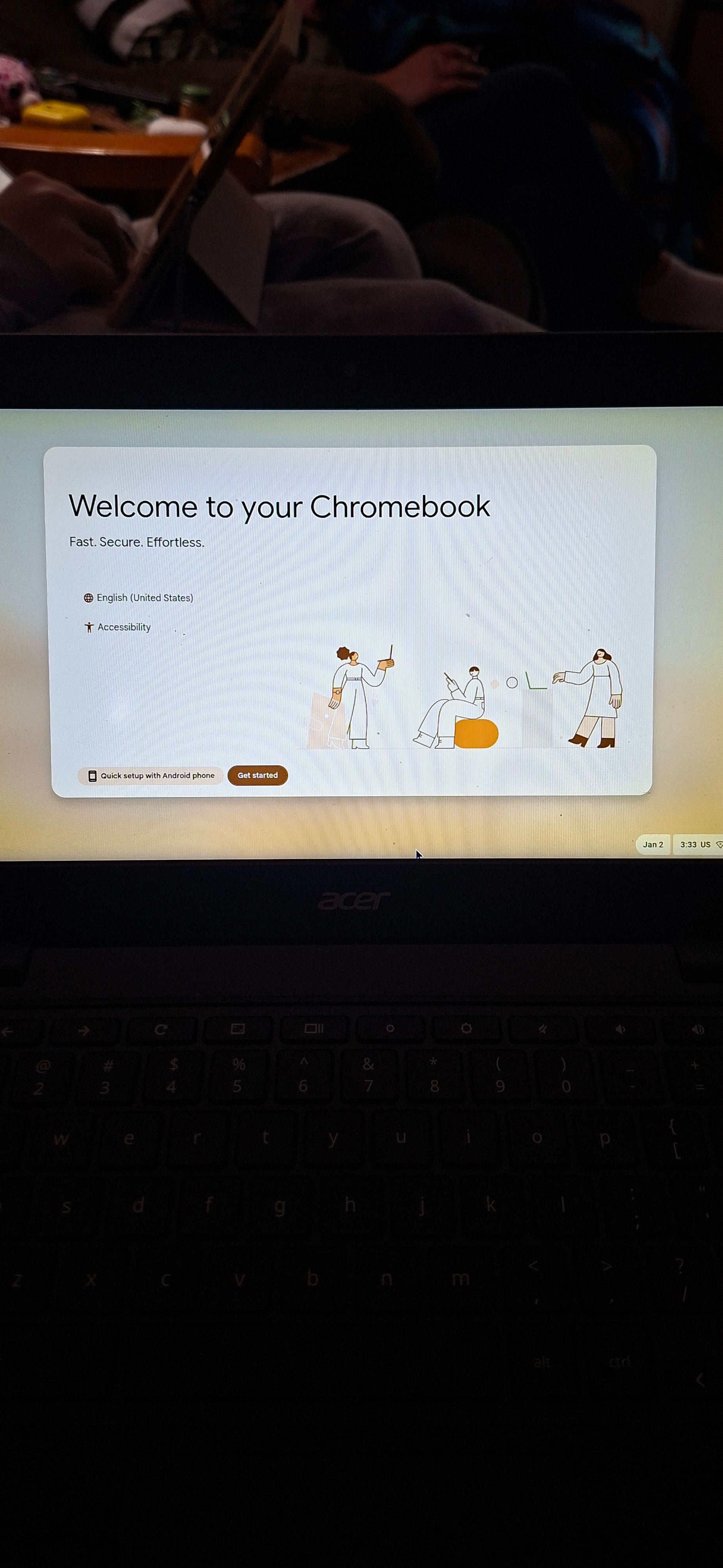
Hello guys I’m attempting to revert back to chrome os form full UEFI mode on my Acer C734T (Maglith). The script ran successfully besides renabling the WP it said I’d possibly need to remove the battery which I’m currently doing and I’m still getting the Something went wrong screen after getting multiple “successful” recovery’s. Do I need to bridge the connections or am I screwed? Any and all help is appreciated.
Update: ran with the jumper bridge and without the battery not sure what to do now.
Context: I’m only doing this to give it to my little brother as a Christmas gift as I have plenty of laptops now.
Once you disable the software write protection on your device, it will remain disabled until you manually re-enable it – even if the hardware write protection is later re-enabled, the firmware chip contents will remain unprotected.
Basically once its disabled it won’t be re-enabled until you actually do it.. meaning you can always flash Linux or windows on it forever.
Once you re-enable it if you ever want to put Linux or whatever on it.. you have to do the whole jumper thing.
You should be fine.
So my issue has nothing to do with the wp?
Nope you can have ChromeOS without the WP being enabled.
I have that on my Chromebook right now. WP is disabled and I chose to go back to ChromeOS.
Debug and Firmware Log both throw a 0x2b / 0x1 error
I’ve tried both reset methods. Is it bricked?
Can you get to recovery press tab then take a screenshot and upload it here
Yeah, I can send it later. I’m taking a mental break lol
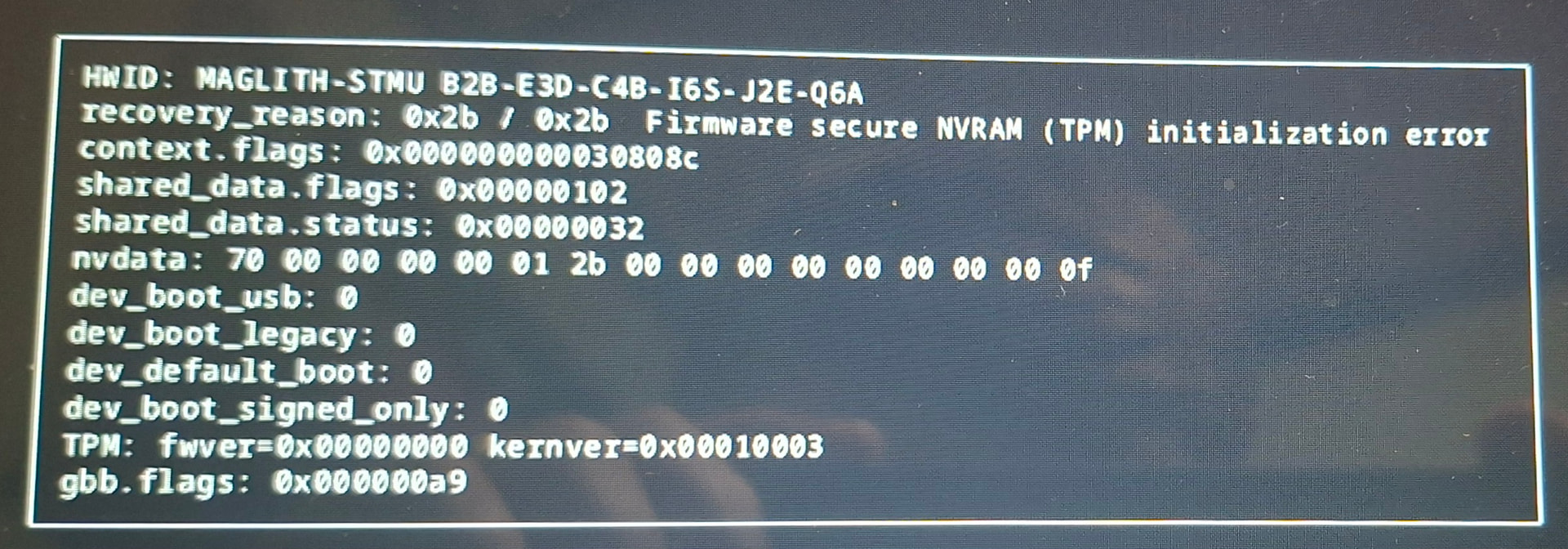
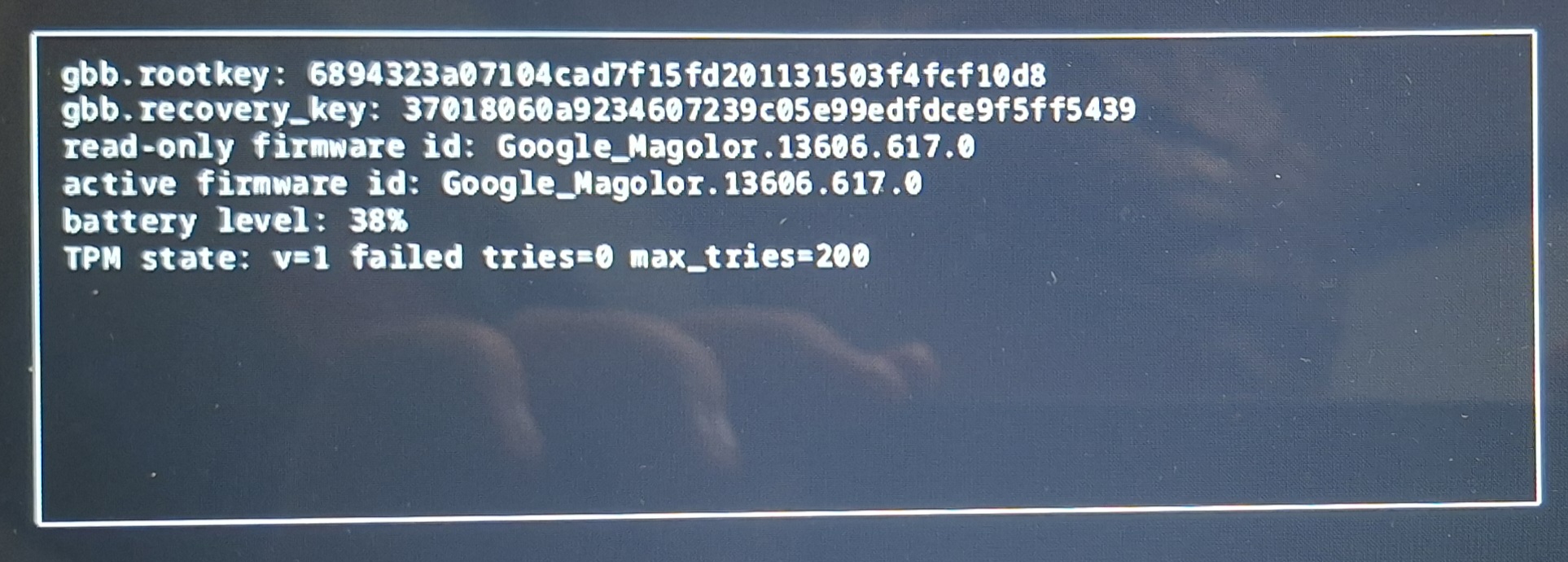
I had the same error in my Chromebook.. I went from mrchromebox to chromeos and I got stuck here no matter what I did to recover.. do you have a suzyq or suzyqable ? You will need this to get chromeos properly since you have it on but not set up the right way
Check out this
Ugh the dreaded TPM error once again. The device is effectively bricked in this state.
I don’t have a SuzyQ, but I know they’re relatively inexpensive. So I may pick one up.
Yep.
Only way to fix this!
You helped me fix mine with that error.
we’re working to fix that via the Firmware Utility Script as part of restoring the stock firmware, but need some testers
I’ve added a new feature to the script which automatically restores the CR50 NVRAM to its default values for TPM and kernel version when restoring the stock firmware, so hopefully this issue will not been seen anymore.
For anyone else encountering it now, you can flash the UEFI firmware via SuzyQ, then re-run the script and restore the stock firmware again. It will automatically reset the CR50 NVRAM as part of the process.