I had Linux installed on my Chromebook 514 Volta, but I wanted to switch back to Chrome OS following the tutorial on the Mr Chromebox website. However, right after the USB recovery process finishes, that error message keeps appearing over and over. I’ve already tried restarting repeatedly, waiting 30 seconds between each attempt, disconnecting the battery, using various button combinations, and nothing works. I should mention that it’s not physically damaged, and when I try to enable developer mode, nothing happens; it just takes me back to that screen. What options do I have to recover my Chromebook?
what error? does the recovery process finish successfully? you’ve attached no picture
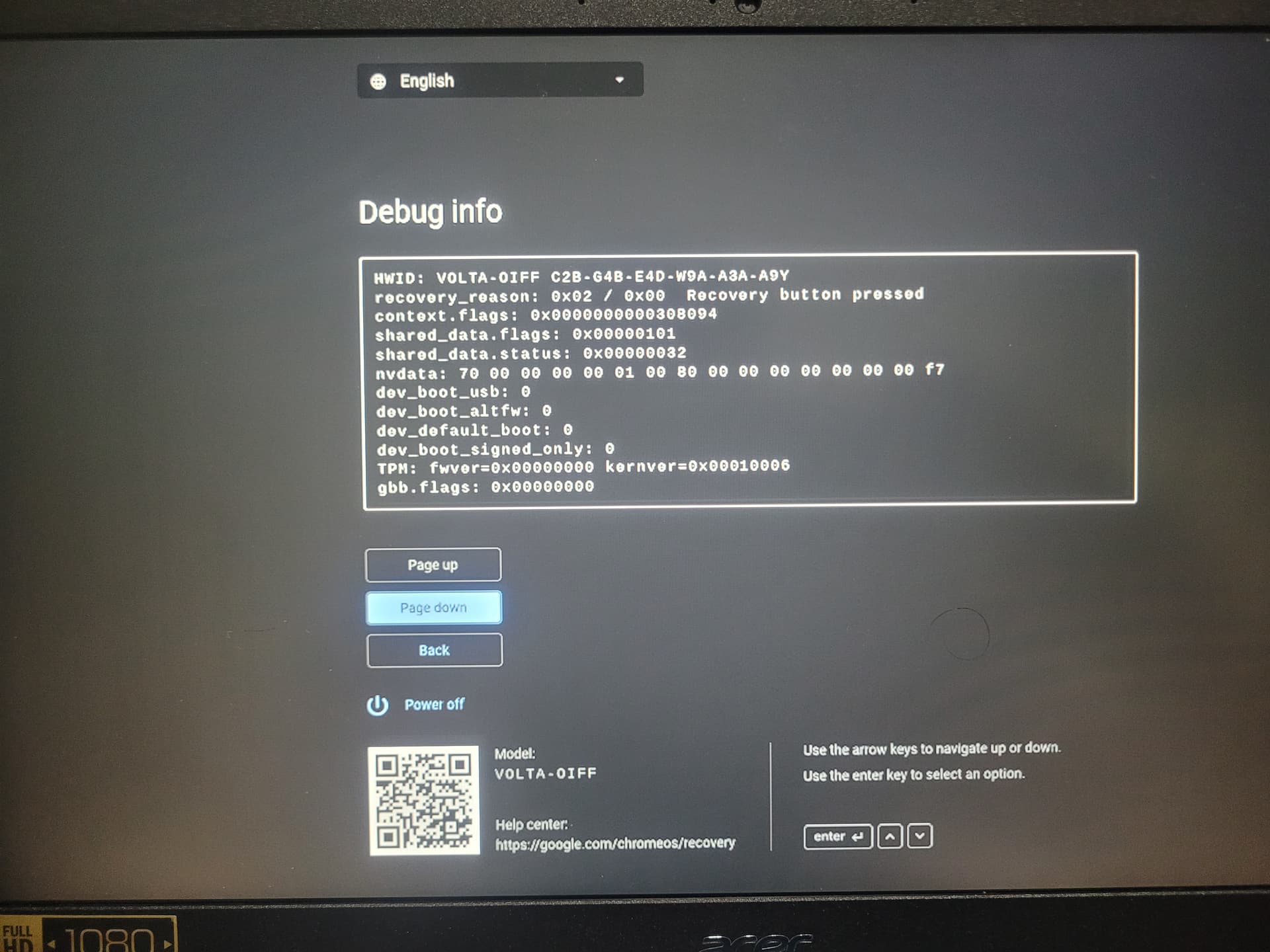
it says you pressed the recovery button / used the recovery keystrokes
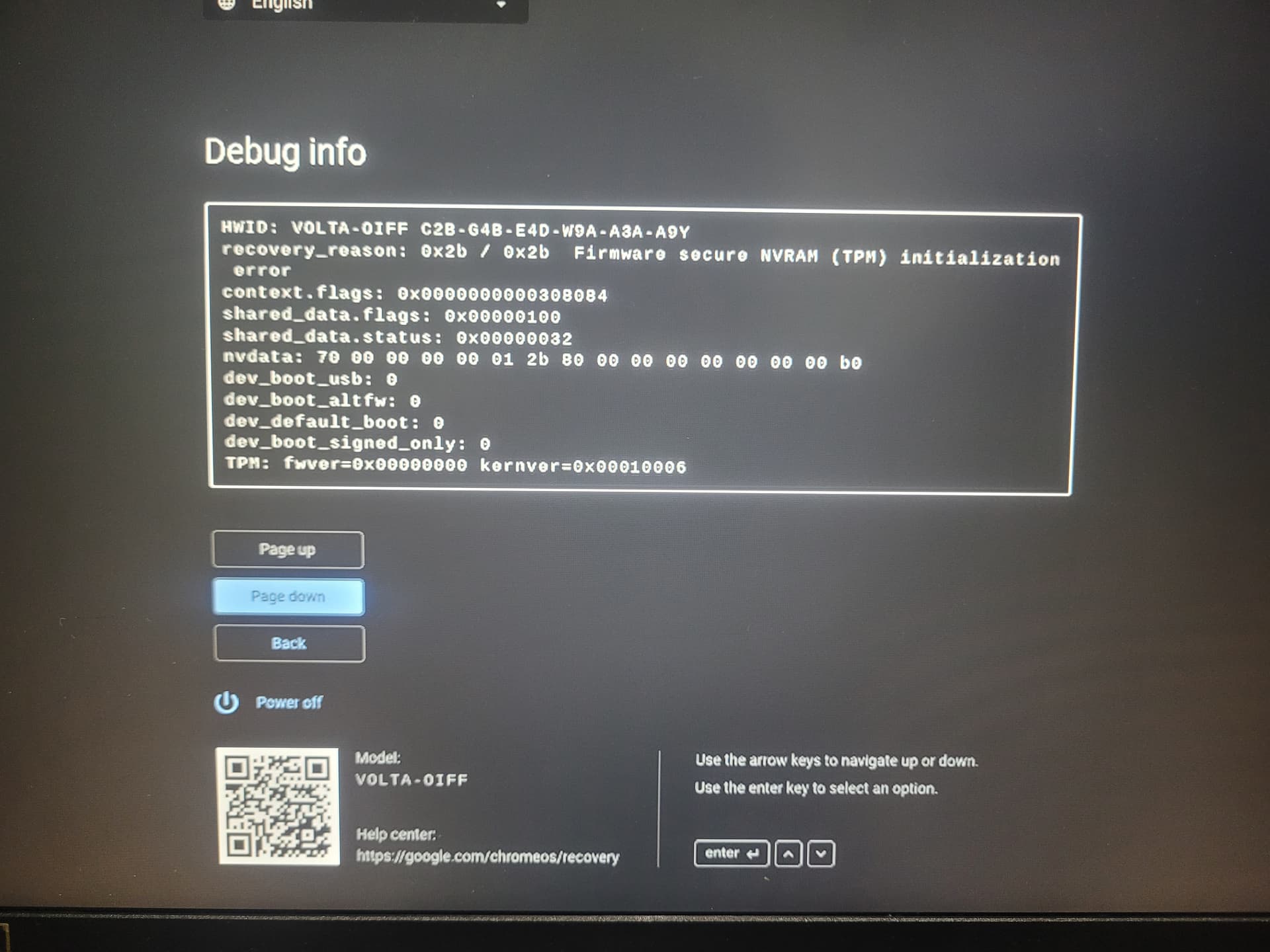
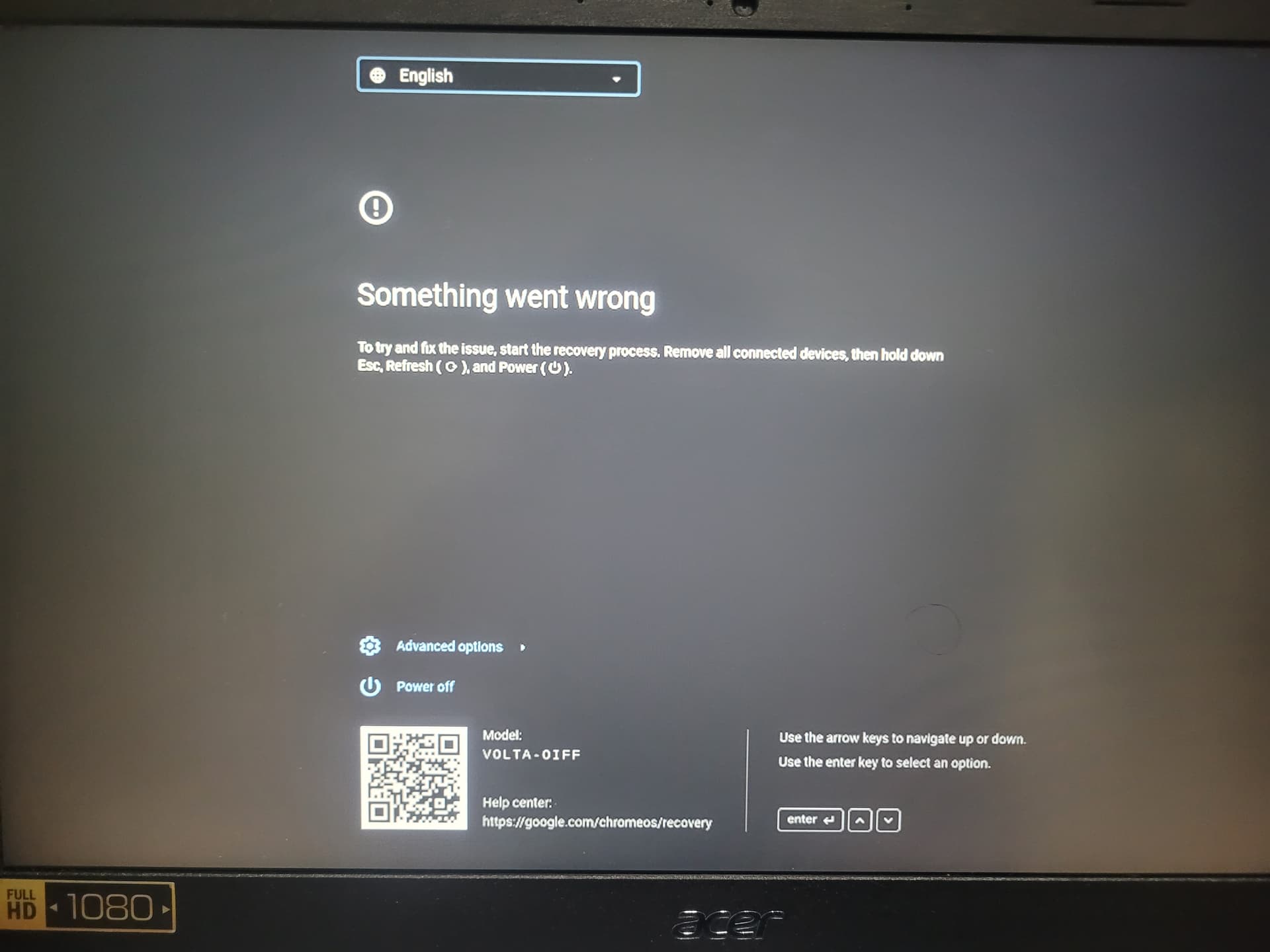
this TPM NVRAM issue has been popping up lately, we are not sure what is causing it or the best way to resolve it
So what I should do is follow the guide to unbrick it?
The part about using button combinations or restarting is out of the question for me.
Have you read this
You need a suzyq to do this and flash a full rom all the instructions should be there.
Pm me if you need I’m foggy but I just did it like two days ago and I have a working Chromebook
Look at Chromebook is bricked with Missing or Damaged
Hope it helps .. it’s not step by step but it’s the same 0x2b error
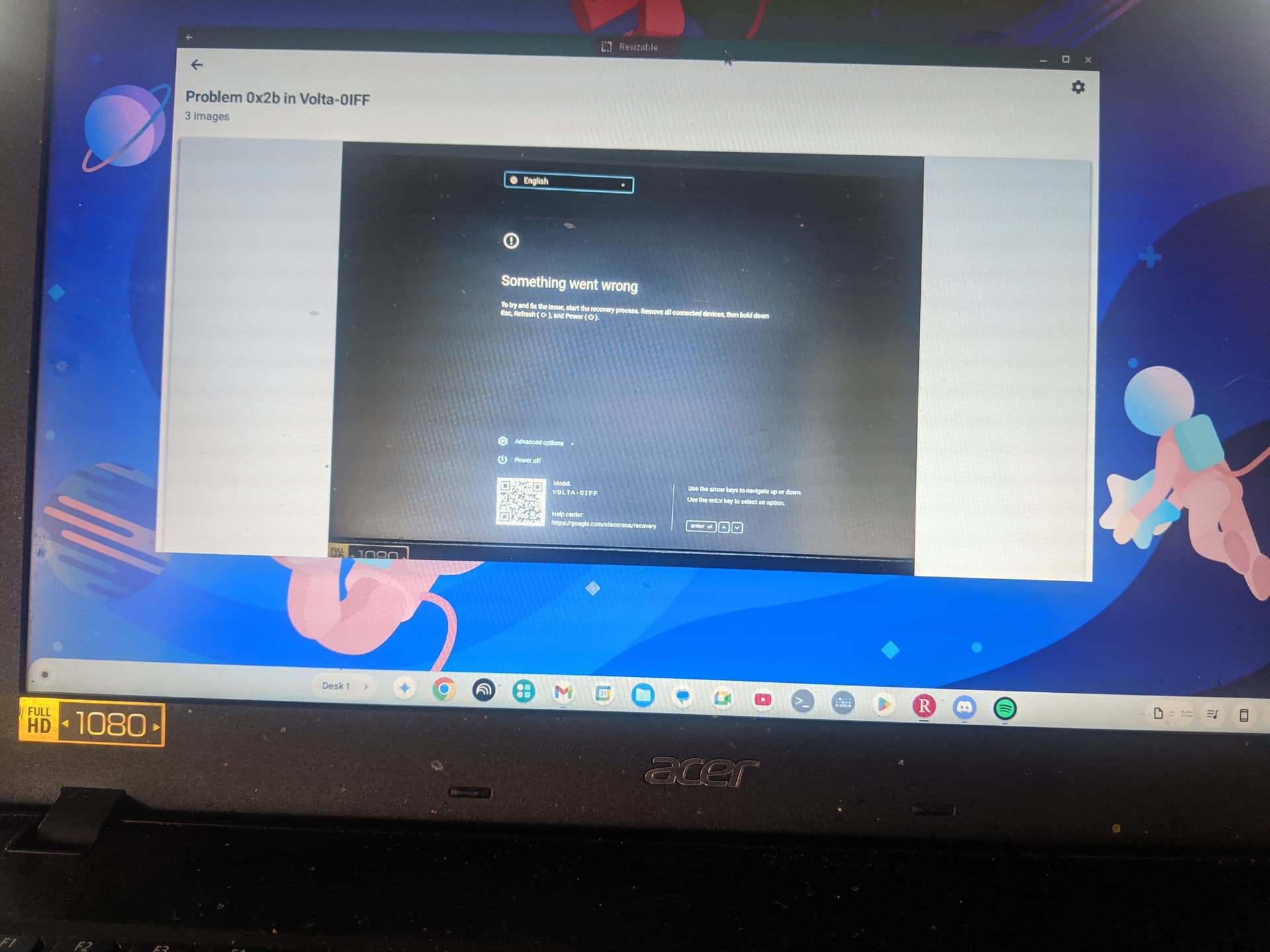
I just realized something right now looking at this screenshot.
This laptop i’m currently on is an Acer PC with brunch on it..
We are bro’s 
Thank you for the guide.
I’m going to order the Suzy Cable from eBay, but it will take a month to arrive because I don’t live in the United States.
I have another laptop so I can follow the steps in the guide to use the Suzy Cable.
Yes, it’s an Acer Chromebook 514 1W i3 115G4.
In one part of your post, you mentioned something about identifying the correct board name, and that confused me.
By the way, does Brunch work perfectly for you? I tried using Fydeos before and Brunch on another Chromebook, model 715 (not this one), and the sound and backlit keyboard didn’t work.
I tried brunch on my Chromebook . Hp Chromebook x360 14-c DRAGONAIR and it installed fine.. but the sound wasn’t working.
I just reinstalled ChromeOS.
I’m thinking of trying it again just so I can have more control of my chromebook
PS. I have brunch on 2 other pc’s in the house
Hi, I already received the SuzyQable and it seems to work well.
I noticed that on this page my exact Chromebook model doesn’t appear, only Volet which is the Acer 515, not the 514 Tiger Lake that I have