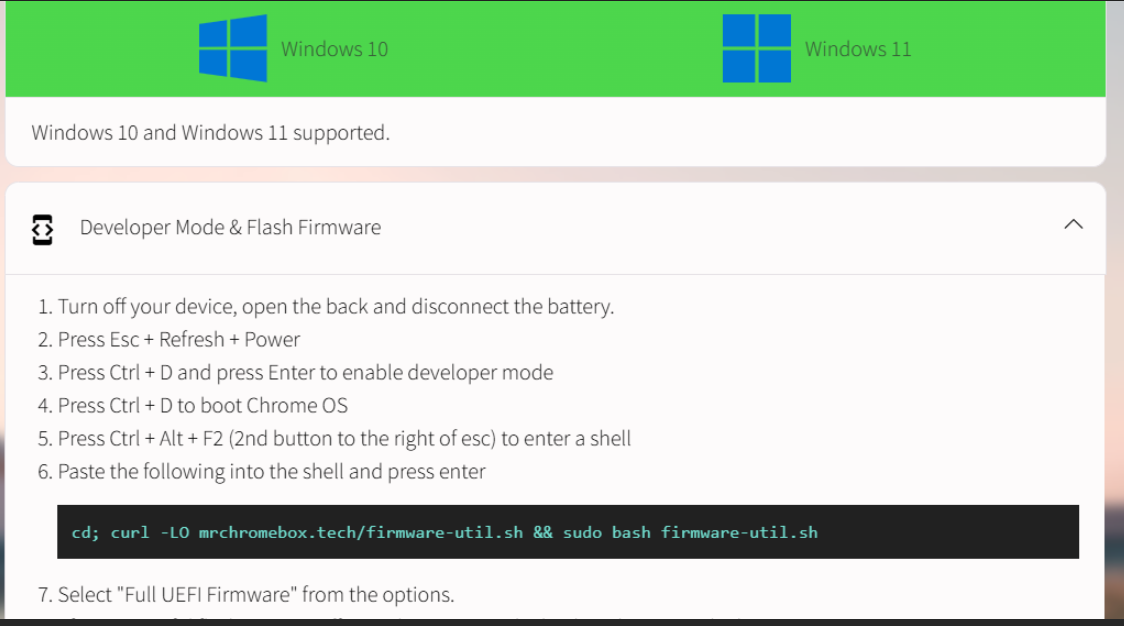
[Briefly describe what is happening] I am trying to install Windows 10 per your instructions but the very first one after disconnecting the battery, push esc, refresh, power, it only boots into Chrome no matter what I do. Thanks for any help.
Steps to Reproduce
Expected Behavior
[What should have happened?]It should boot to where you can enter developer mode.
Your problem is almost the exact opposite of mine. I pressed Esc + Refresh + power and lost the ability to boot into Chrome. I got to the screen to restore the Chrome OS, but Ctrl + d did nothing, I couldn’t get into developer mode, and now pressing the power button alone doesn’t start the computer. The only way I can start it is with the restore key combination bringing me to the restore screen, but I can’t even restore the Chrome OS from a USB stick with the OS restore files on it.
At least yours still works as a Chromebook. If I don’t find a fix, mine’s a brick.
I finally did get it to boot into recovery mode. I was told to disconnect all usb devices and hold the esc and refresh down then tap the power button while still holding down the esc and refresh buttons and that worked for me. My problem now is when I get to the paste the url in, it does not go there it just goes back to where you have to paste in the url in again.
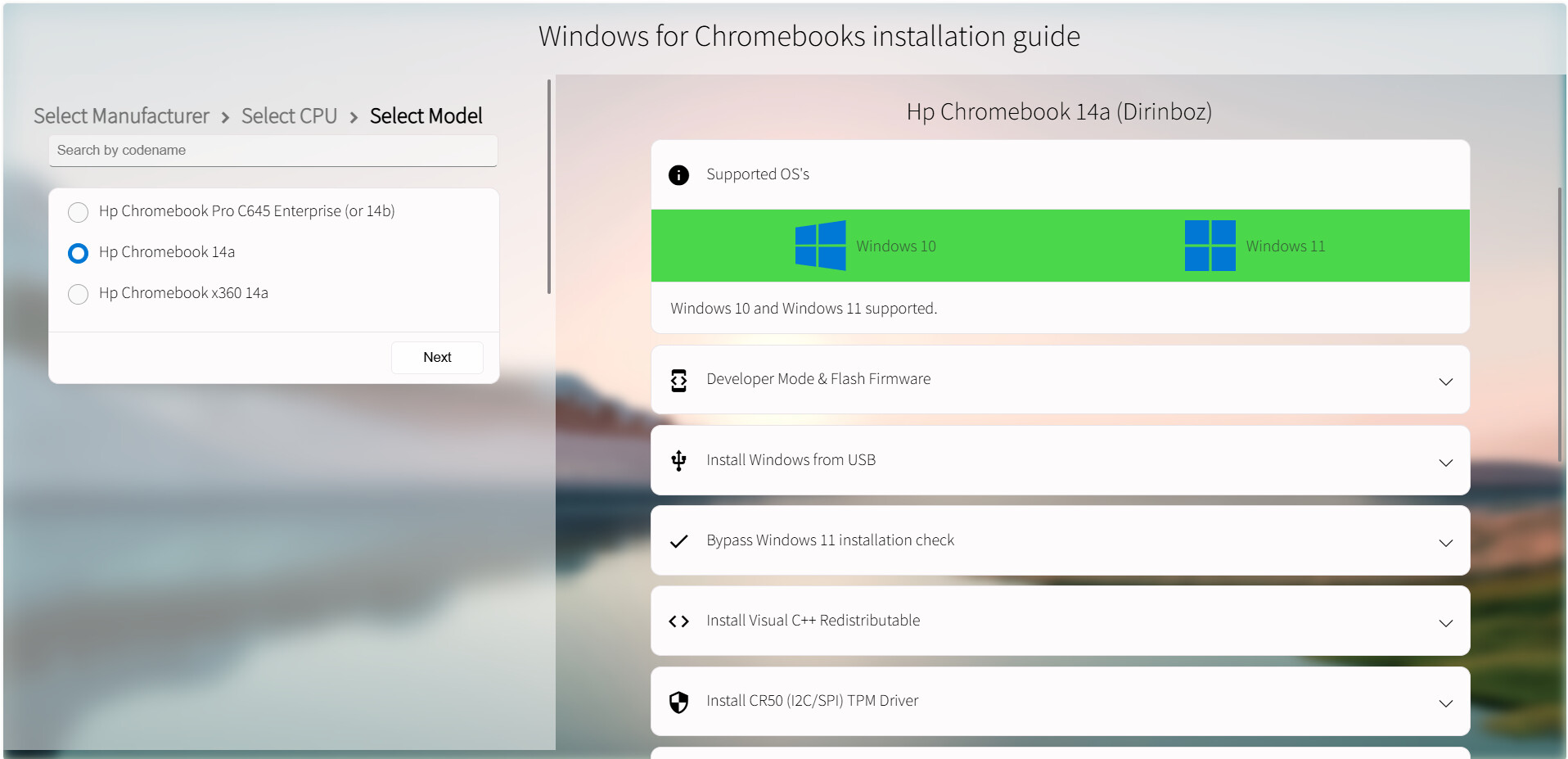
This is the link but it only takes you to where you pick the brand. The you have to choose HP-
AMD - 3150CE - HP Chromebook 14a. Then it takes you to the place where I showed you the pic. of the directions. The ones you said were no good. I assumed you wrote those directions.
Ok sorry I misunderstood. My problem now that i got to the VT2 is I get this error when I type in the url: curl:Remote file name has no length
curl:Failed writing received data to disk/ application
Then after typing in again I get this error: sudo: The “no new privileges” flag is set, which prevents sudo from running as root
sudo: if sudo is running in a container, you my need to adjust the container to disable the flag