I’m not quite sure on what I need to do. I have done everything I can to ensure that the USB is proper for booting, but the device still will not recognize it.
I am attempting to chrultra the Samsung Chromebook 4. No USB storage devices I have attempted to use have worked. I may be able to use a Micro SD or SD but that is not ideal.
So far, the OS’s and things I have tried are:
Tiny11 22H2, tried installing in MBR, GPT, will not install. Using Rufus as my program to flash said USB.
Linux Mint and LMDE: same things as Windows, plus I gave BalenaEtcher a try.
Kind of lost and I’m gonna be kinda bummed out if its completely bricked now.
what does this mean? That the USB doesn’t show up in the Boot Menu? The FAQ on my site addresses that, but more often that not it’s an issue with handshaking between edk2 and the USB device itself.
NOTHING TO DO WITH HOW YOU WROTE THE DATA ON IT.
The short answer is to use a different USB stick and write the USB properly (not MBR)
Ah. I apologize. I have since fixed the problem on my own. Used the SD Card slot instead and it worked.
Ended up using Full FW for a while, worked great, thank you for your work on this
Ended up trying to use Legacy_RW so I could mess with ChromeOS and I guess it isn’t very happy about not having NVRam, so I’m kinda bootlooped
That being said, I don’t need anymore support, I just wanted to let you know my issue is resolved, I will be ordering a SusyQCable for it to flash the stock firmware.
if you went back to stock and flashed RW_LEGACY, there is no need to reflash anything. Boot your device to recovery mode and perform a USB recovery. Then boot ChromeOS and reset any boot flags you may have set
So, funny story, I have done that. ChromeOS just won’t boot. Did Tab on the initial “Chrome OS is missing or damaged.” screen, and it is complaining about NVRAM and TPM.
The way I flashed the firmware was I went from Full to Stock to RW_Legacy. My guess is ChromeOS updated and now that’s part of the process to start it, in my non-expert opinion.
I’m gonna try and recover the oldest ChromeOS version for Bluebird if it will let me.
Went ahead and did an older version, still doesn’t wanna boot. Same exact error. Gonna even see if Thorium or Chromium will boot, but it’s looking bleak.
I’ll let you know how it goes.
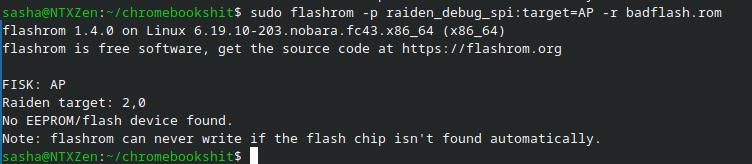
Not on hand. Was planning on getting a dinky lil SusieQ Cable adapter thingy, but I’m guessing that’s just not gonna work? I can get the ch341a no problem if so, just gonna take me a couple of weeks.
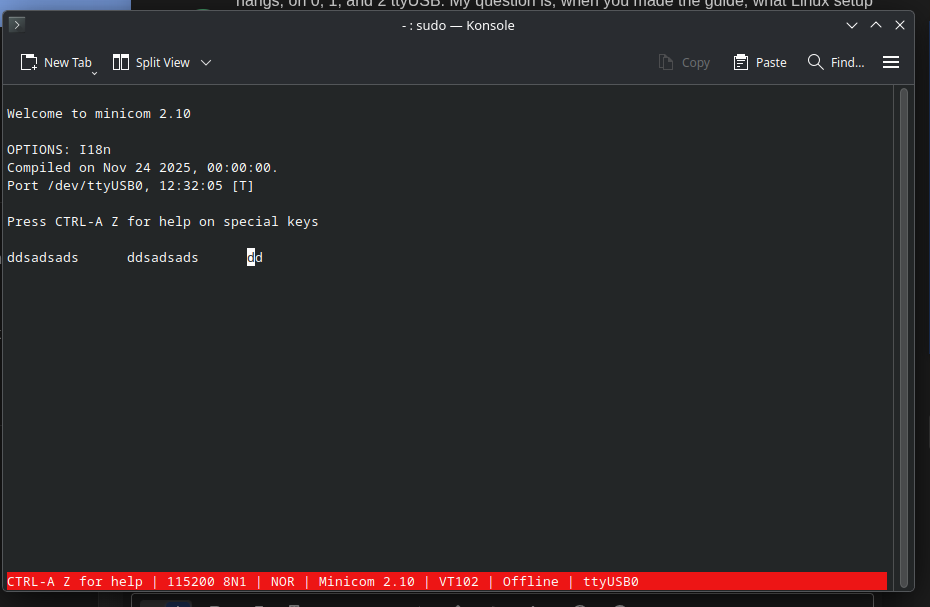
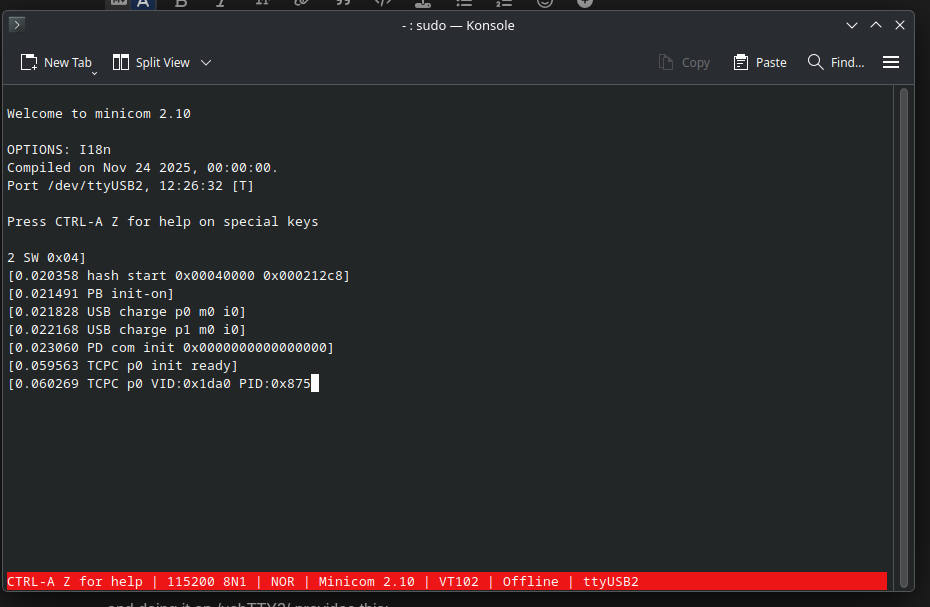
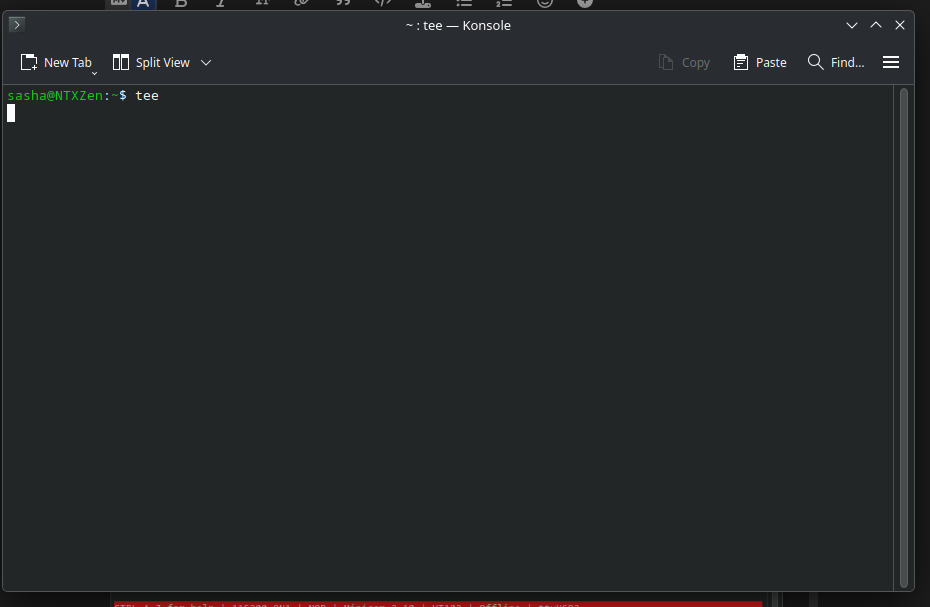
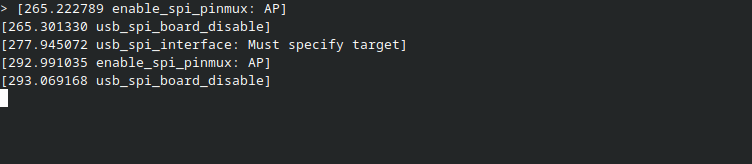
Hey, so i got my SuzyQ adapter in the mail today. I went ahead and followed the flashing guide, however, when I attempted to put my device in open CCD mode, nothing echoed, so no ccd open output, I also tried without that, and the sudo teecommand legitimately just hangs, on 0, 1, and 2 ttyUSB. My question is, when you made the guide, what Linux setup were you running? Debian? Fedora? Knowing that might help me fix the tee command hang, and allow me to actually flash the device.
running any of the /dev/usbTTYx/ devices with screen brings up nada.
and as far as using tee goes, I still cannot get anything other than a hanging cursor, this is on Linux Mint and Nobara, so this is not a software specific issue.
I’m honestly not quite sure what to do from here, because if the issue is the CCD state, but I cannot open the CCD, then is my Chromebook cooked until I get a ch341a?
if you did not previously use CCD to disable WP, you will need to have the internal battery disconnected when doing this. External power must be removed as well.