System Details
- Device: KIP
- OS: Lubuntu 24.04
- Firmware Type: UEFI Full ROM
- Firmware Version: latest version
- Internal storage type: eMMC
- Summary of the Issue
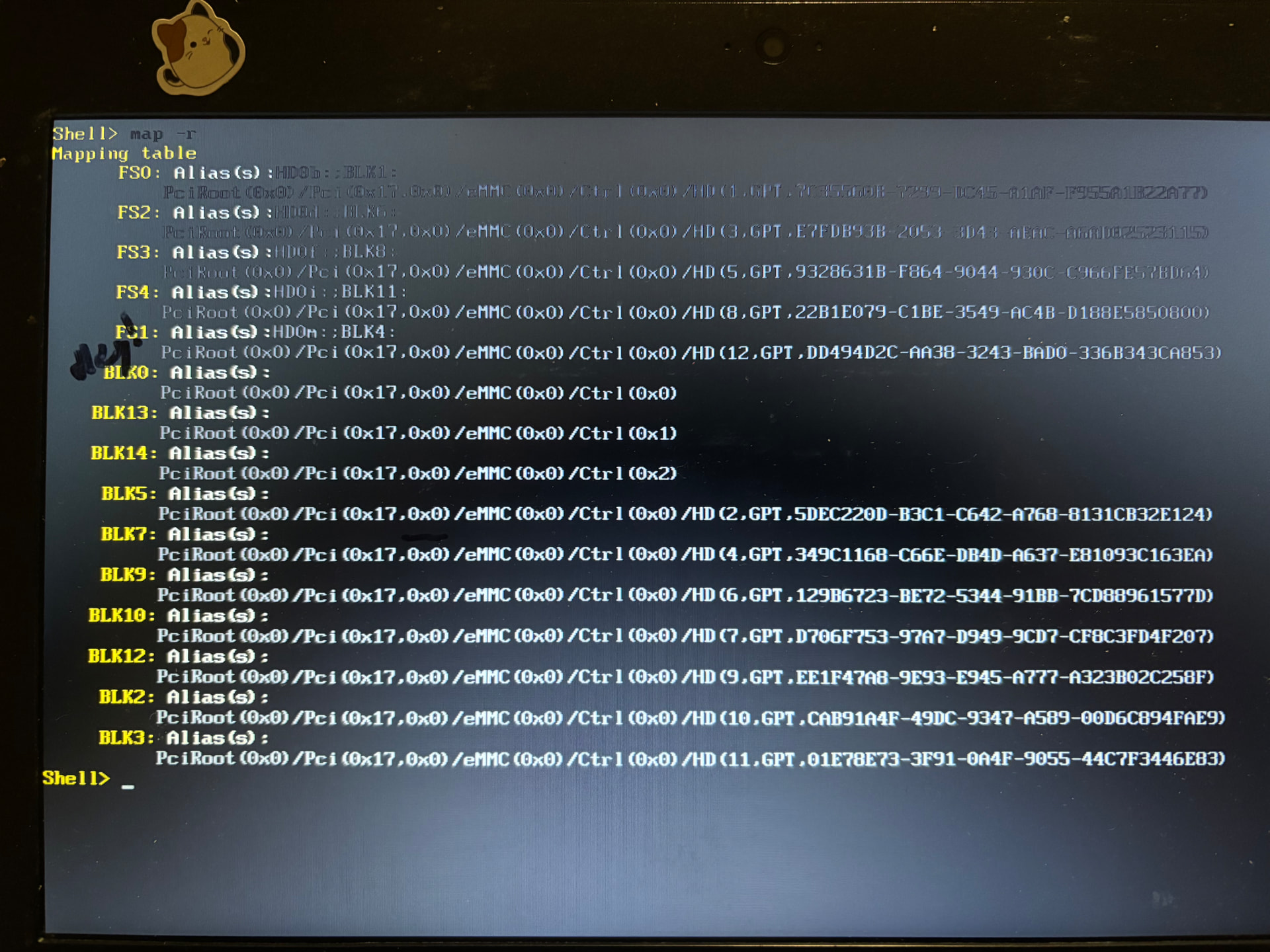
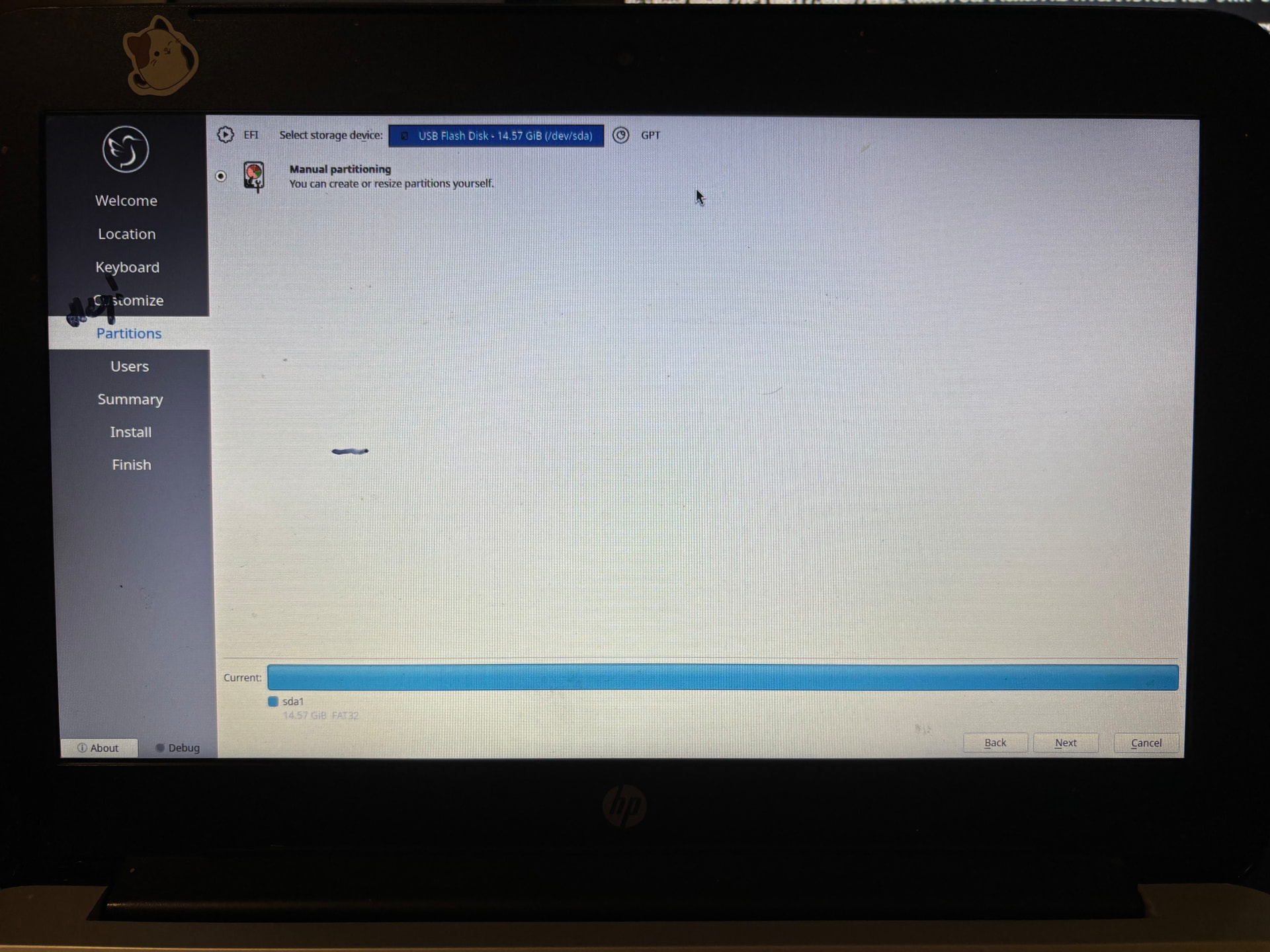
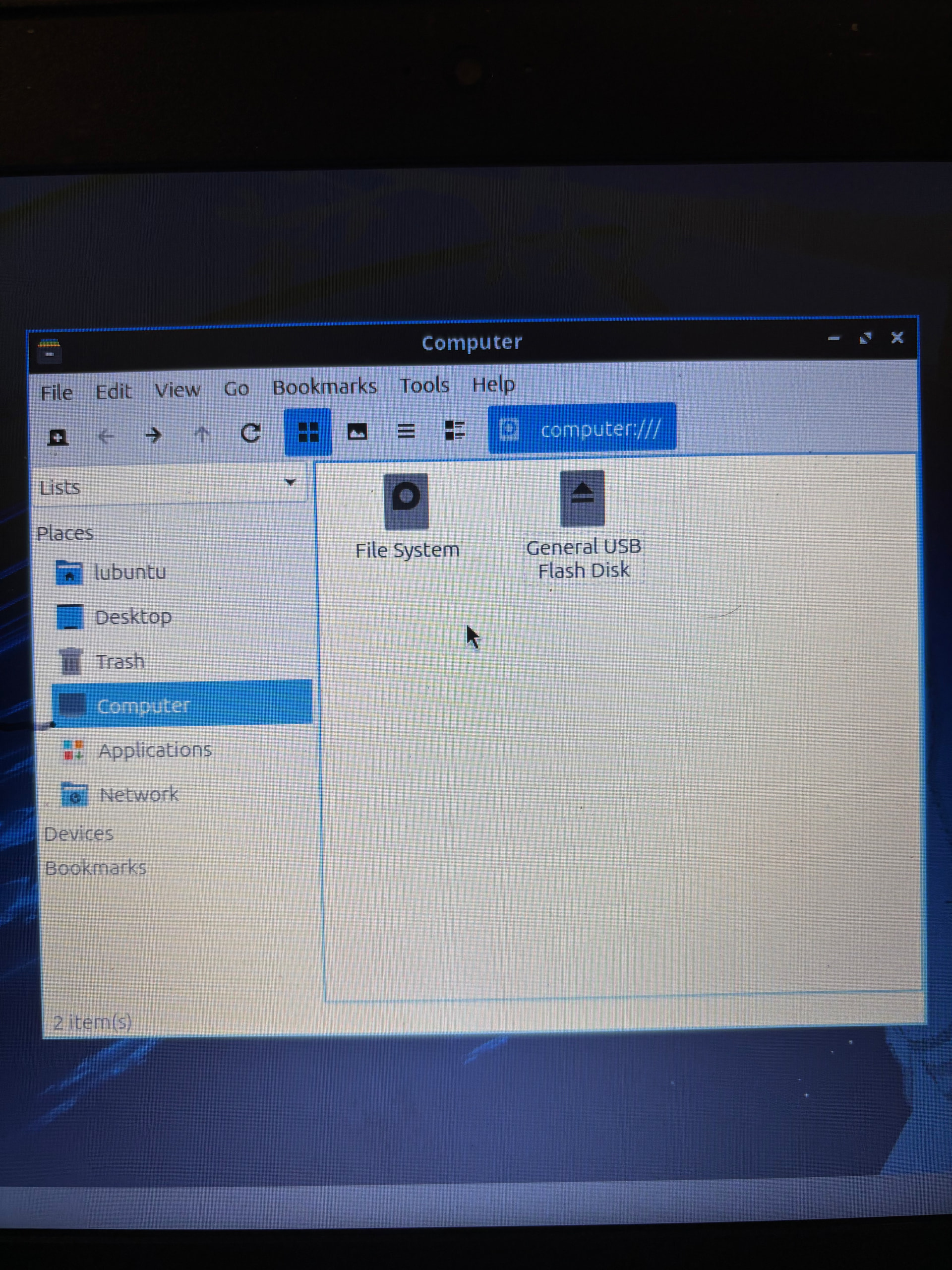
I have used the mrchromebox firmware utility script on my HP Chromebook 11 G4 to remove chromeOS and boot from Coreboot, as I have done on numerous Chromebooks before, but when I try to install a Linux distro onto the computer’s internal disk from a live .iso, I can never get past the install process because the system’s internal storage device is never detected, only the usb (“sda1”). When I list out the devices with lsblk, the only other devices seen are “loop” type devices.
Without the native disk, I cannot partition my system and therefore am unable to install Lubuntu, my goal, nor mint, which I also tried to see if it was an .iso issue. In the past I have only flashed Arch and Slackware Linux onto Chromebooks but have not had such an issue, if that matters at all.
Steps to Reproduce
-
Boot Linux distro from live usb environment
-
Open terminal to write lsblk
-
Only find “sda” device (usb) and “loop” devices (?)
Expected Behavior
Lsblk should be able to find internal storage device so that the system’s disk space can be partitioned and Linux can be installed onto the hardware.