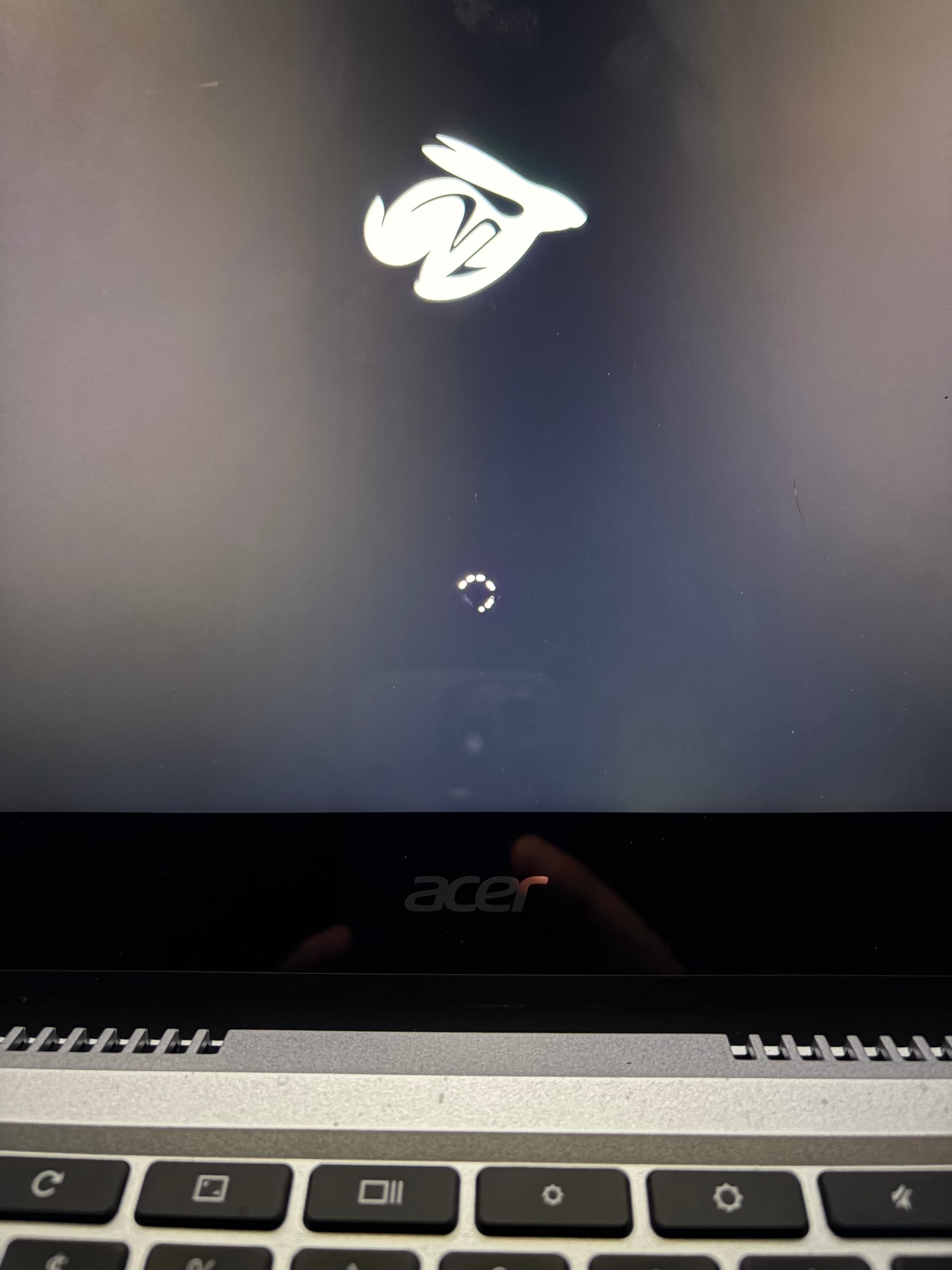
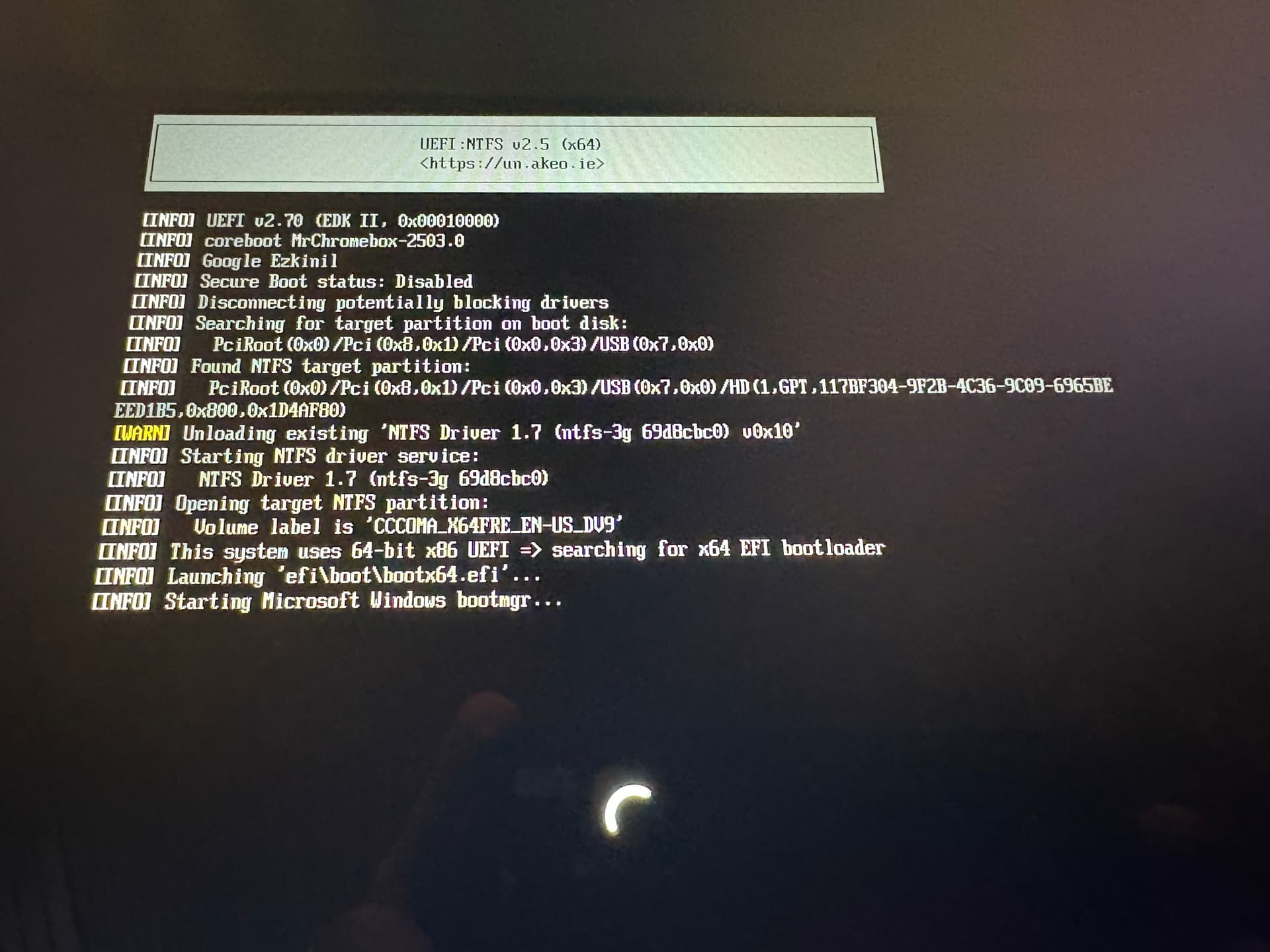
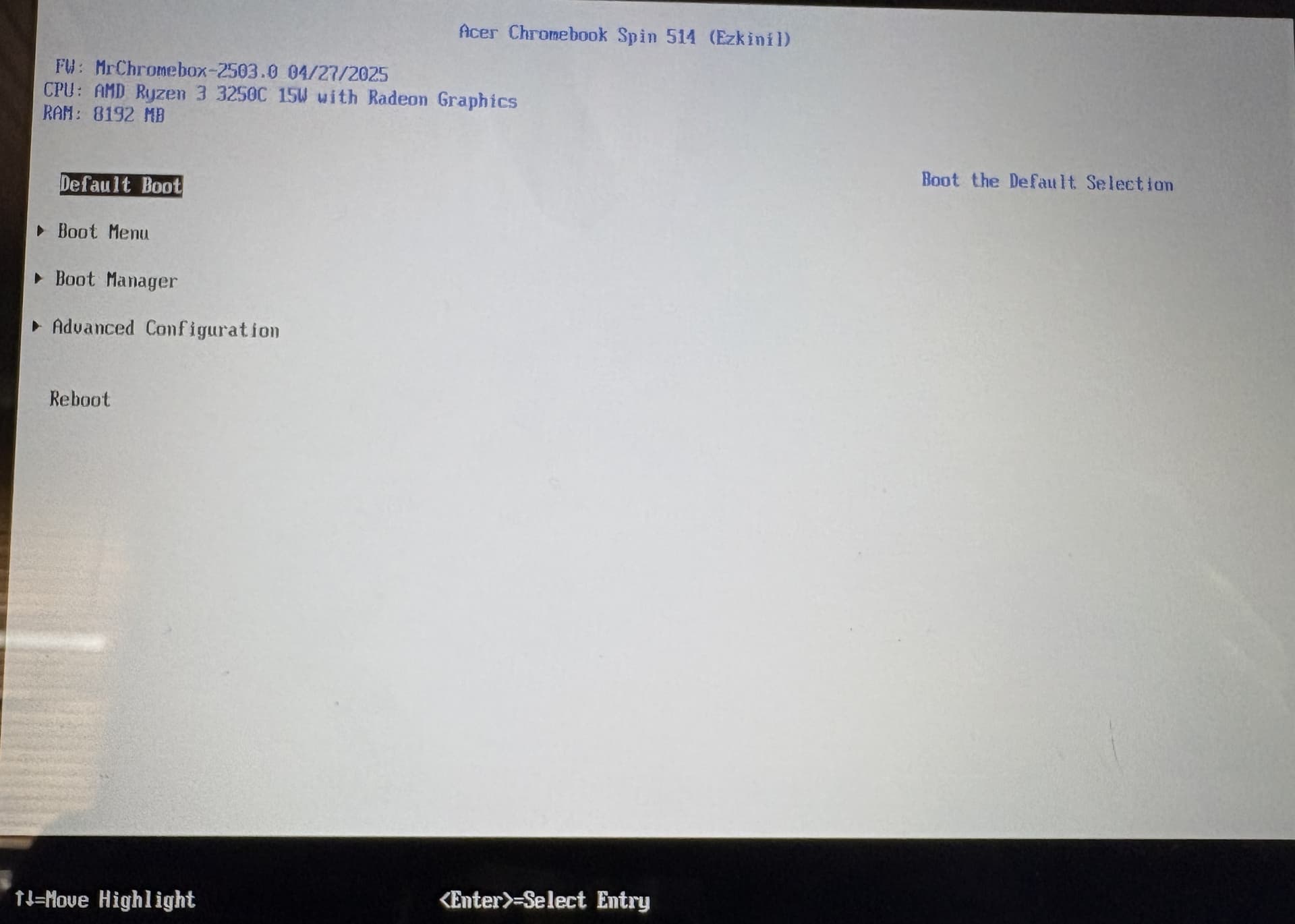
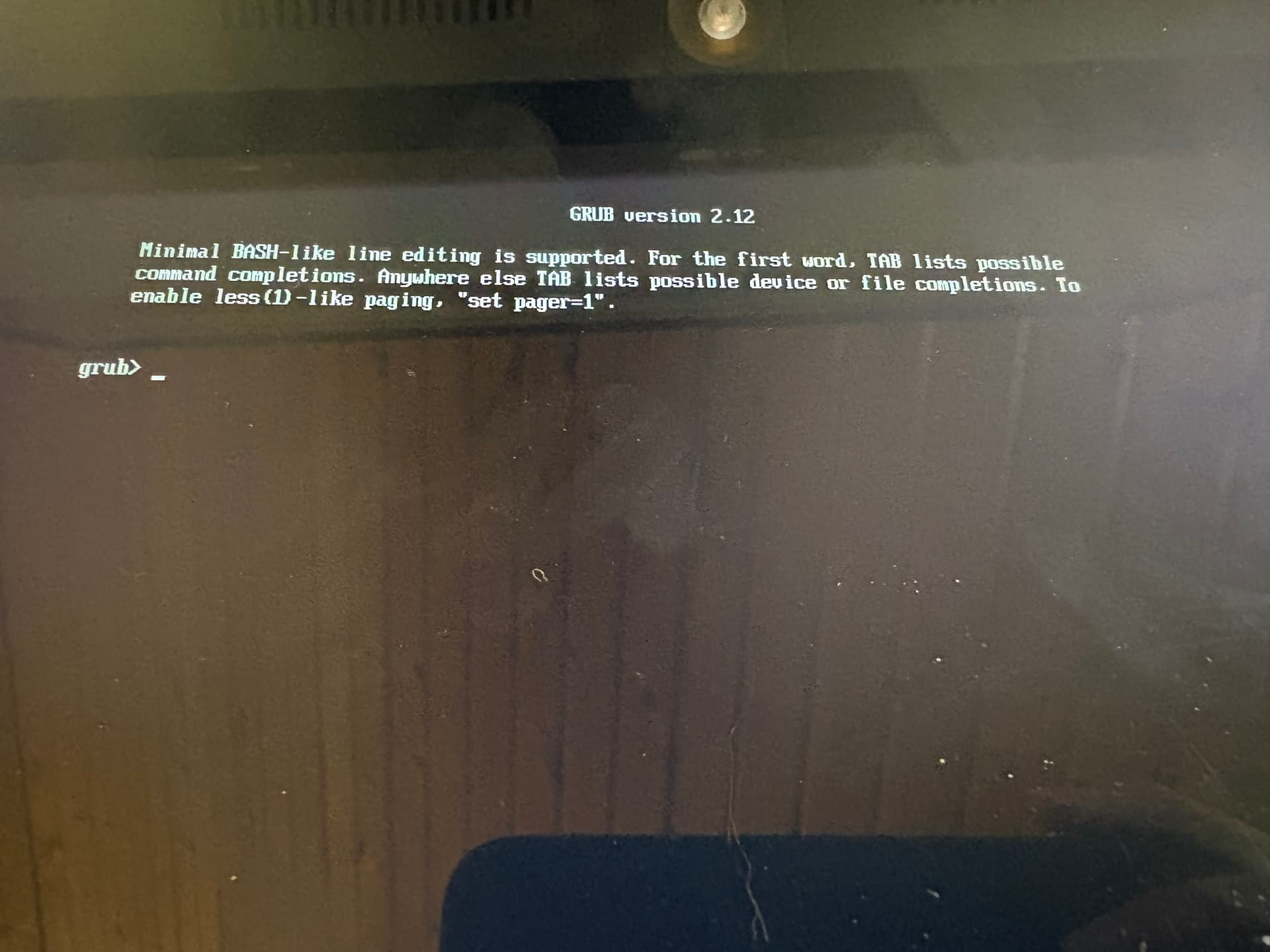
Looking for some help installing Windows 11. I was able to get MrChromebox-2503.0 firmware loaded and get to the boot menu. I am able to see the Windows 11 USB drive boot device that I created with Rufus. I select it as the boot device and hit enter, some text quickly flashes by and I get the Rabbit with a spinning windows loading circle below that just continues to spin. Nothing more happens. Wondering if anyone has seen this before and can point me in the right direction. This is my first attempt at installing Windows on a Chromebook. Thanks in advance.
I didn’t record that info before starting. unfortunately, I didn’t find your guide until after. This is the info I have. Doesn’t sound like it’s specific enough to be helpful. I did make a backup of the original firmware.
Model Number: CP514-1H
Part Number: NX.A4AAA.006
Serial Number : NXA4AAA006227063D67600
I tried a couple different Seagate USB external drives and couple different OS (Windows 11, 10 and OpenSUSE) iso files. I’ll see if I can get a thumb drive to work. Thanks for the input.
I picked up a new USB thumb drive and used the Microsoft Media Creation tool to download the ISO file. I booted the Chromebook and switched the boot order to start with the USB drive. Now I am able to see the text that flash by quickly before but with the same end result. The spinning Windows wheel.