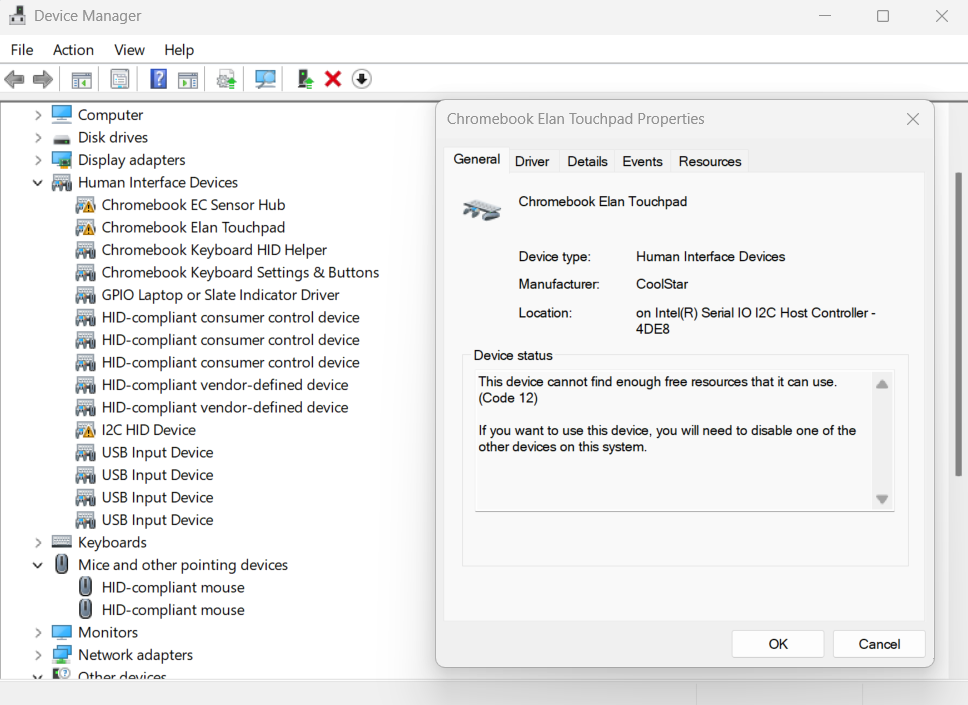
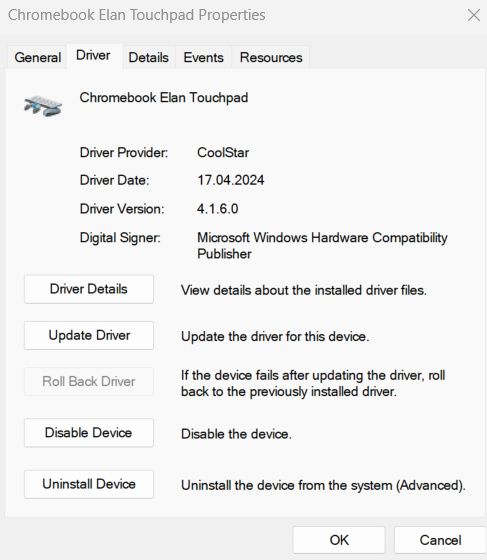
I’ve tried installing the drivers from the website but it doesn’t seem to be working, I know that the audio needs to be paid for but the touchpad is not working either.
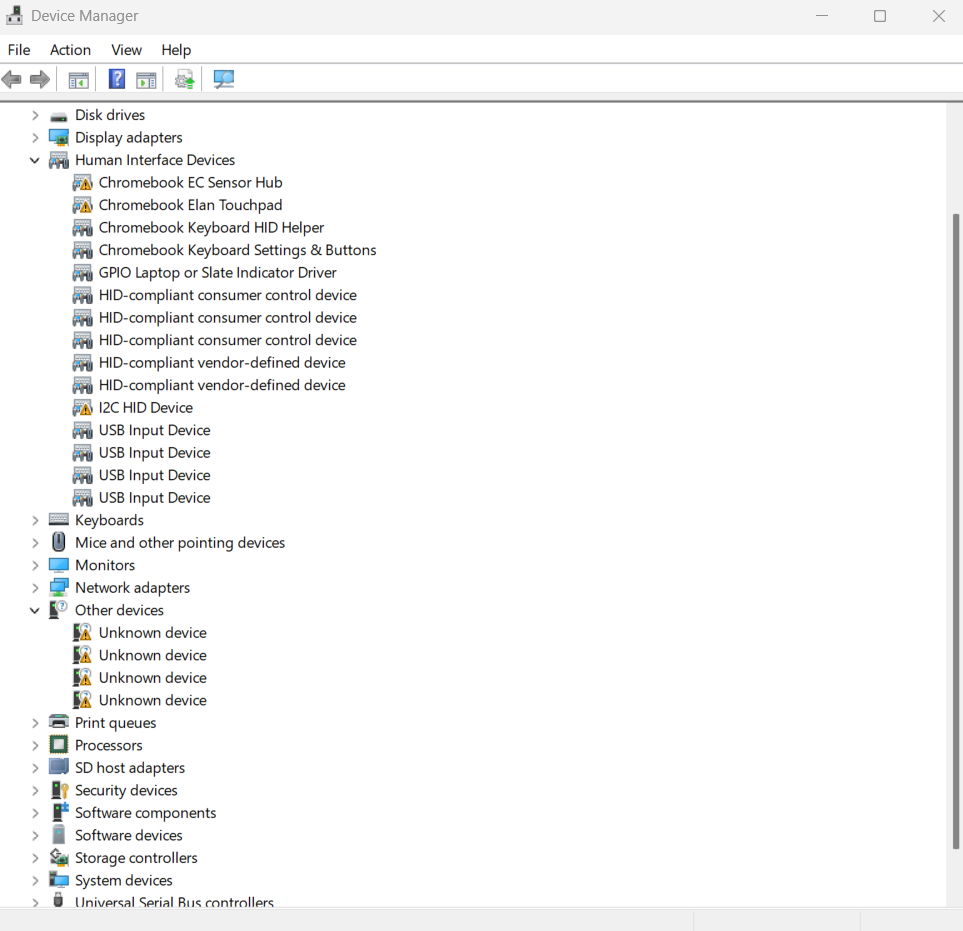
Besides the touchpad, there’s 3 other missing drivers that show up in device manager:
acpi\ven_intc&dev_1026
acpi\ven_10ec&dev_1015
acpi\ven_10ec&dev_5682
Anyone has any idea how to fix it? Here’s some screenshots from device manager: