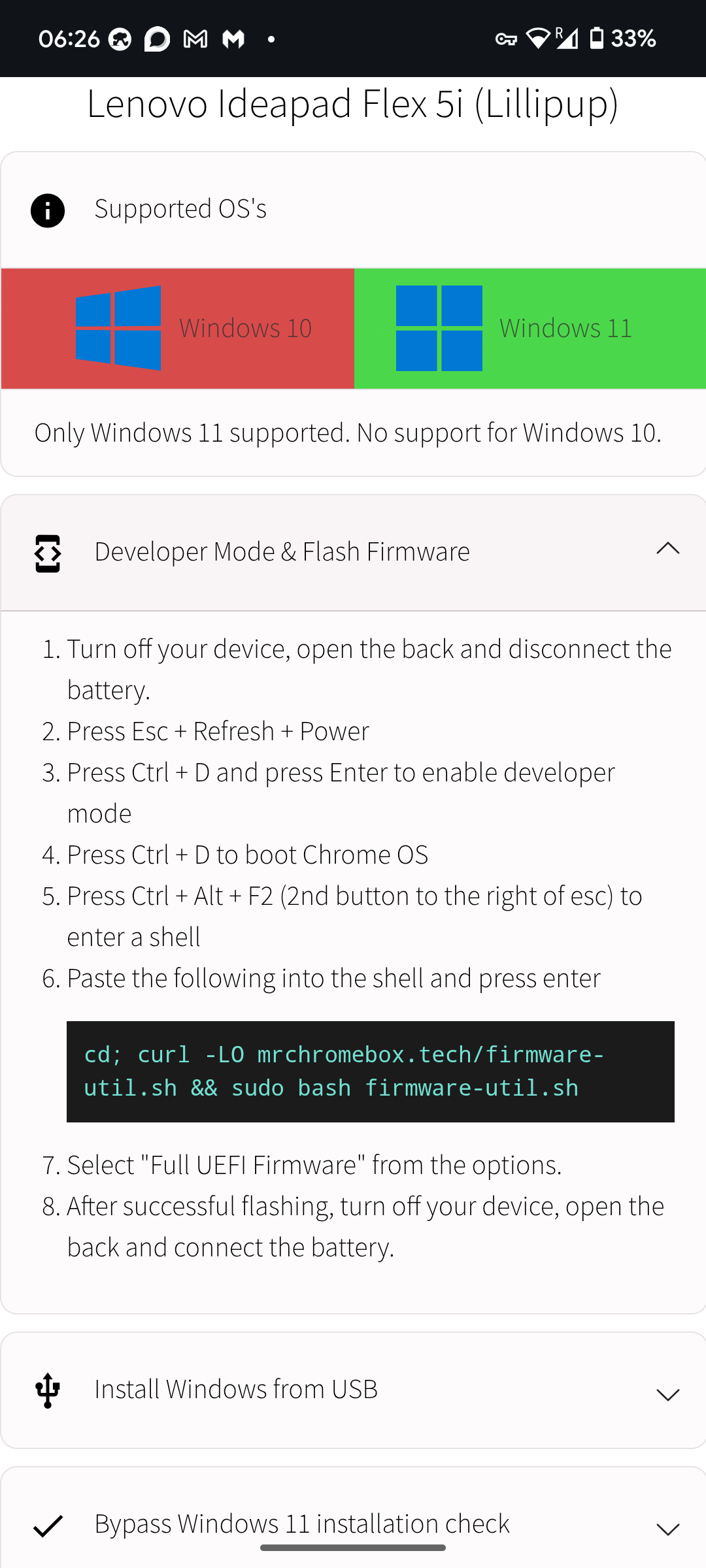
Yesterday, I successfully installed Windows on my device with the latest MrChromebox 2503.0 firmware to Lenovo Ideaflex 5i lillipup
I followed all the steps and downloaded all the available drivers from the Coolstar website, but I can’t get the touchpad and touchscreen to work. I don’t have an issue with the audio because I use an external audio interface for Ableton.
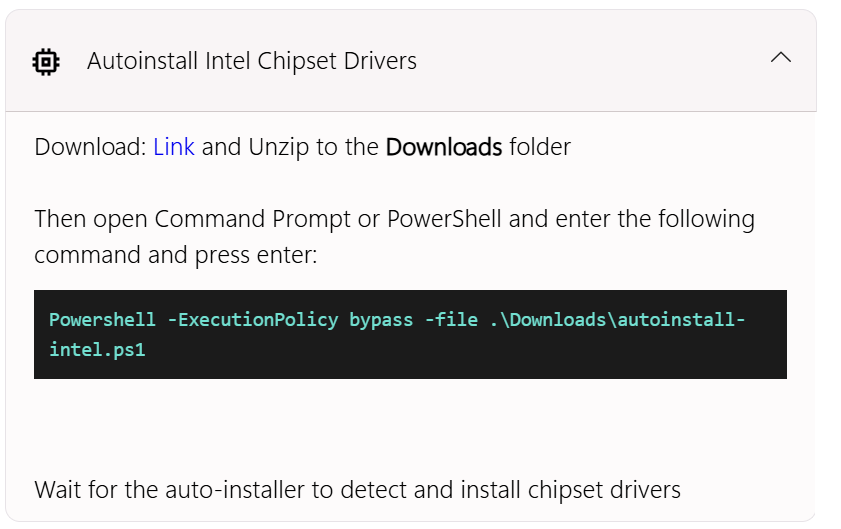
Okay. It was my mistake. at this point when you downloaded the file extract it or copy-paste to C:/Downloads then ( I KNOW IS ALREADY THERE IN DESCPRITION XD)
run PowerShell and copy paste the script.
Windows will show you if the touchpad and touchscreen is detected and needs to restart the windows. All done works fine!
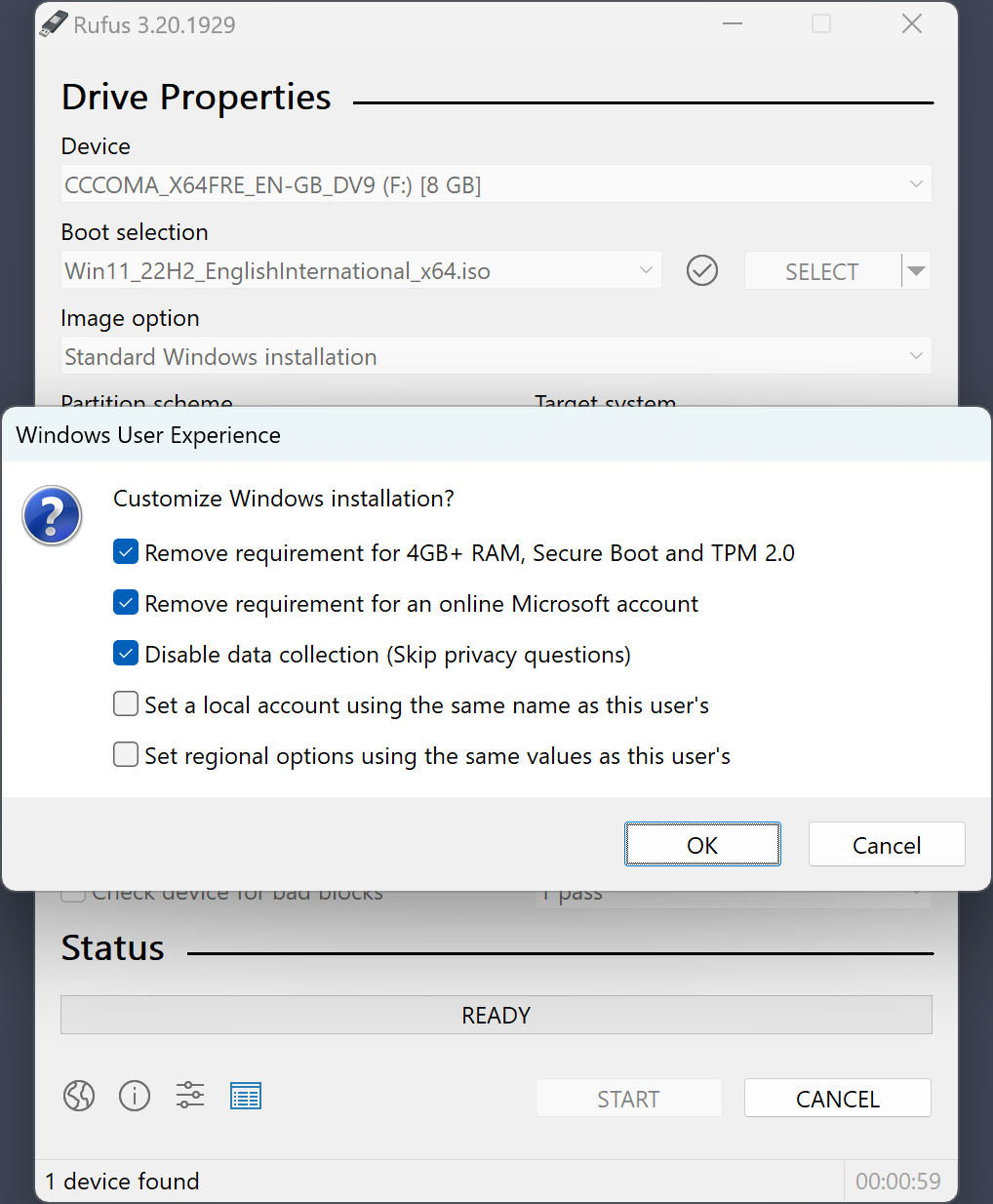
If you flashed the firmware and everything was fine and you have the same like mine “MrChromebox 2503.0 (latest release) and the windows installer is not booting just download a windows 11 iso installer from microsoft page and make a USB installer with RUFUS. Set it to GPT-UEFI
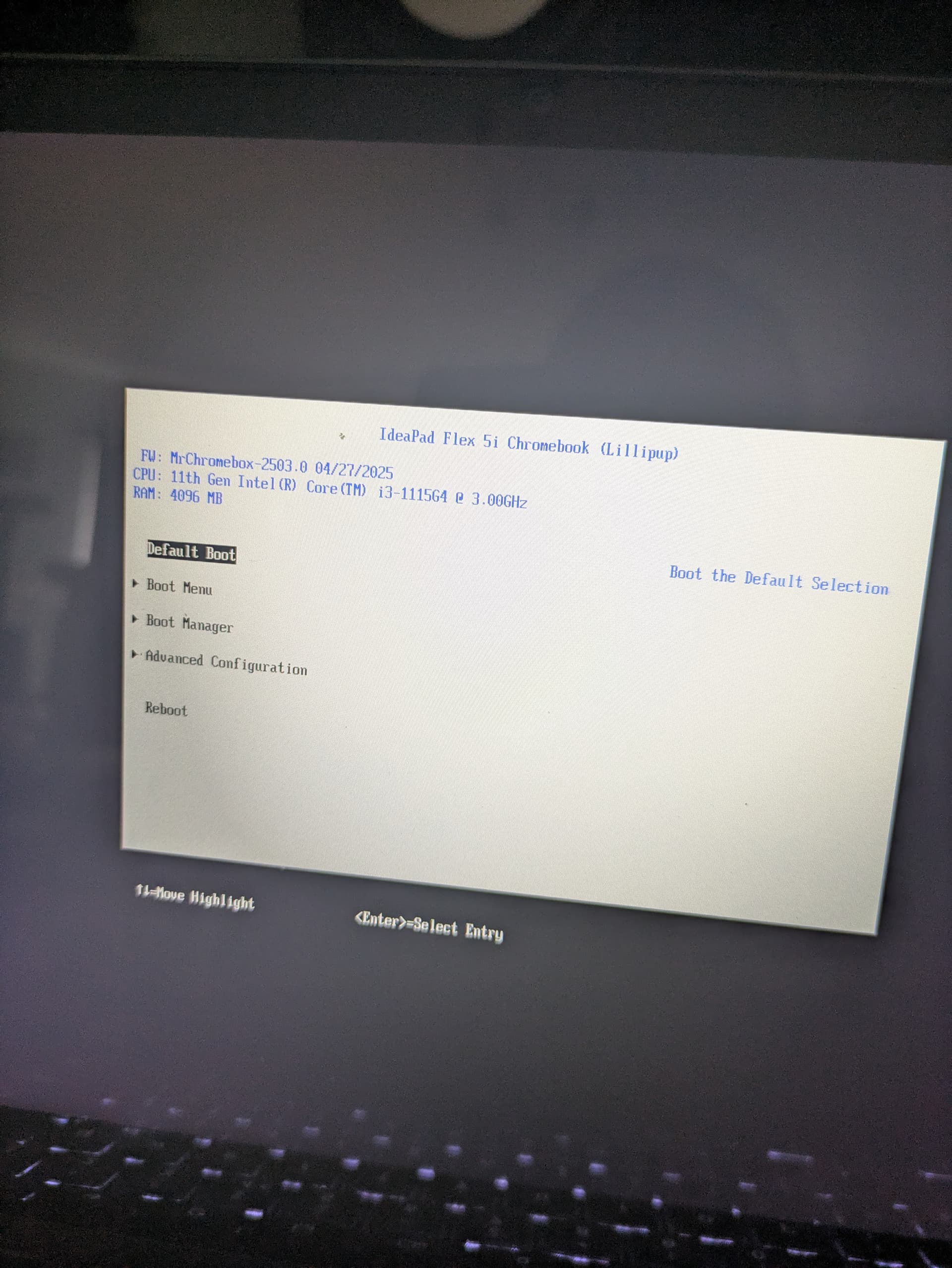
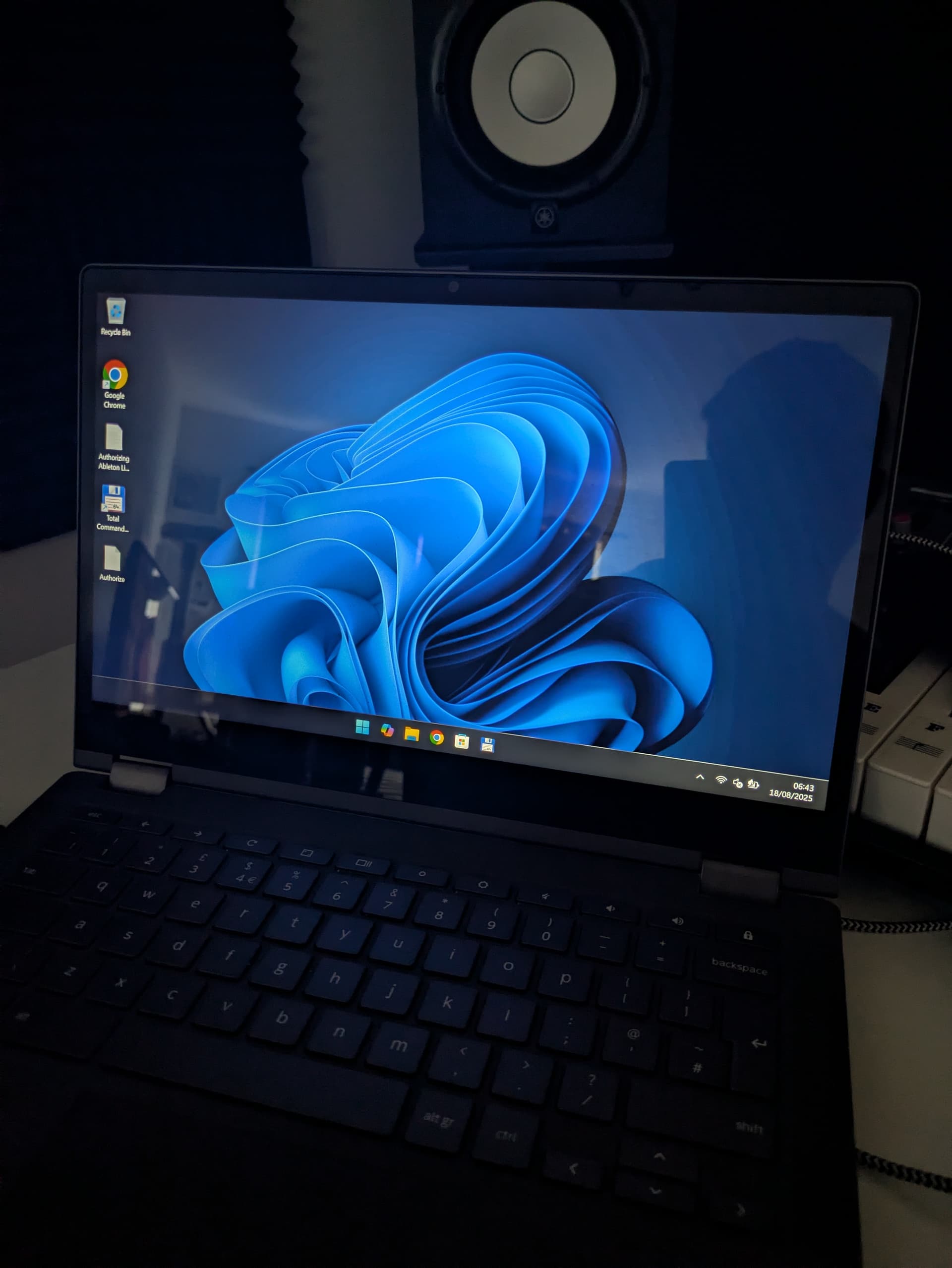
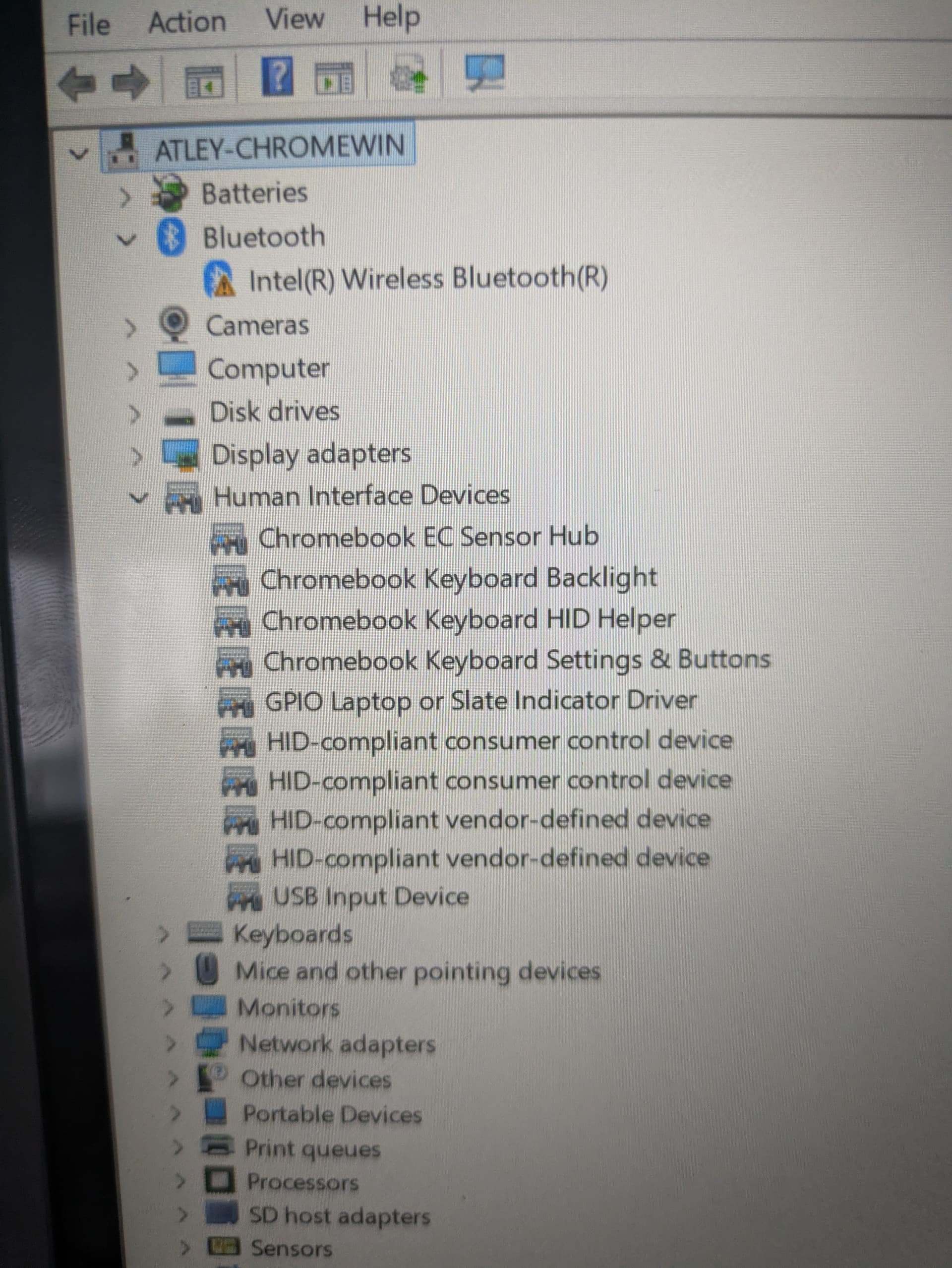
 works fine!