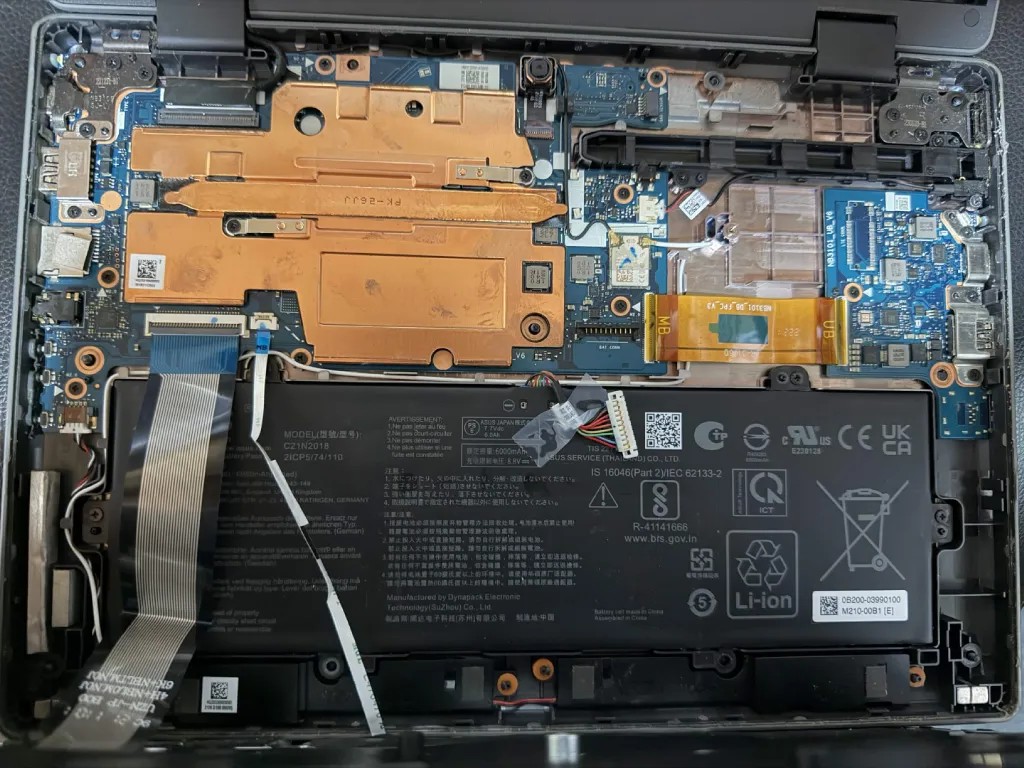
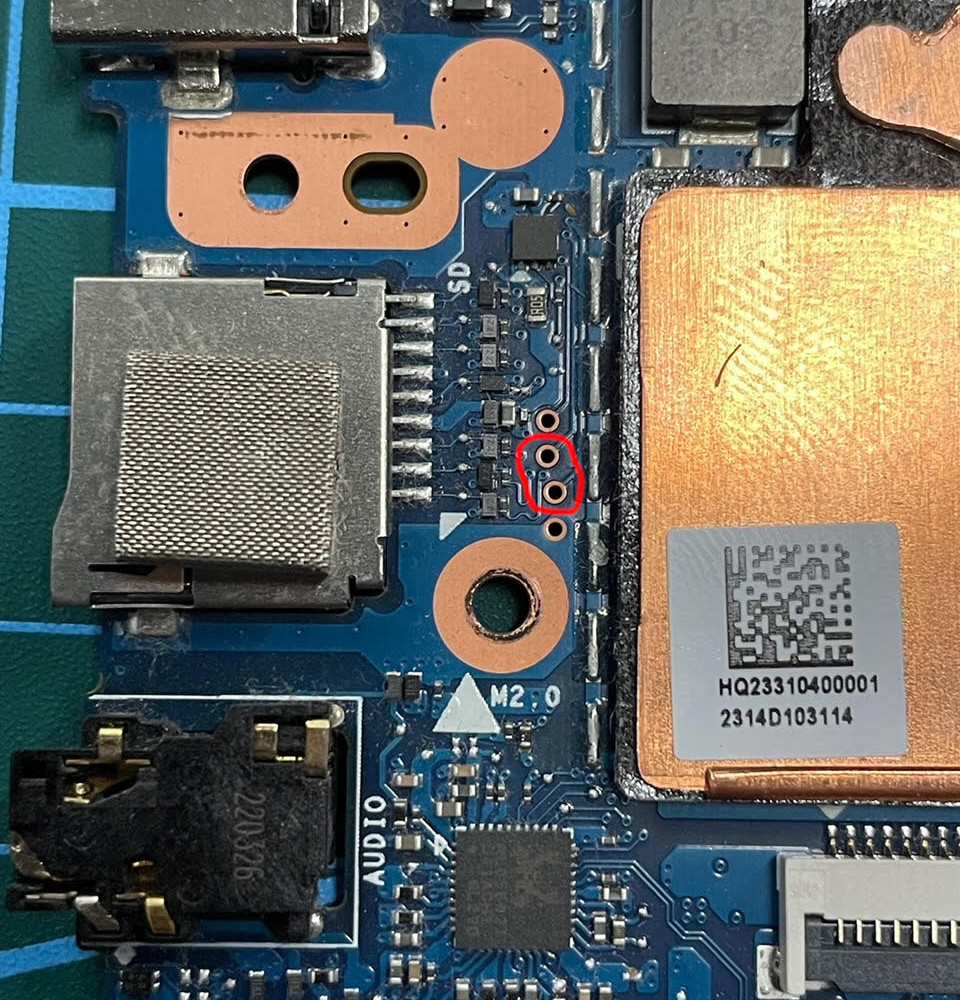
System Details
-
Device: STORO360 (Asus Chromebook Flip CR1100FKA)
-
OS: ChromeOS
-
Firmware Type: Stock
-
Firmware Version: Google_Storo.13606.710.0
-
Internal storage type: eMMC
Summary of the Issue
I’m trying to disable hardware write protect in order to flash UEFI firmware via the MrChromebox script, but I can’t locate the WP jumper on the board. Disconnecting the battery connector alone did not disable WP (crossystem wpsw_cur still shows 1).
Steps to Reproduce
-
Boot into Developer Mode.
-
Power off, open the case, and disconnect the battery connector from the mainboard.
-
Reassemble and boot on external power, then check
crossystem wpsw_curvia VT-2 — it still returns1(WP enabled).
Expected Behavior
Write protect should be disabled after disconnecting the battery (or bridging the correct jumper), so that crossystem wpsw_cur returns 0 and firmware can be flashed.