I followed the RW_LEGACY guide at Getting Started | MrChromebox.tech to try and get my chromebook dual booting with CachyOS. All went well, I then created a bootable usb with the Cachy iso on and installed linux. As part of that process I manually resized the largest partition and created two new ones, a FAT32 /boot, and one for /. The rest of the install went fine.
However, on booting, and selecting the alternate bootloader, I recognise no option as Cachy, they are named local image A, local image B, verified image A, verified image B, alternate USB boot, and selecting any simply results in a message like ““error: file ‘/syslinux/’ not found”“.
Steps to Reproduce
See above.
Expected Behavior
I would have expected to be able to select a CachyOS option from the alternate bootloader screen and used that to be able to boot into Cachy.
Notes
Claude (now!) seems to think I need to go down the path of doing a full uefi rom flash, but this looks scary af to me and I am not on board with it as things stand. I guess my question is: could I flash another linux distro which would work with RW_LEAGACY? I.e. is what I’m encountering somehow down to the linux distro or config that I have selected (I seem to recall that efi was mentioned during the Cachy install).
you didn’t install the bootloader on the EFS (p12), so the ChromiumOS one is still there (grub, with the verified/local boot options, which are useless)
Ok I think I get it. I created a new boot partition during the cachy install because calamares wanted one that was at least 4gb. Given this constraint is there a way to fix it, or does the efs partition have to be p12?
when dual booting ChromeOS via RWL, really the only option is to expand/use one of the unused KERN-C/ROOT-C partitions (p6/p7). Expanding the EFS (p12) isn’t really possible due to the ChromeOS partition layout/ordering.
So your choices are to use a distro that uses a separate EFS and /boot, or install to external media that can be formatted as needed, or switch to the Full ROM and blow away ChromeOS
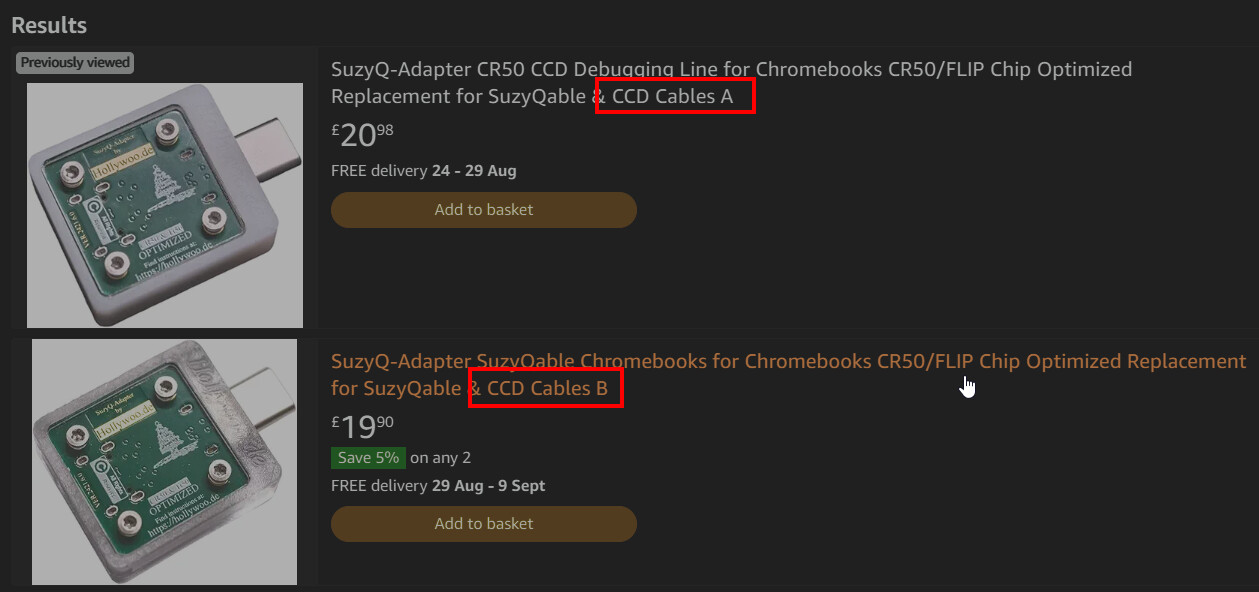
Thanks. The WP method for my HW is listed as CR50 (SuzyQ, battery). Just to be clear, does this mean that I would need to do both the operations battery and suzyqable? As opposed to one or the other?