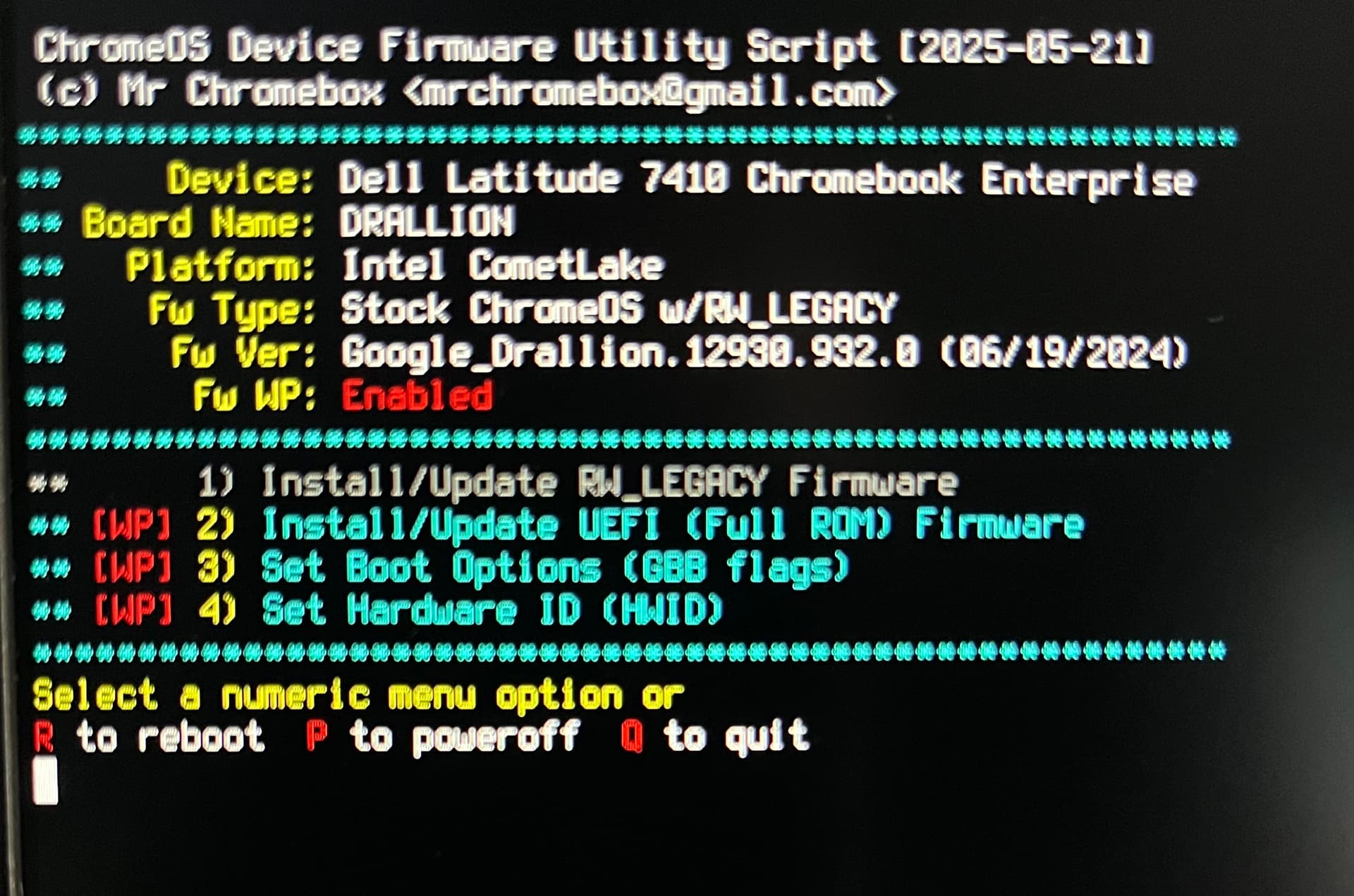
My Chromebook (Dell Latitude 7410 Chromebook Enterprise) is supported according to the docs, however the option to Install/Update RW_LEGACY Firmware is greyed out.
exit the script and upload the file /tmp/mrchromebox_diag.txt to pastebin (eg) and link here
fixed
Great thank you ! I can now install the firmware, however I seem to not have access to the Legacy Boot mode. When I click Ctrl+L, the warning goes away and the screen just stays white.
I don’t know why you’re seeing that. On my Drallion, it shows the Alternative bootloader menu with a single entry for edk2.
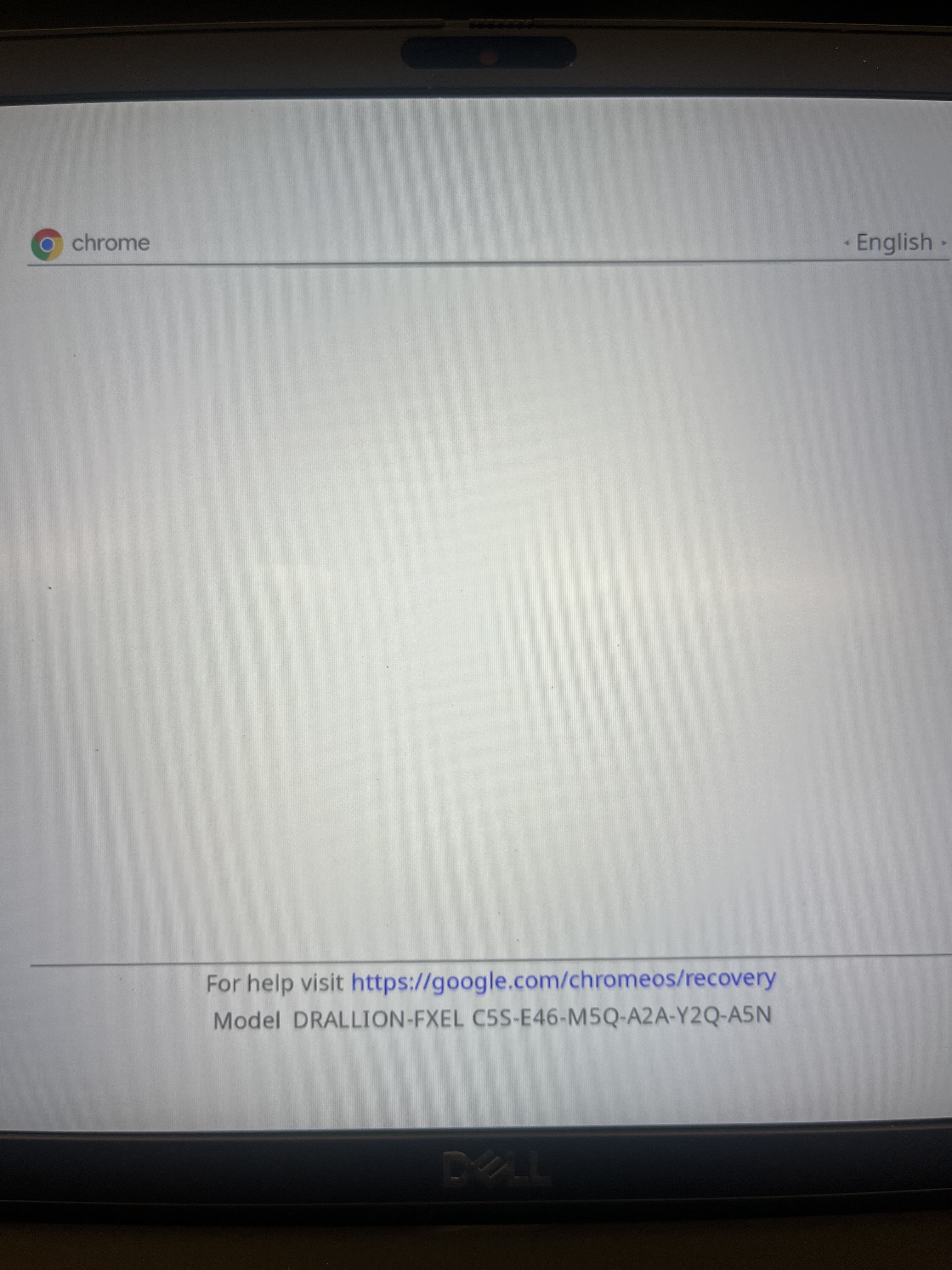
It’s wierd, I tried again from scratch, I even reinstalled ChromeOS from a sub drive and I get the same result. When I boot legacy mode without running your script, I get two options : U-Boot and Diagnostics. Then when I run your script legacy mode is blank, see picture.
Could it be because the laptop is a refurbished enterpise laptop ?
no