System Details
- Device: Redrix
- OS: Windows 11 LTSC
- Firmware Type: UEFI Full ROM
- Firmware Version: 2603.1
Since I haven’t found much documentation about the state of USI pen support in Windows for full UEFI ROM chromebooks, I’m documenting my experience here:
It works.
At least on a Redrix running 2603.1. No issues. Cursor works, palm rejection works, pressure sensitivity works, buttons (right click and eraser) both work. Tracking is correct at any display rotation (portrait/landscape). Tilt support was not tested.
The pen has to get very close to the display for the cursor to start showing up (closer than other pen standards I’ve handled before like AES or EMR), but there’s some leeway when lifting the pen before the cursor disappears. Palm rejection may fail if the pen gets too far from the display, but it’s still completely usable.
The tested pen is in the attached picture, it’s a no-name USI pen from AliExpress. One must be careful not to order a pen for the wrong standard (like MPP, AES, EMR, etc.) as USI is the supported standard for most chromebooks that support pen at all.
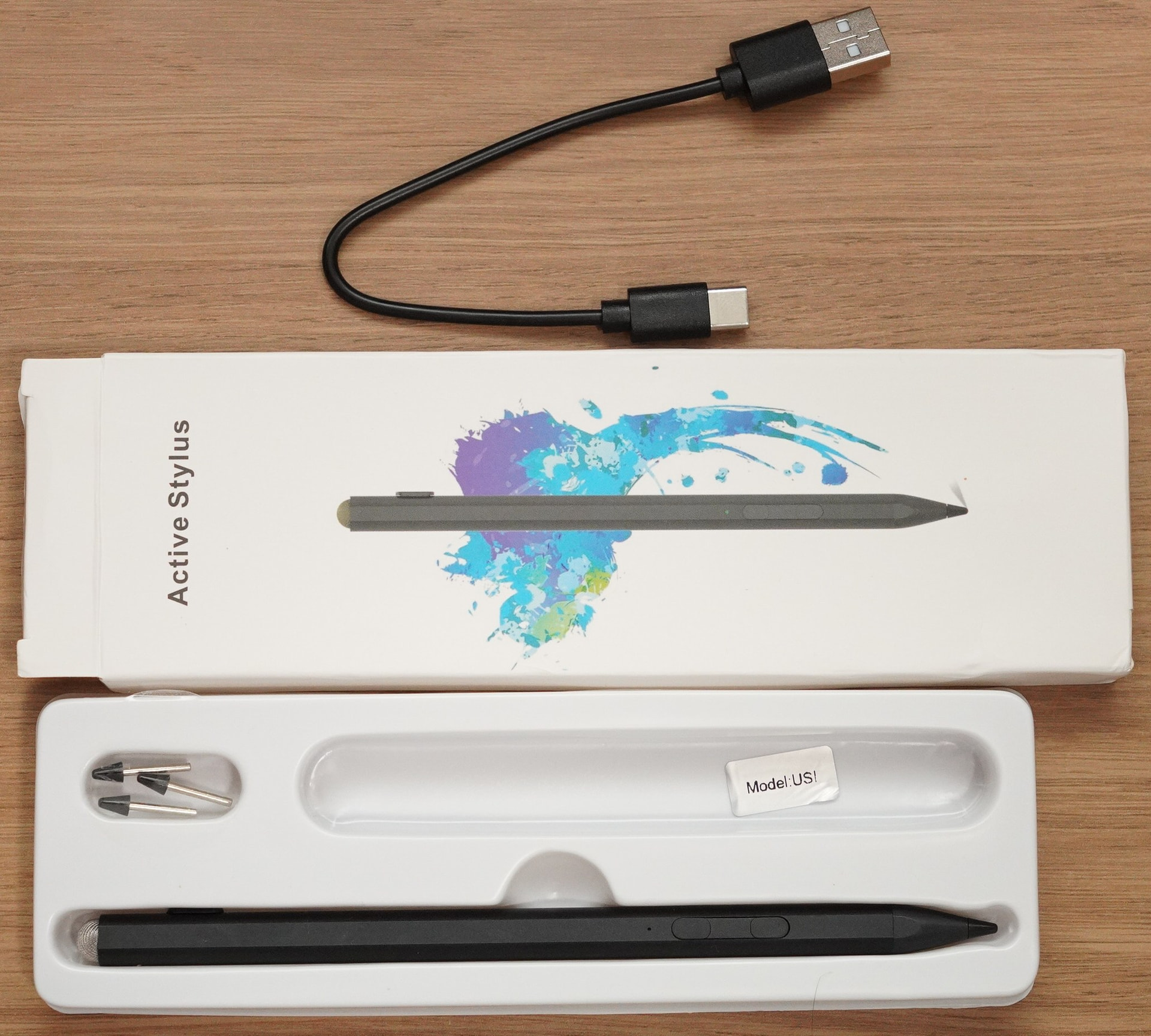
It seems to work almost as well as a ThinkPad X380 works with its native Wacom AES pen.
Everyone is welcome to discuss USI pen compatibility/support in Windows in this and other models, here, to have a source of success/failure cases for those looking for buying a pen (they’re kinda expensive for a gamble, after all).