Hi everyone,
I’m running Windows on my HP Elite Dragonfly Chromebook (12th Gen Intel).
I’ve noticed that Windows Resource Monitor
and Task Manager consistently show the CPU frequency at 100% (Maximum Frequency), regardless of the load.
However, when I check with CPU-Z or ThrottleStop, the C-states seem to be working correctly, and the frequency drops down to <2GHz when idling, which indicates the CPU itself is behaving normally.
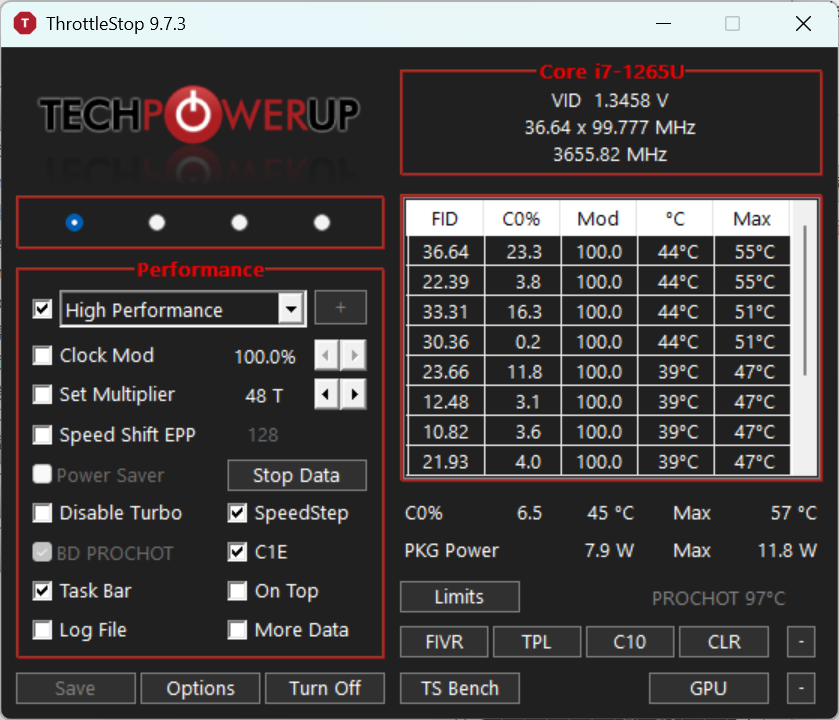
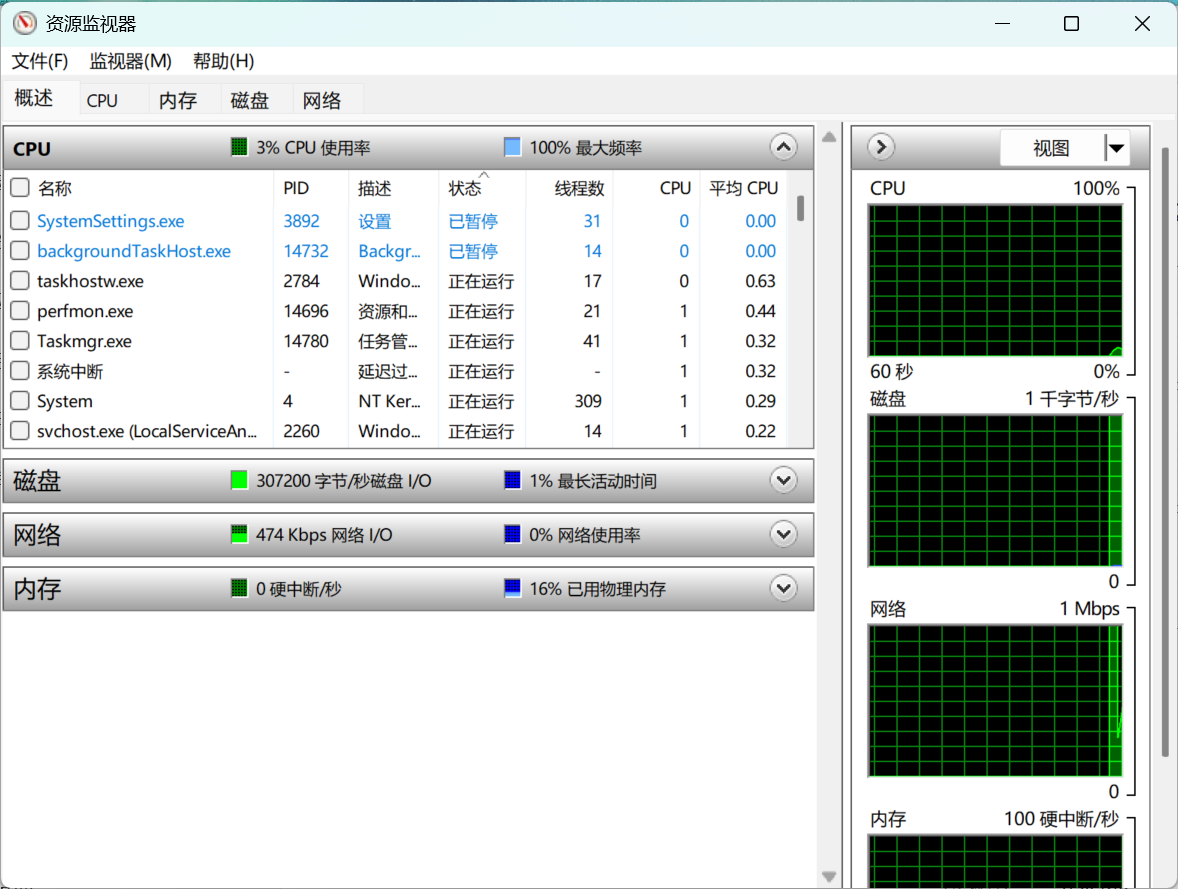
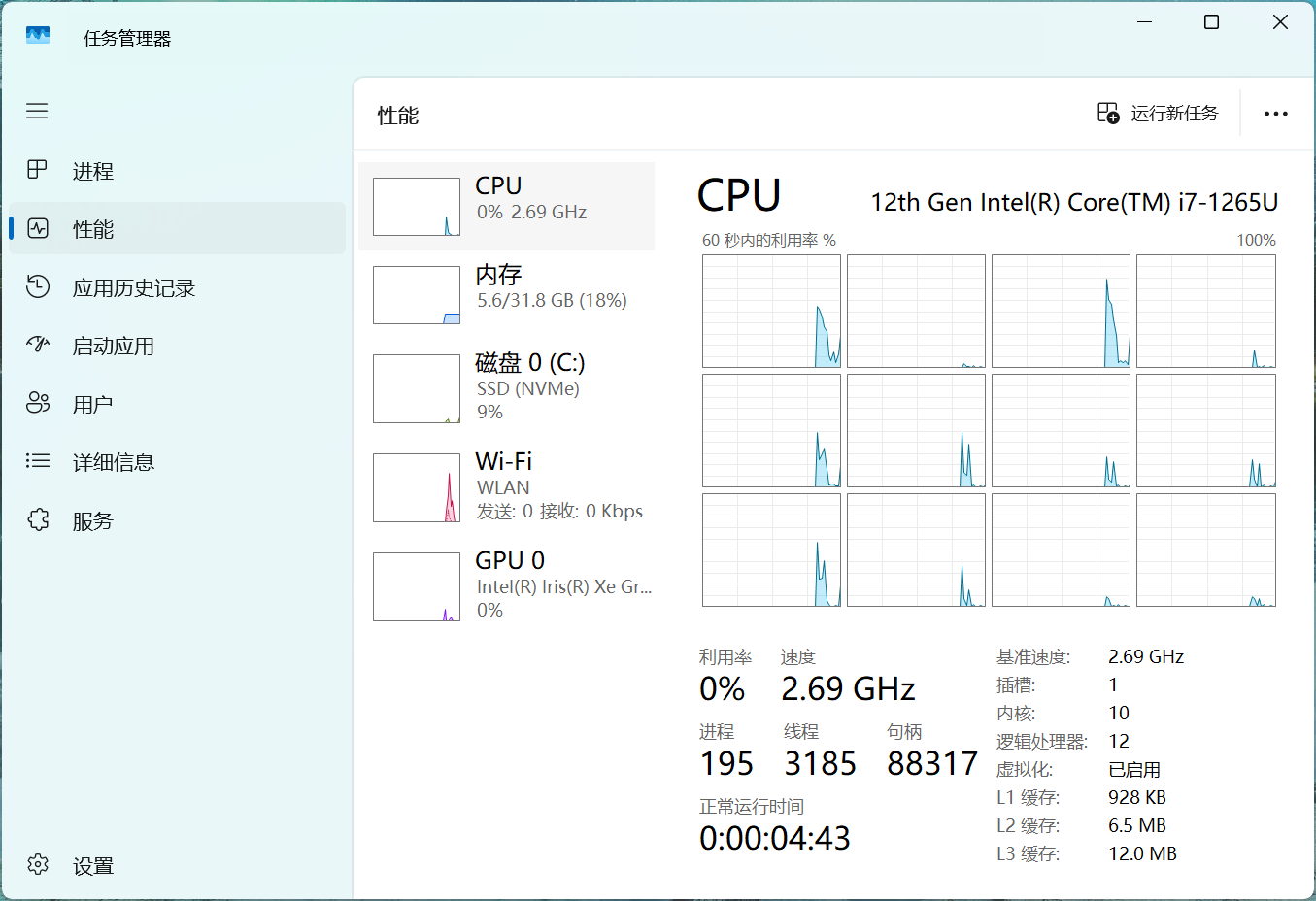
Context:
-
I previously had Hyper-V and WSL enabled.
-
I have since disabled them in “Windows Features,” but the frequency reporting in Windows tools remains stuck at 100%.
-
I suspect this might be related to virtualization residuals or VBS (Virtualization-based Security).
My Question: Is this a known cosmetic bug with the drivers/firmware for the Dragonfly? Or is there a specific setting (like completely disabling VBS/Core Isolation) required to get accurate frequency reporting in Windows Task Manager?
Thanks for any help!