When I try to install Proxmox on my Chromebook, the screen looks like it’s dark. But when I shine a light on it, I can see the install menu, just at the lowest brightness. And when I boot the Proxmox USB before selecting any install option, it’s on full brightness. Can someone figure this out?
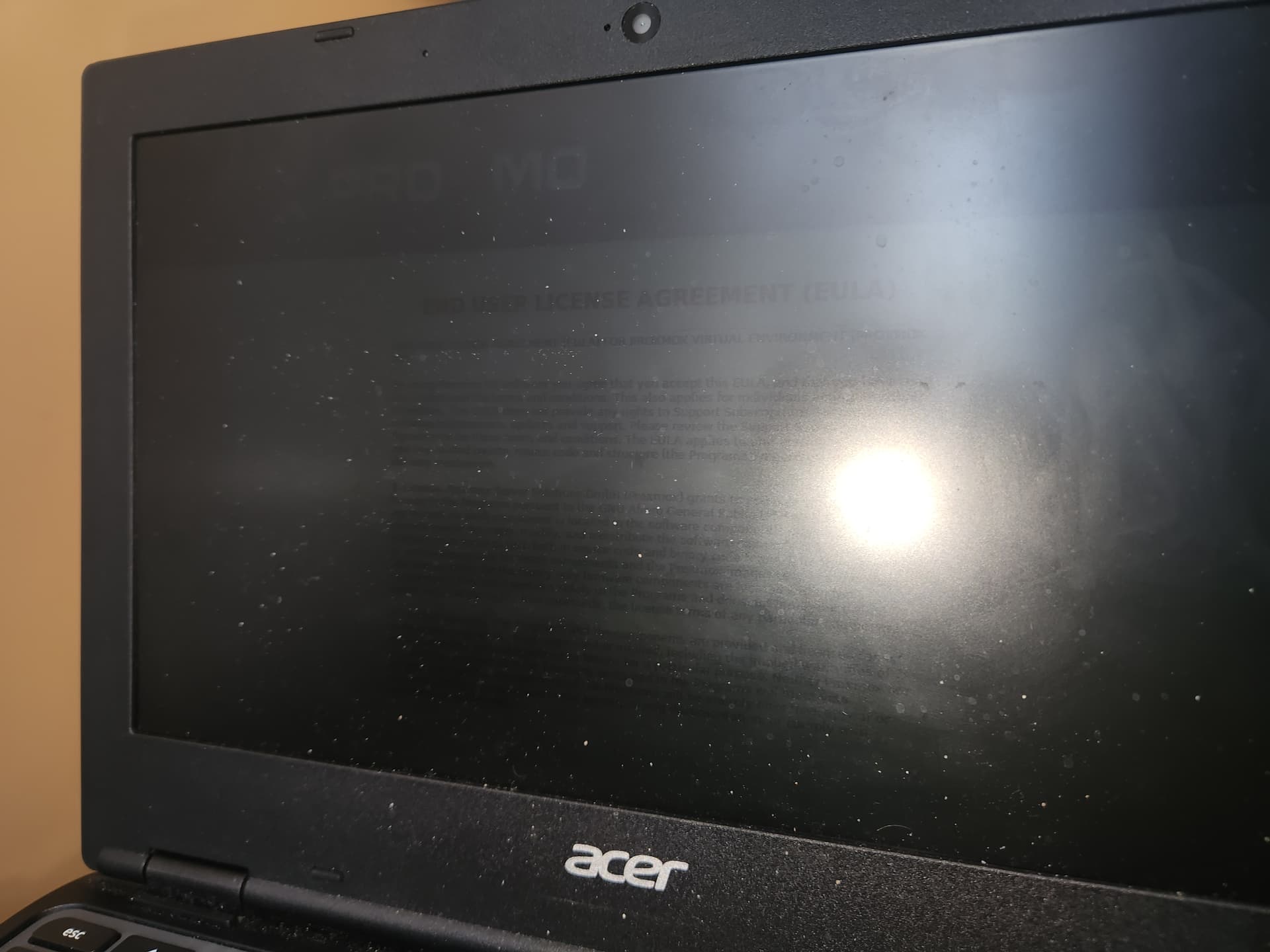
I SOLVED IT!!! Just when you reach the install options for Proxmox, press e and replace ‘quiet splash=silent’ → ‘quiet splash nomodeset’