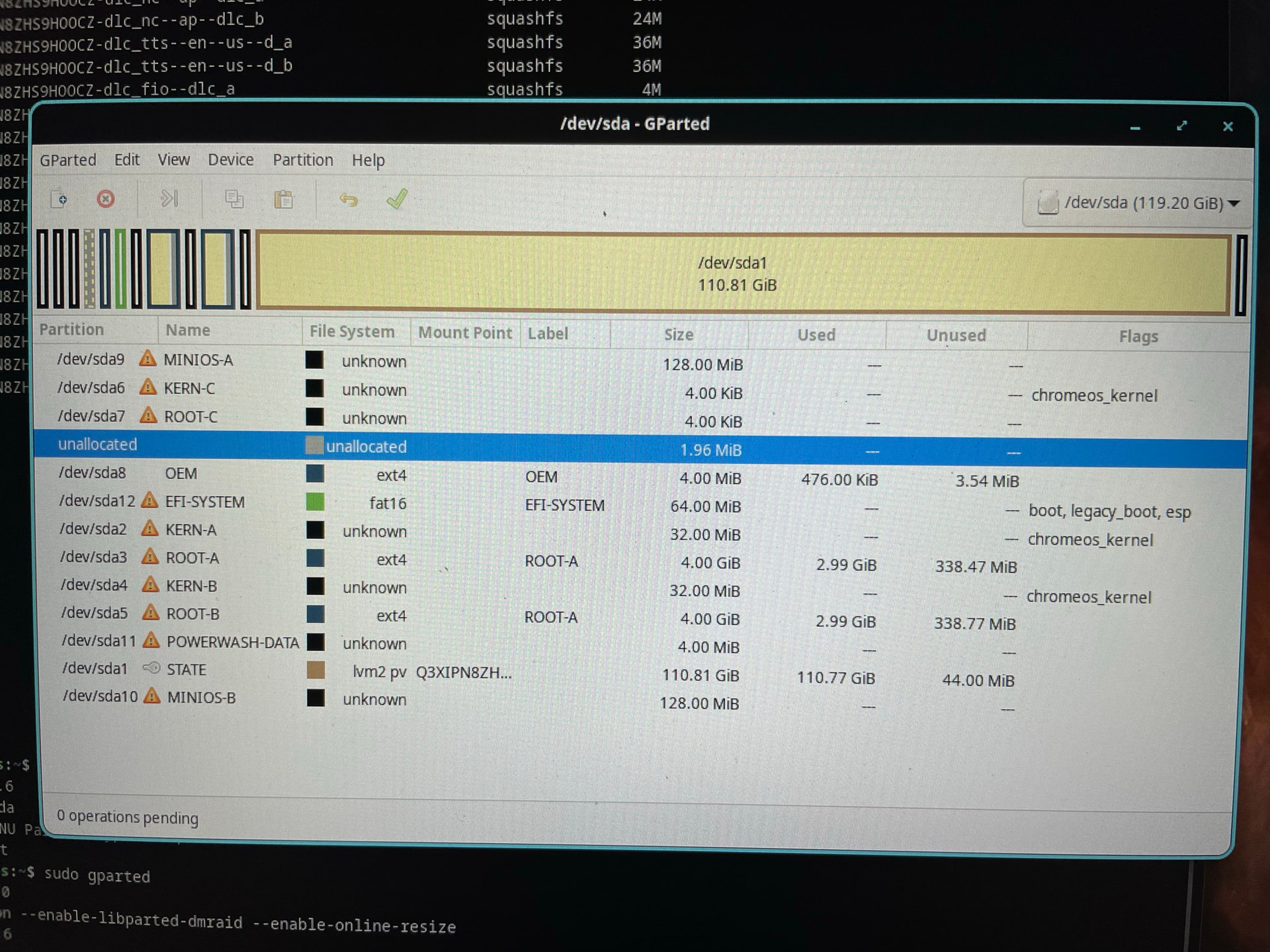
I am attempting to install POP! OS onto my Chromebook, and it refuses to install, the only hard drive option it lists is “14.9 Gib”. My Chromebook has a 128 GB internal drive, with a 64 GB USB stick being used for the installation, and none of the partitions on the drive would equal to 14.9 Gib (or 16 GB in normal terms), so I have no clue exactly what it’s attempting to install to.
WHAT Chromebook (board name)?
Nobody can troubleshoot “my chromebook.” The documentation uses the ChromeOS board name for everything, and that’s what we need to know what device you are using.
WHAT firmware?
RW_LEGACY? UEFI Full ROM? version?
WHAT type of internal storage?
NVMe? eMMC? UFS?
It will be listed in the edk2 boot menu (and if not, that’s a separate issue)
It’s a Acer Chromebook Plus 515
Model Omnigul-FUQB
It is RWLegacy.
Storage is most likely UFS.