Just got Big Sur installed on my i7 Pixelbook! (following the PixelbookOSX guide + dortania) Everything works except the trackpad - Karabiner does nothing for it. I tried to downgrade the touchpad’s firmware with the MrChromebox firmware tool, and now I’m getting stuck at AppleActuatorDeviceUserClient::start Entered during boot. I have VoodooI2C, I2CHID, and VoodooPS2 in my kexts folder. Does anyone know why I’m getting stuck here during boot/if there’s any more information I can provide?
It was super unreliable for me. It seems to work fine now after I downgraded the firmware though. Here’s my efi for monterey if it helps https://files.tree123.org/evEFI.zip
Just tried downgrading the firmware again, I got an error so I’m going to try booting into ChromeOS Flex and running the firmware utility from there
you absolutely cannot run it from Flex
yeah, just figured that out with some trial and error. i got the laptop pre-hacked with Fedora installed, no clue if the previous owner had already downgraded the touchpad firmware or not. I guess I’ll reinstall the original firmware with your utility, put the original ChromeOS on, re-do everything, and see if that helps
Fyi I ended up building my own version of flashrom capable of flashing the touchpad firmware https://files.tree123.org/utils/x86_64/gnu/flashrom_eve_tp
Just got the trackpad firmware to install successfully! I had to:
- boot into the latest Linux Mint, launch the firmware utility
- install the stock ChromeOS firmware
- install the old touchpad firmware
- install the UEFI firmware
- reboot
I won’t mark it as solved quite yet, the trackpad still doesn’t do anything but the OS boots. waiting for Big Sur to reinstall so I can try Karabiner
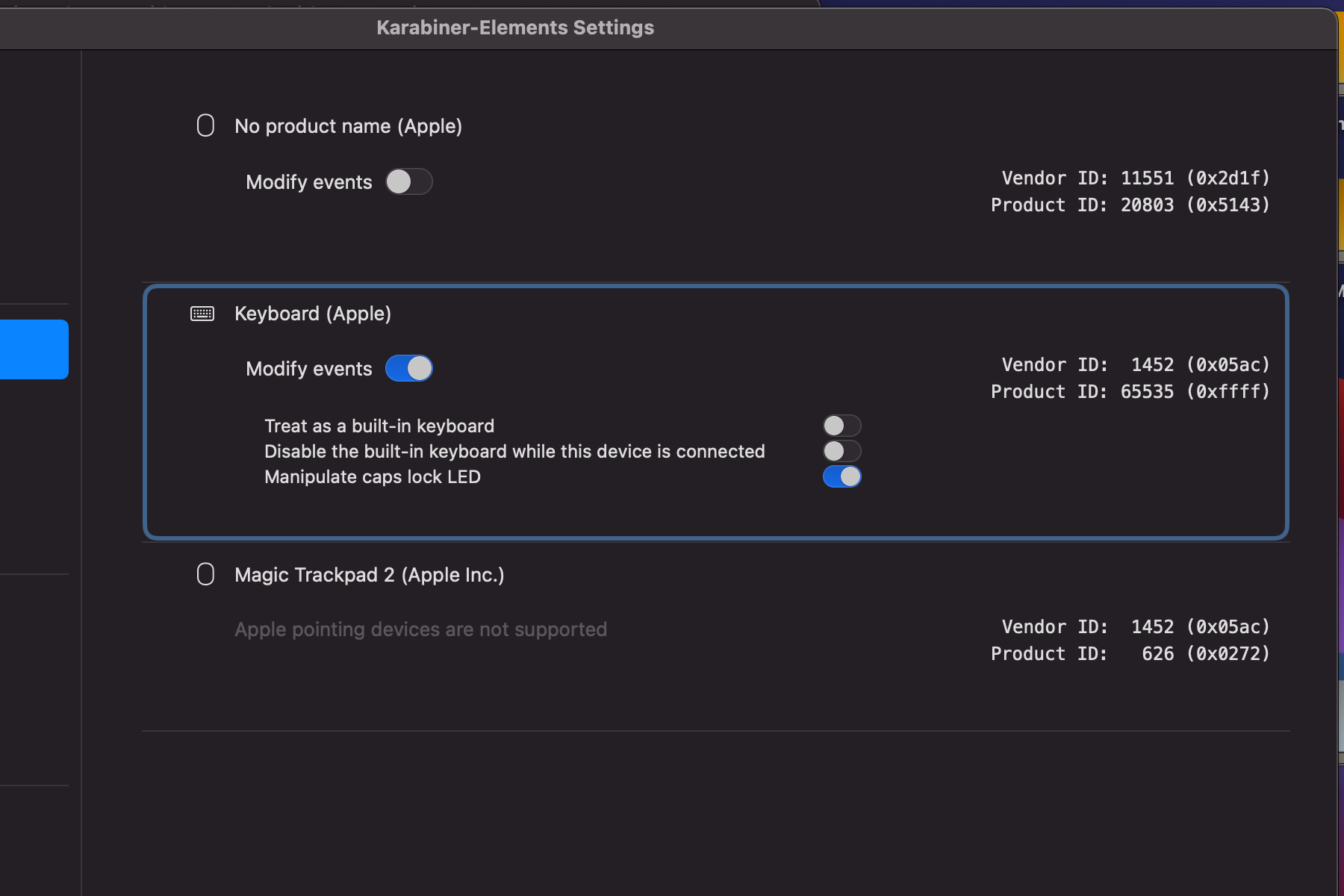
Okay - no progress so far. It doesn’t seem like I need SSDT-GPI0 (strangely, it’s called GPIO with an O instead of a zero in my DSDT) and the trackpad DOES show up in System Settings and Karabiner. Still, no movement. Sending my config, DSDT, and IOReg dump here in case anyone with better knowledge of this can help…
This solved it! UEFI > Quirks > DisableSecurityPolicy
Hi Oreganoid
Apologies, I am not giving an answer to your query but just wanted some advice from you (cos not much online talk regarding MacOS on Pixelbook). I also have a i7 16gb 512 gb NVME ssd Pixelbook 2017, and currently running windows 11 (pretty well actually). I am tempted to convert to macOS like you. However, the pixelOSX forum indicated that MacOS ‘does not play well’ with the NVME drive and would suffer issues during installation etc. Can you share your Big Sur experience in terms of usage and whether there is another forum/ step by step that I can safely convert my NVME Pixelbook to Big Sur like you. Much appreciated!
I have not had a single NVMe issue - iirc it even booted fine without NVMeFix.kext, although that’s recommended for power management reasons. I’ve tried Big Sur and Ventura! Hope this helps
On a more related note, I was able to downgrade the trackpad firmware after updating the general firmware and running the script from Elementary OS.
Thank you so much for the advice. I just noticed that the guide only refers to those Samsung 512gb NVMEs? I wasn’t sure there were variants of different brands. Just to be clear, is yours also a Samsung 512gb NVME?