After following the directions to replace chromeos via full rom firmware I ran the firmware utility script and selected option 2 and let it do its thing. Once it was finished I downloaded a fedora 43 xfce iso onto a usb drive and used Rufus to make it bootable with the gpt partition scheme. After restarting my Chromebook it got to the bunny and I hit escape and from boot menu I chose my usb drive and hit test and start fedora xfce
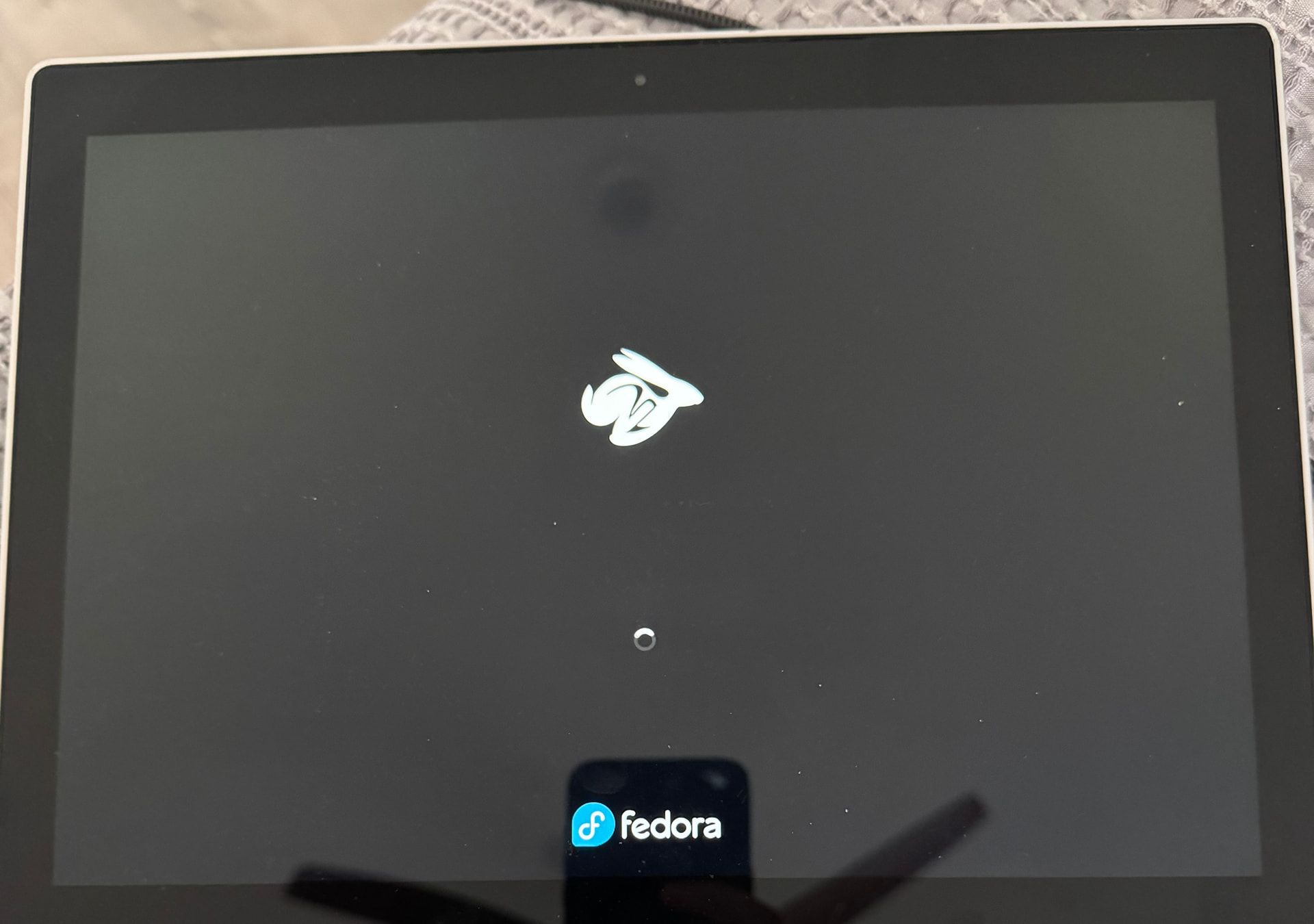
My issue is that I get to this screen
And then the screen goes black after a bit and doesn’t change. If I hold the power button it goes back to the boot options but it doesn’t change the outcome. What should I do?
that screen shows Fedora booting. If it goes black after that, it’s failing to boot the OS from ISO for some reason
Should I retry the Rufus process maybe a different iso?
you should write any/all Linux ISO to USB as a disk image/DD mode. And in that case, no other setting in Rufus matter, since you are writing the ISO directly to USB, not formatting it or creating a partition layout
Ah when Rufus asked I selected iso instead of dd let me try dd this time
Tried dd and I think it killed my usb stick lol. Says it is write protected when I plug it into my windows pc and won’t let me format. Trying another usb now.
that’s simply not possible. you don’t need to format it anyway. writing an ISO as an image uses the disk format contained in the ISO.
This is weird. Tried using dd this time but I’m still getting the fedora loading thing and then a black screen. Should I try a different iso?
doesn’t hurt. don’t know why Fedora wouldn’t boot though