No audio on Lenovo Chromebook 14e Gen 2 after Windows 11 install (Vilboz14)

Hello everyone,
thanks to the fantastic MrChromebox, I was able to install Windows 11 on the Lenovo Chromebook 14e Gen 2 (Vilboz14). However, I now have a new issue: the audio is not working. I tried installing the drivers from the Coolstar.org website, but I couldn’t find the exact model.

Thank you very much.
Best regards

what does that mean, “I tried”?

you either installed the audio drivers or you didn’t.

I meant to say that I installed all three of them, but nothing has changed, and the exact notebook model isn’t listed.

exact model means nothing. all 3 of what?

My model is the Lenovo Chromebook 14e Gen 2, while the CoolStar website has drivers for other similar models.

again, that’s irrelevant, the drivers are exactly the same for all AMD Picasso based Chromebooks

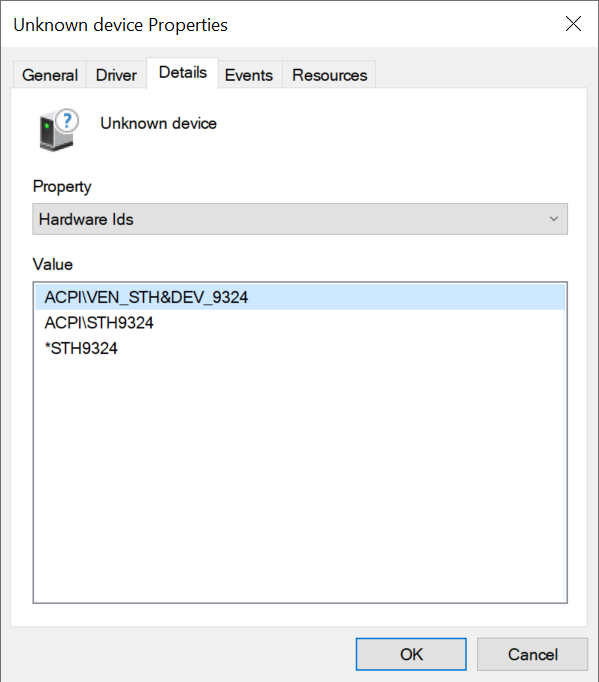
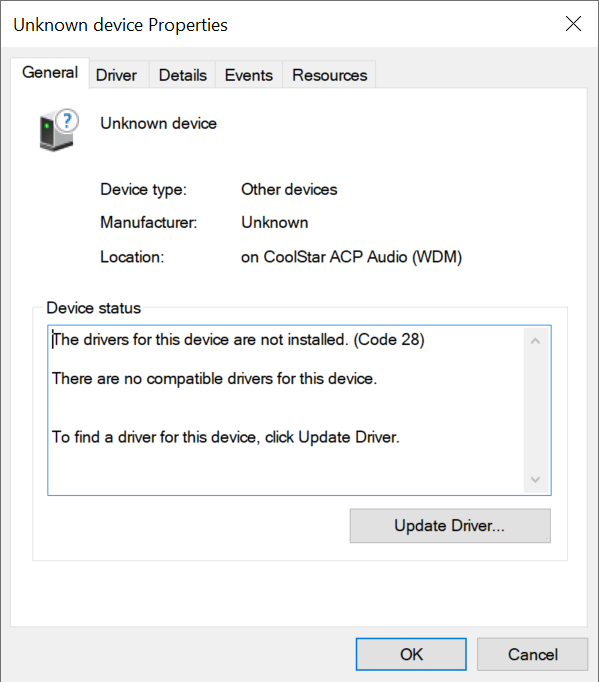
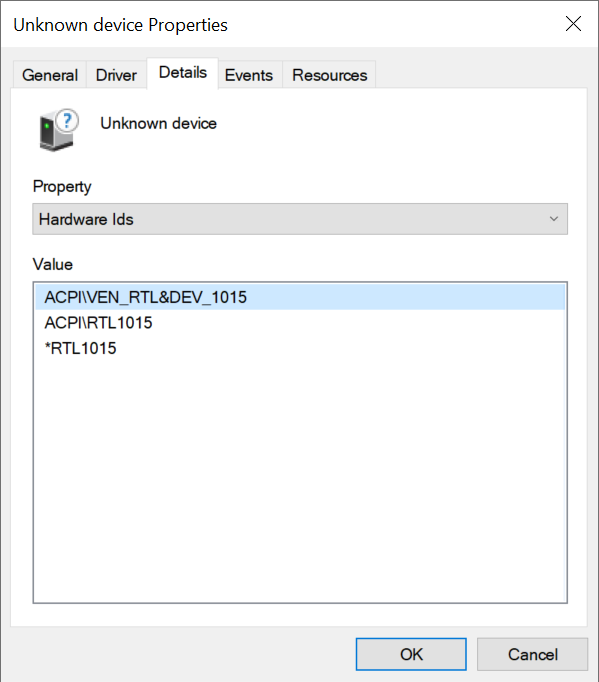
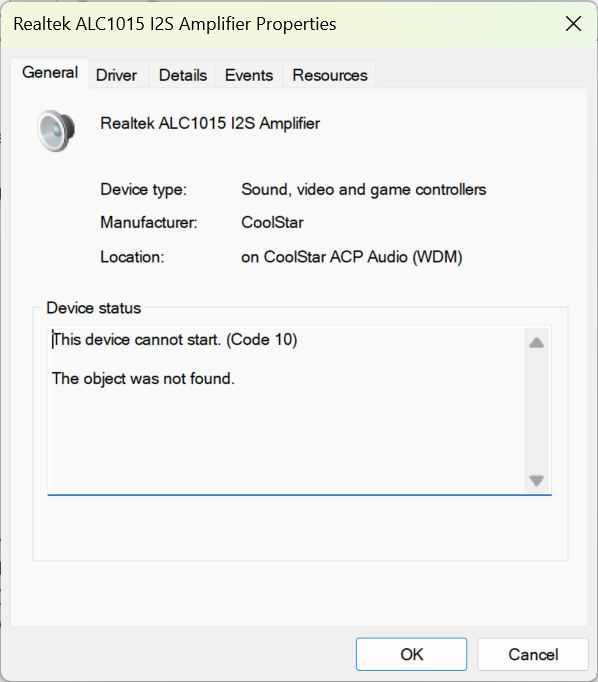
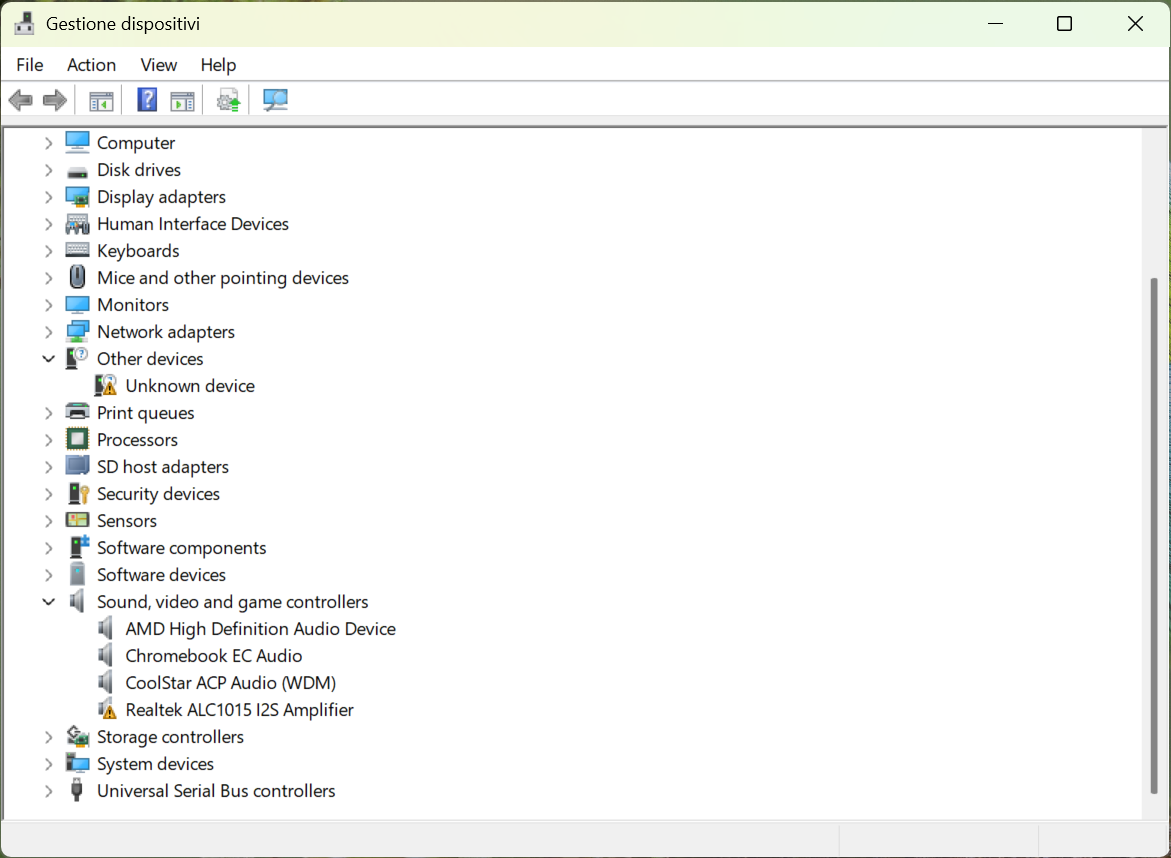
I reinstalled Windows and installed all the drivers, but the problem still persists. I installed all the drivers, but as you can see from the screenshots, there are still issues.

you’re missing the codec drivers, they should be part of the ACP bundle

Hi MrChromebox,
thank you for your reply. Could you tell me where I can find them?

Thanks

I already linked directly above in reply #2

I have already installed all the drivers from the website, but the audio still doesn’t work. Maybe the ones specific to this model are missing.

there are no model specific drivers, the drivers are specific to the AMD Picasso platform, and all Picasso Chromebooks use the same drivers

So why doesn’t it work even after installing everything?

running Windows on a Chromebook requires basic Windows skills like troubleshooting driver install issues. The coolstar ACP 1.04 driver installer includes drivers for the Realtek RT1015 codec. Why didn’t they automatically attach? IDK, but if manually installing isn’t something you’re able to do, then you need to figure that out.
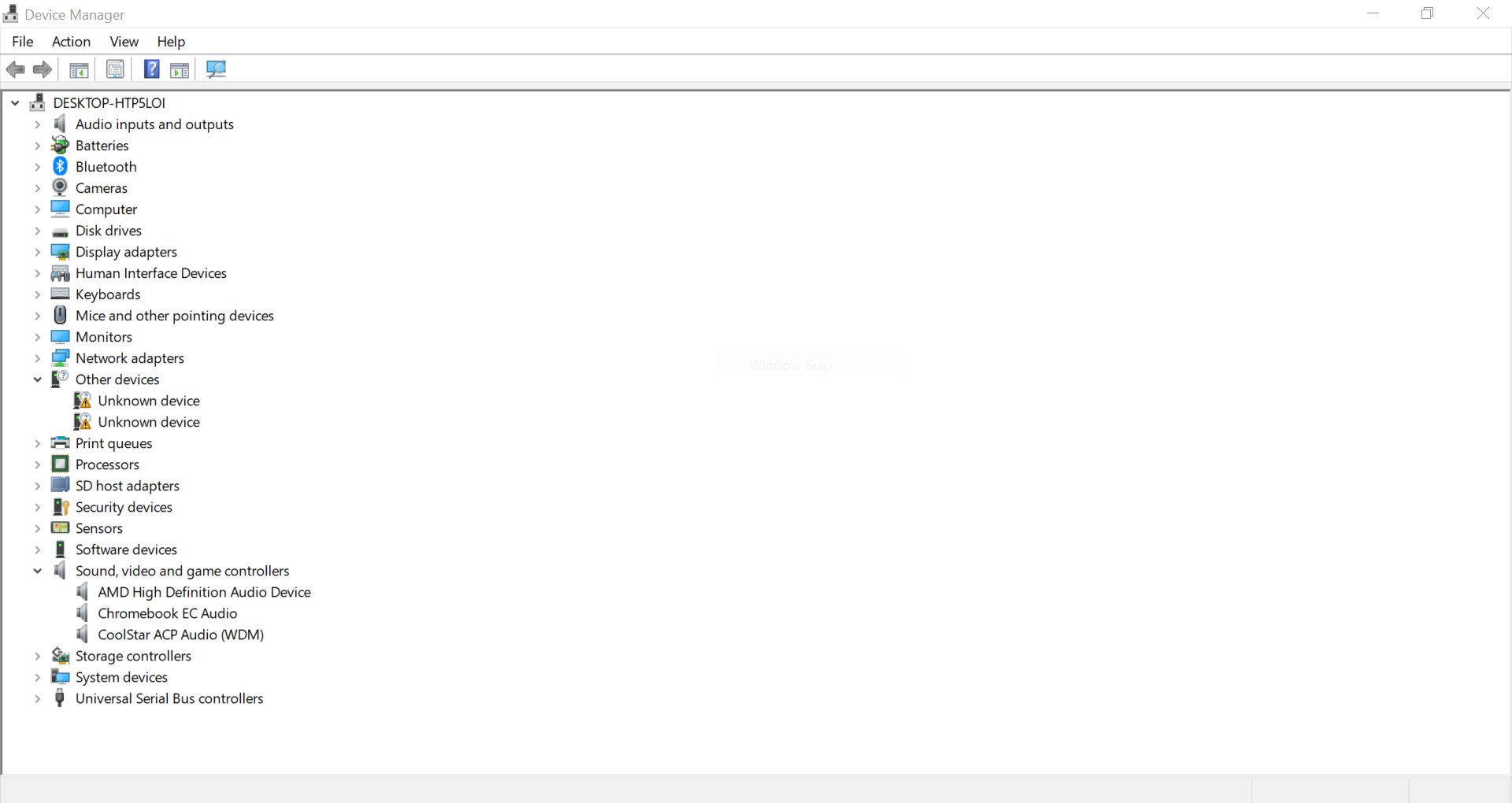
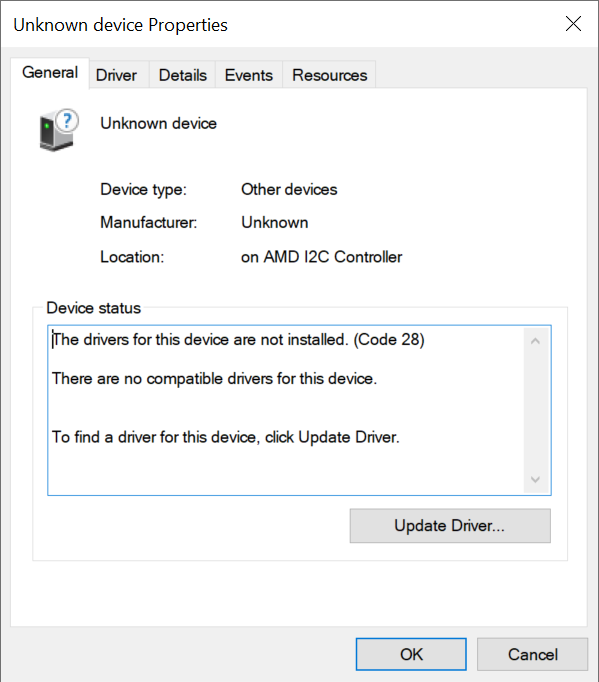
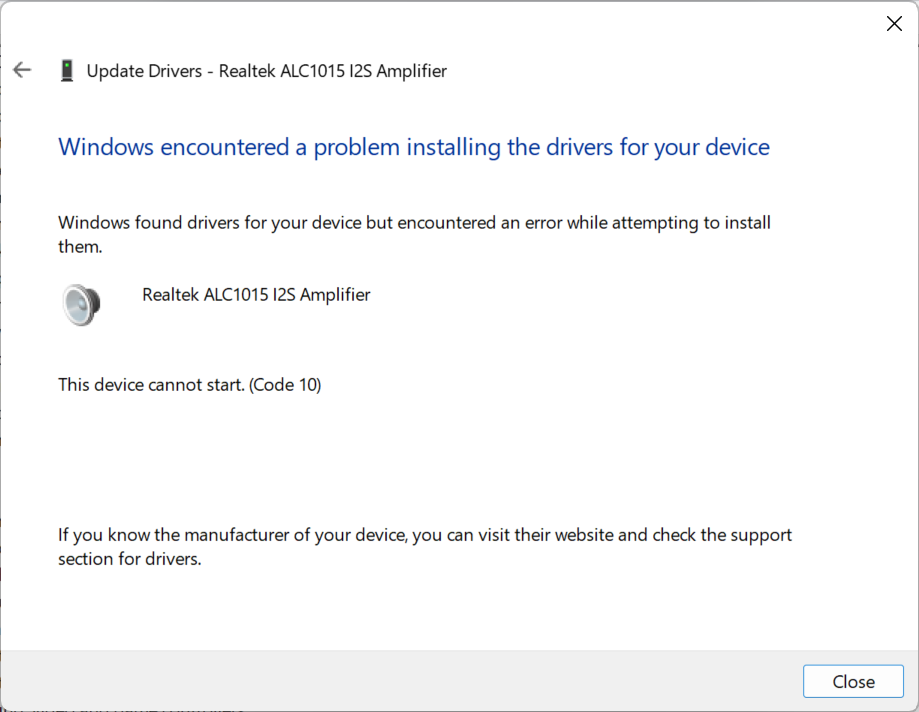
I’ve got experience with Windows; I tried the manual driver install you mentioned, but I encountered several BSODs.

I’m writing because I honestly don’t know what else to do. I’ve tried everything.

you tried unzipping the driver, then manually installing the RT1015 driver thru Device Manager by pointing it to the unzipped rt1015 folder?

The INF file I used is in Program Files\csaudioacp3x\drivers\rt1015, and the screenshots show the results.

Hi, are there any updates regarding the audio issue, by any chance? Thanks!