i got a chrome book giving to me all i know is it is a Lenovo know the problem i am having is i cant find the model number on it. it don’t have sticker on the bottom of it and this is my first chrome book
Press Esc + Power + Refresh that’s the one with the half circle.. do this while it’s plugged in or if it has battery just do it.
You will be at a recovery screen and it will tell you the HWID at the bottom
Report back please!
thank you
What did it say?
i looked upped the model number it said i got a 300e
There is more to it then that.. it looks like this
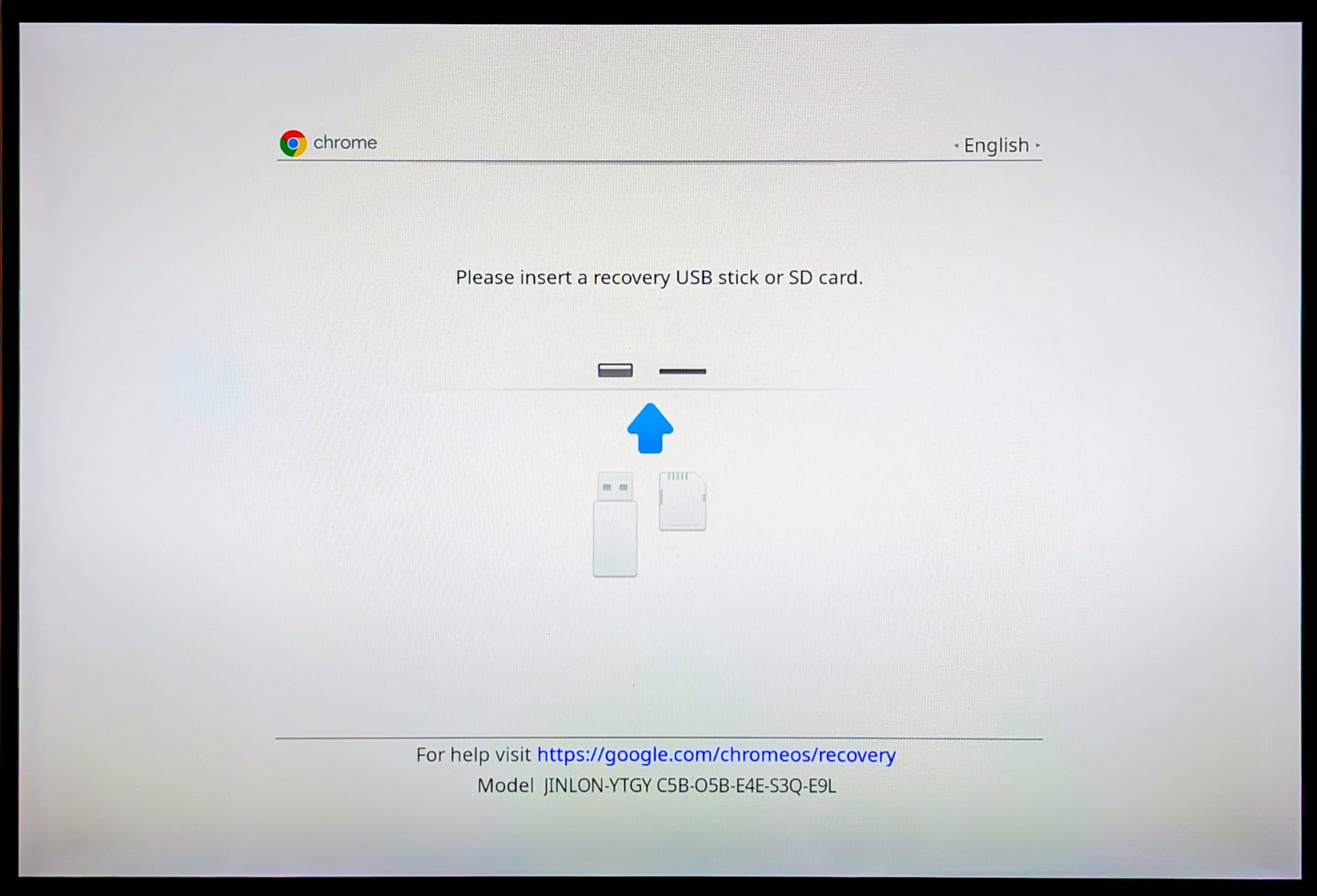
See at the bottom it has model:
There are some other recoery’s that are grey but they all have the model at the bottom.. I don’t need any of the other numbers just the first part of the model
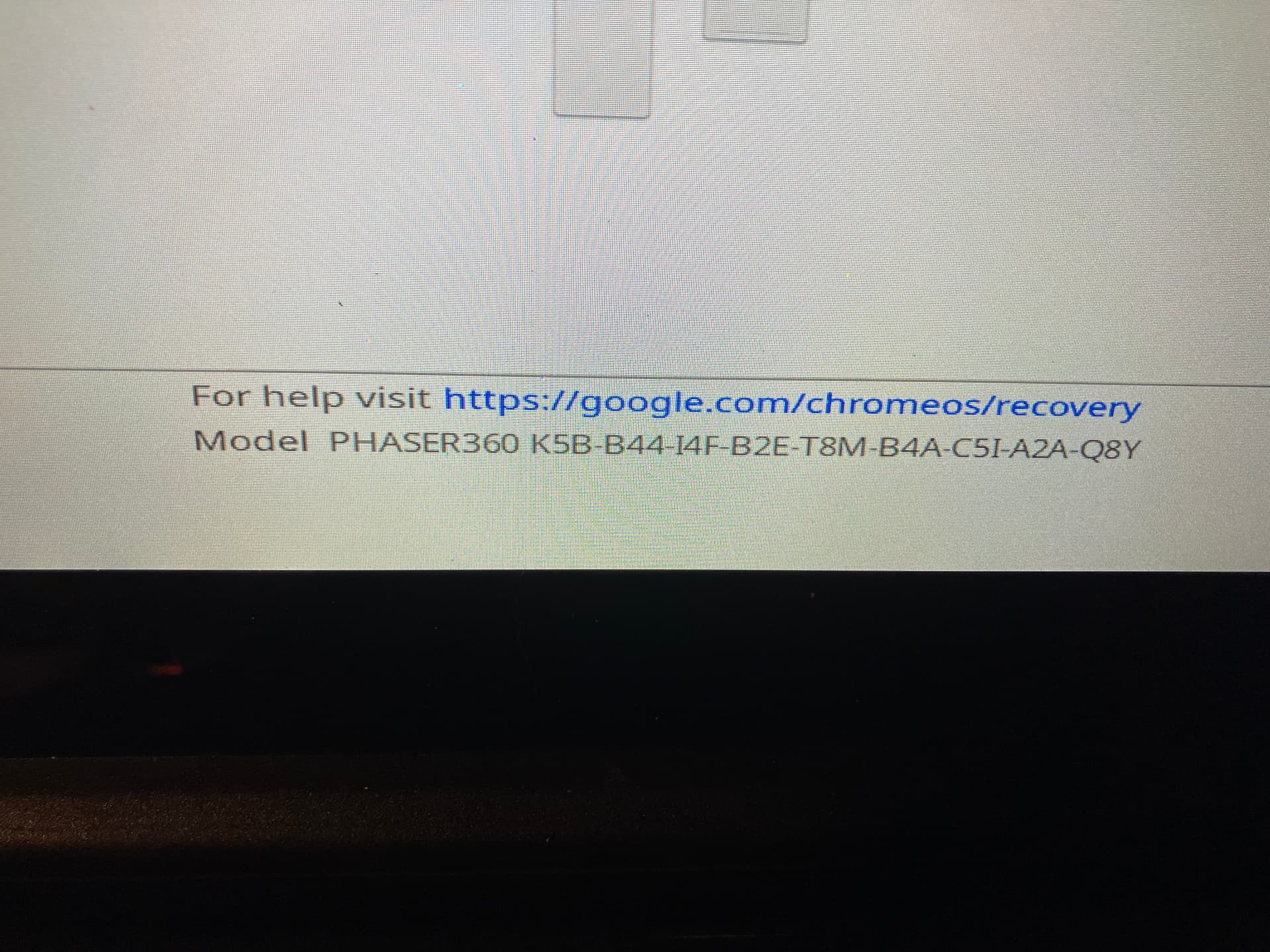

Looks like your Chromebook is supported and you can install linux or winodws or macos.. You need to remove the battery and follow the guide to remove the WP from your device. Run the script that will take off chromeos and you can do whatever like its a normal pc
cool thank you
Your probably reading but, What do you hope to get out of your chromebook?