Support for MIPI webcams on Alder Lake, Alder Lake-N, Raptor Lake, and Meteor Lake Chromebooks is coming soon! Specifically, the following devices have been tested:
Acer Spin CP714 (Kano - ADL/RPL)
HP Dragonfly Elite (Redrix - ADL)
Asus CX5403 (Screebo - MTL)
If you’re using one of these devices or any other Chromebook with a MIPI webcam, we’d love your help in testing! The update is almost ready, but your feedback will help us get it fully stable.
If you’re interested in helping out, please reply with your board name (e.g., Acer Spin CP714, HP Dragonfly Elite, etc.). It would also be super helpful if you could attach the output of C:\Program Files\crosec\cbmem.exe -c to help us identify and fix any issues.
Important: This MIPI webcam support is not for USB webcams—if your Chromebook has a USB webcam, it should already be working as expected! USB webcams are already functional and do not require this update.
Why Test?
Your testing will directly help improve the webcam experience for all users on these devices, and we can’t do it without you!
Some webcams may require tuning profiles to optimize their performance. We’ve already got tuning for the following:
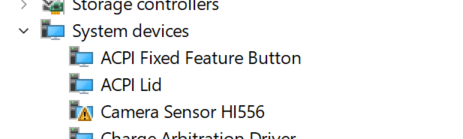
OV2740 and HI556 on ADL/ADL-N/RPL
OV08X40 on MTL
However, we still need testing and tuning for other webcams, including:
OV8856
OV5675
OVTIDB10 / OV13B10 on ADL/RPL/ADL-N
If you have one of these webcam models, your feedback will be especially valuable!
What is going on here? This looks extremely sus to me. First time post. “vibecoder” - really? Links to GitHub repo. That GitHub account was created last week and only has that one repo.
If I’m off base here I apologize, but this is making my sus radar go off.
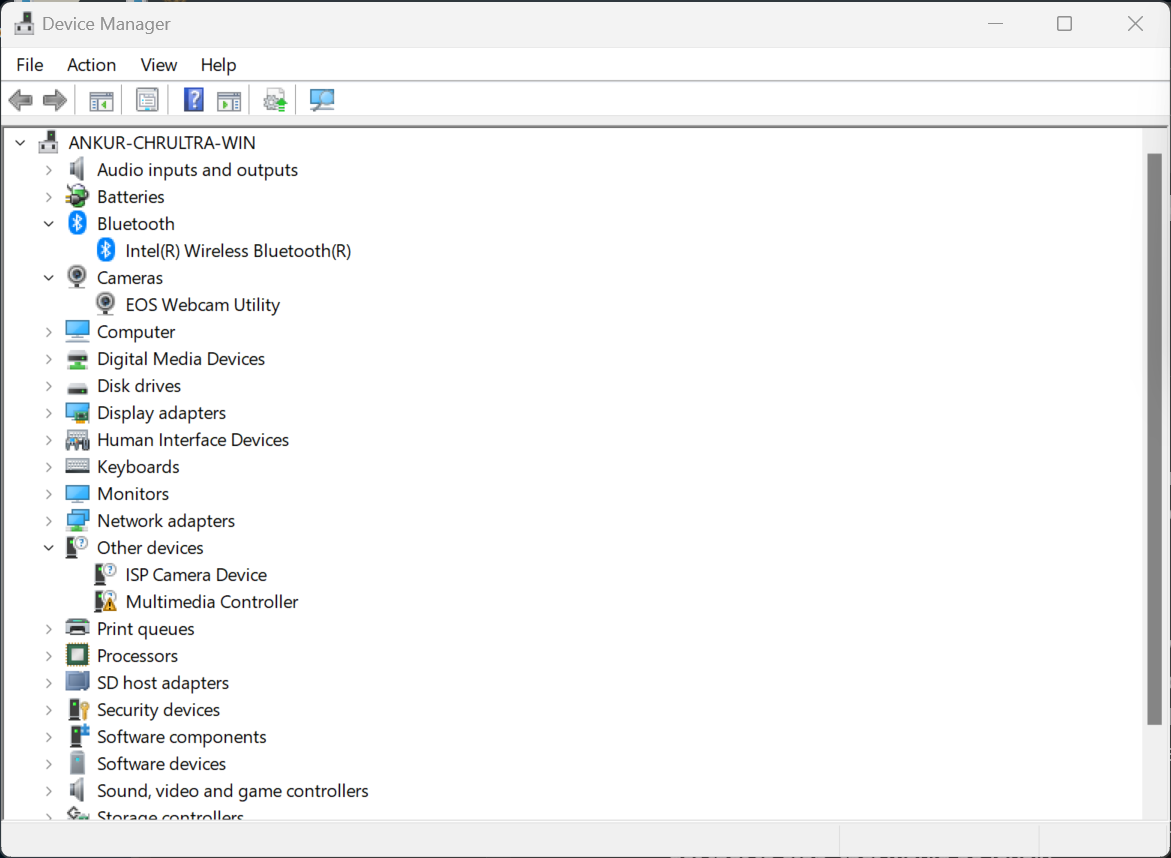
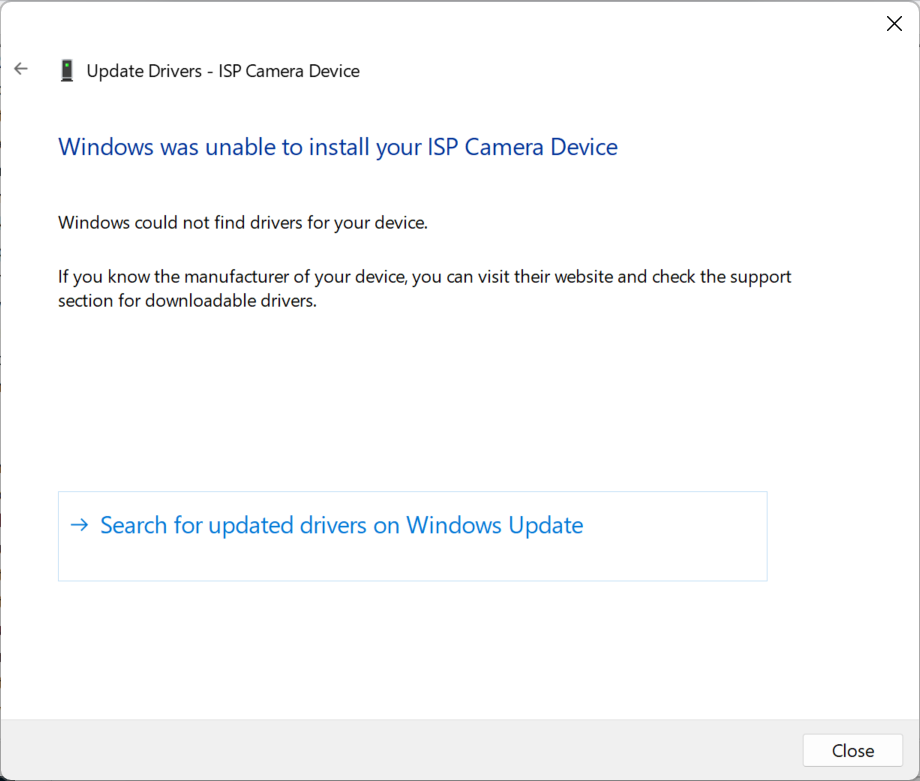
Just tested here (Redrix, HI556) using custom firmware ROM and the hi556.inf driver (downloaded and extracted directly from Dell installer). Install says completed successfully but I do NOT have a new camera in Device Manager.
EDIT: I tried installing the driver from the GitHub repo. That doesn’t seem to work either. Do I need to forcibly remove the version I installed earlier (extracting directly from the Dell installer)?
Not sure if this is a related issue or not, but Device Manager seems to be refreshing every few seconds indefinitely. I’m not sure what it was like before I tried installing this driver. I think it has to do with Bluetooth, because I see some devices appear/disappear from that section of the tree. If anyone has an idea about how to get that to stop, that would be lovely.
I gave that a try, but it didn’t seem to take. Before doing this, I removed the hi556.inf driver manually using the command line pnputil. This time I chose the version from the Github repo above.
After installing iaisp, iacamera64, iacamera64_extension_lenovo, ov5675 and ov5675_extension_lenovo AND setting up “Turn on Basic Camera” in Bluetooth&Devices > Cameras > Integrated Camera, camera works in a Redrix with OV5675 sensor. However, camera output is rotated.

 Specifically, the following devices have been tested:
 The update is almost ready, but your feedback will help us get it fully stable.
 Resources:
 What We Need:
 This MIPI webcam support is not for USB webcams—if your Chromebook has a USB webcam, it should already be working as expected! USB webcams are already functional and do not require this update.
 Why Test?