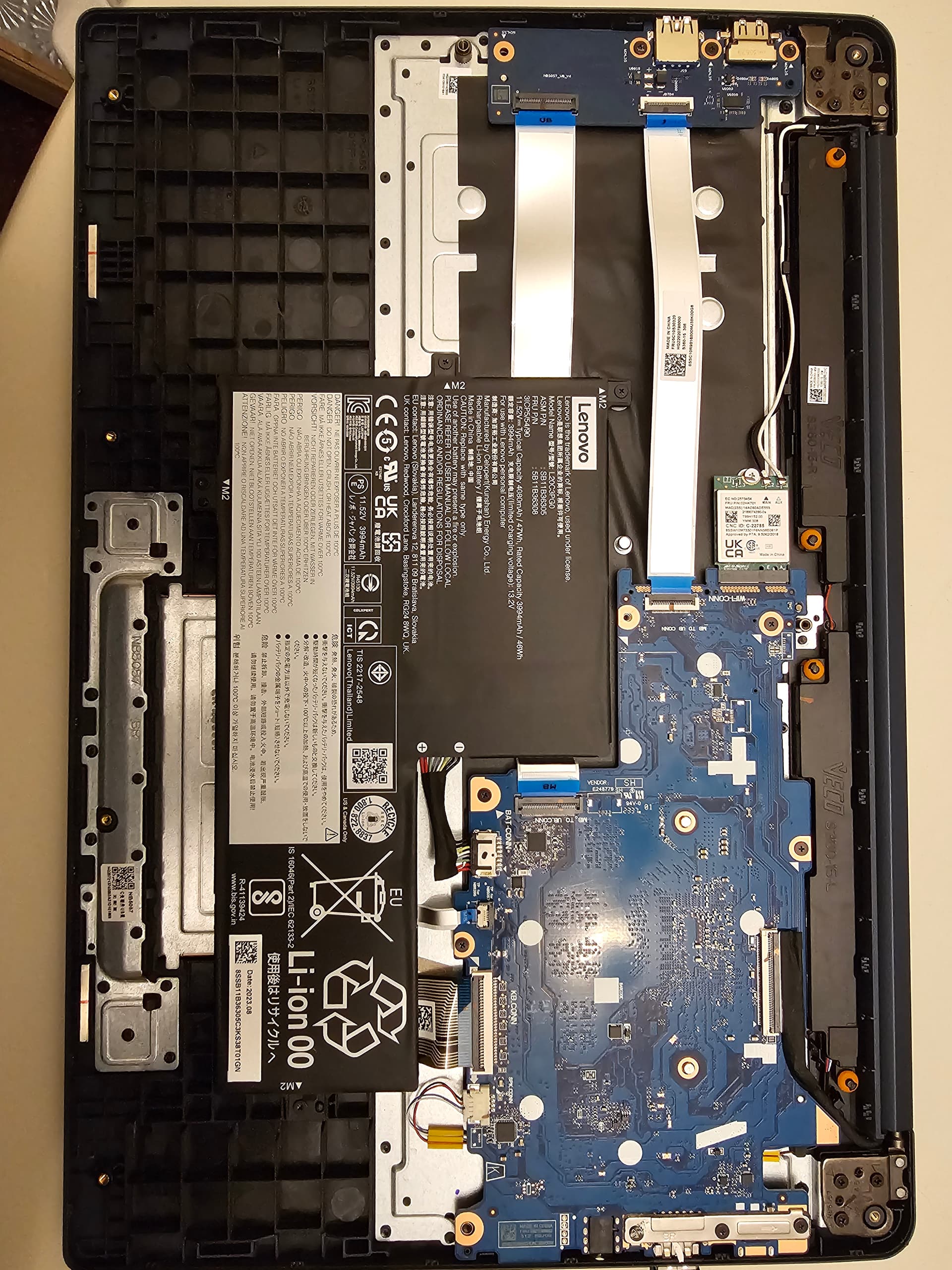
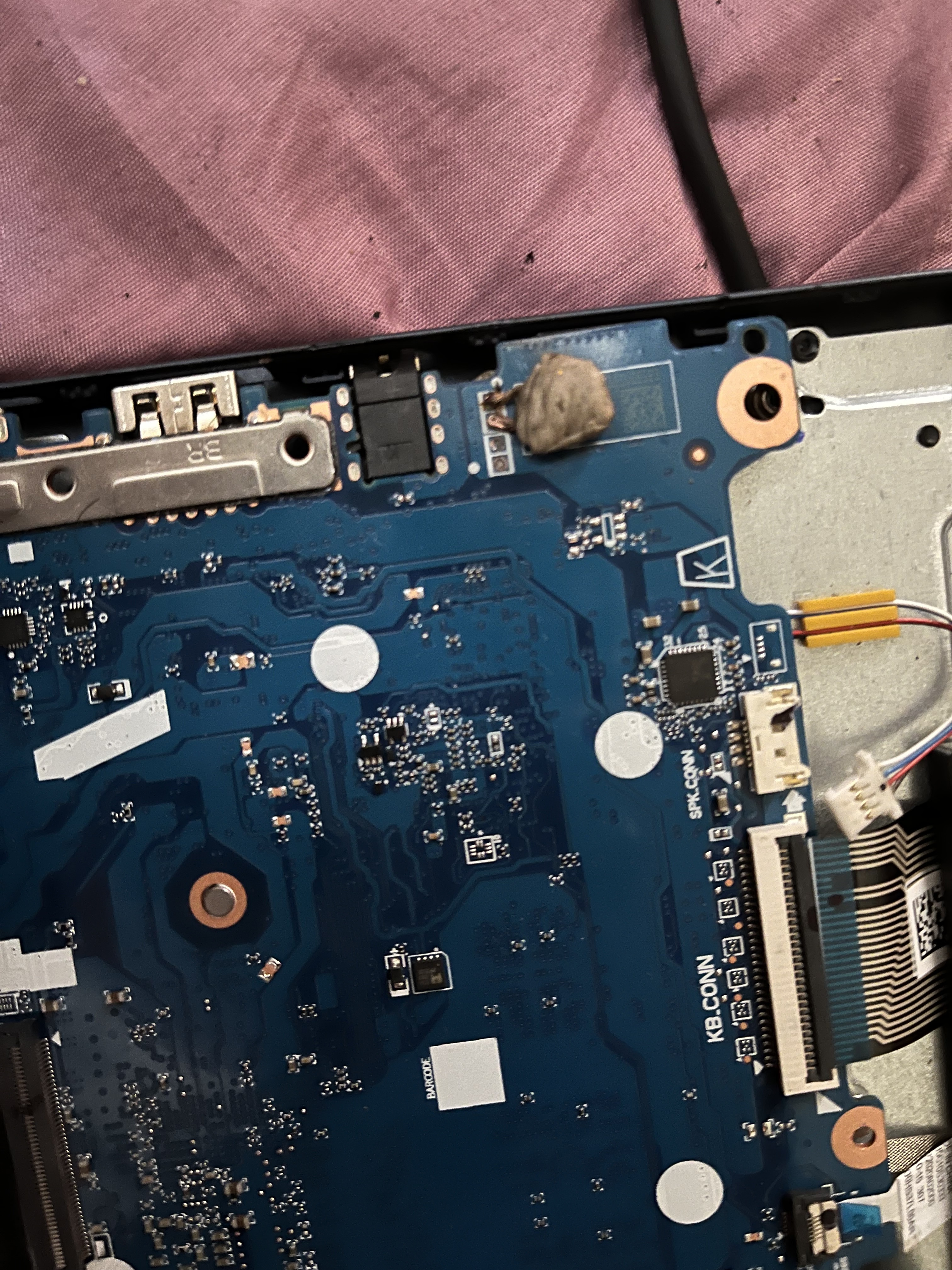
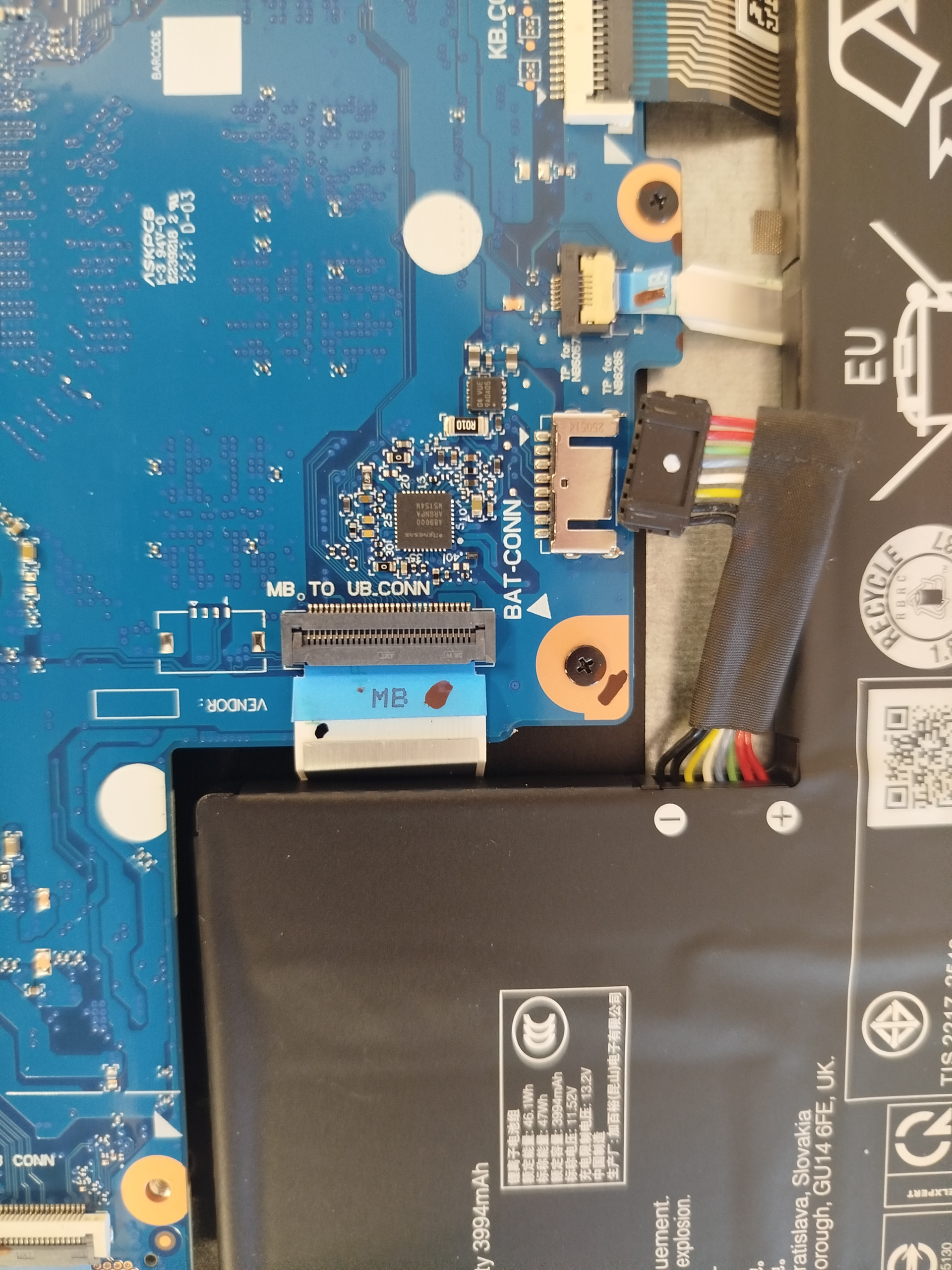
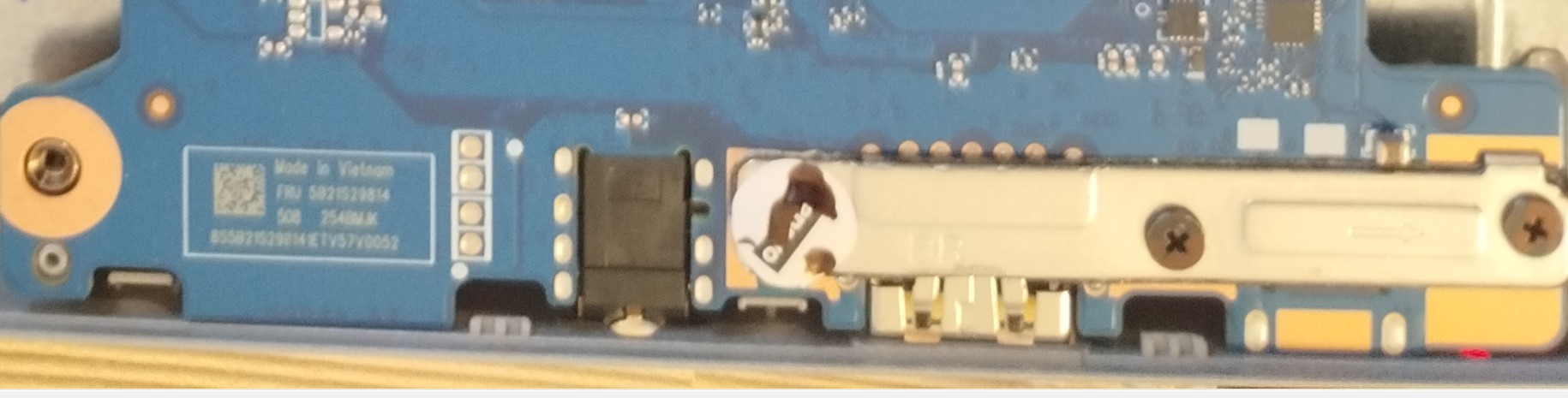
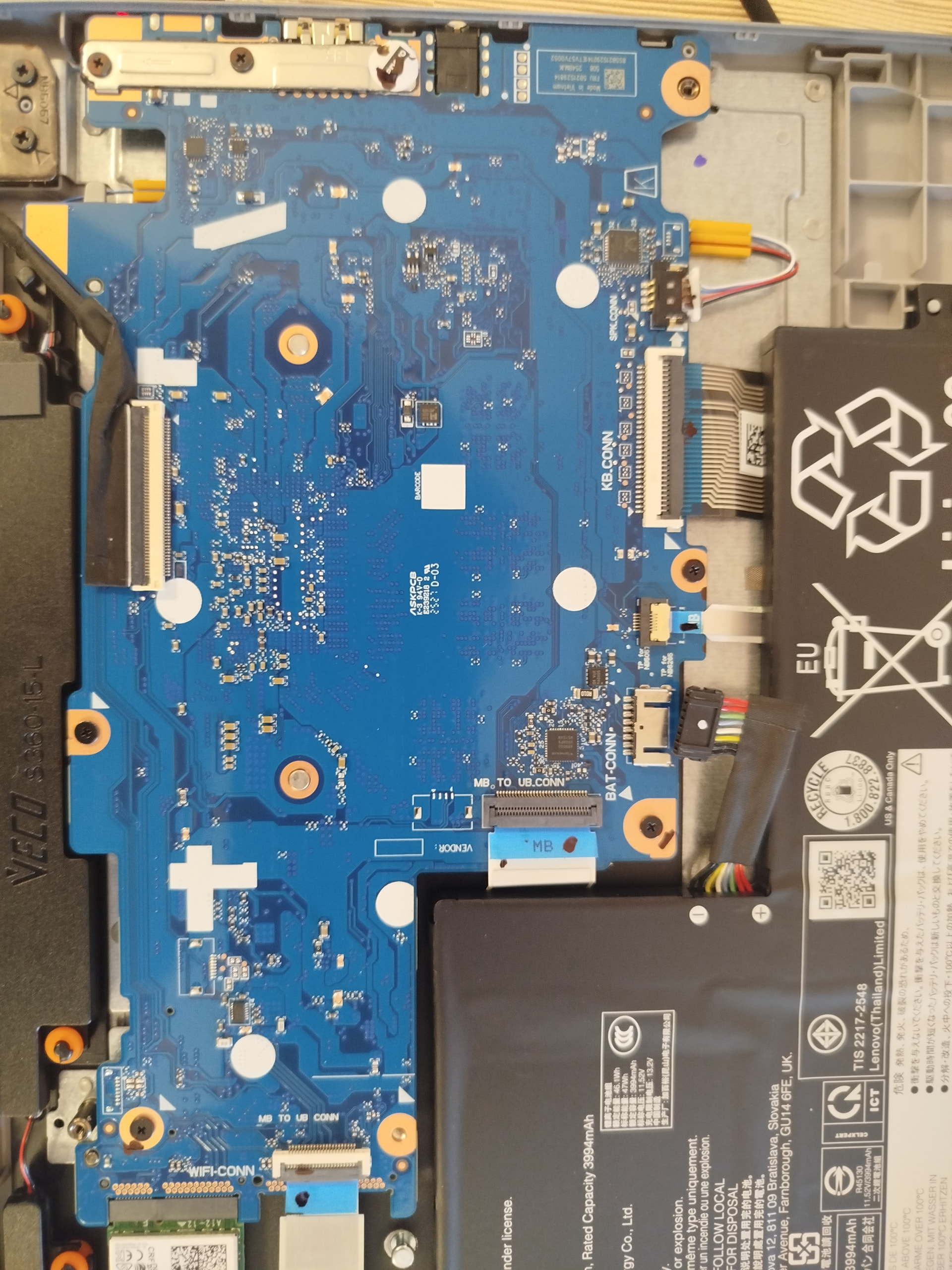
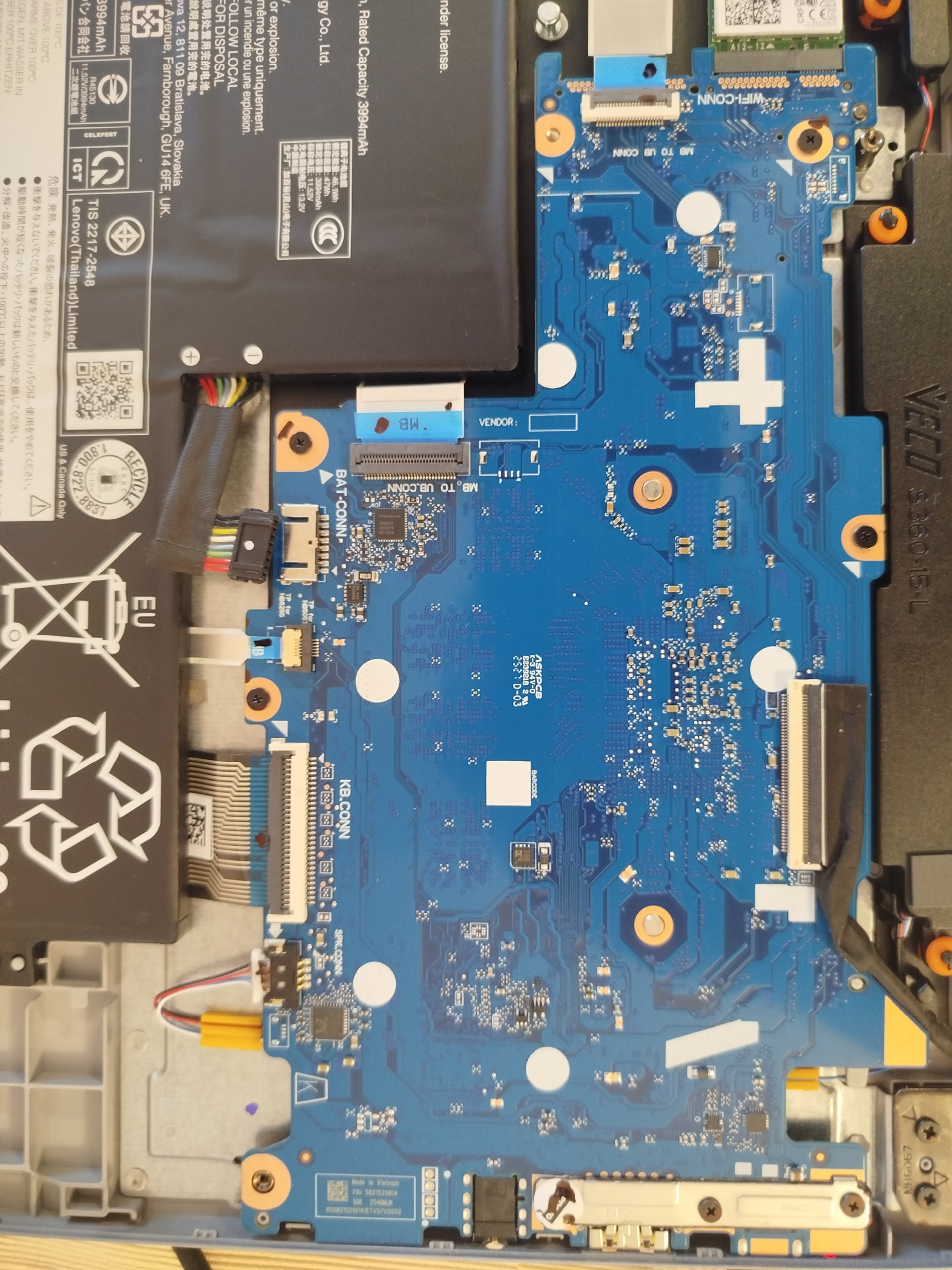
Anybody have any idea on the jumper location to disable write protect? Battery removal unfortunately didnt work.
BLIPPER-SBBR
Anybody have any idea on the jumper location to disable write protect? Battery removal unfortunately didnt work.
BLIPPER-SBBR
Thank you for the response Macoryx. I actually figured it out after a bit of trial and error. Actually worked for the opposite side ones
How did you use them please tell me bro
solder, or in a pinch a pencil
i don’t get it bro i am strugling to fix it.
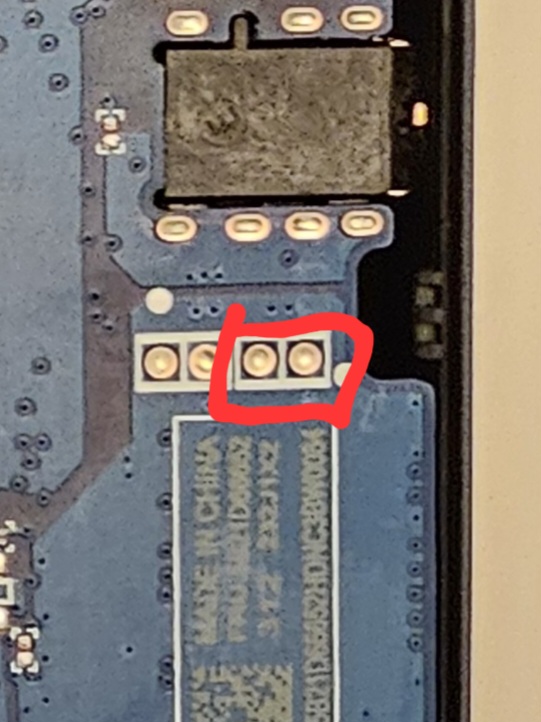
only that you mark it by red color is have to be connected bro?
please help me
modifying your device’s firmware is not something that should be taken lightly. If you don’t understand what a jumper is or how it functions, then Google it. This isn’t the kind of thing where you can just follow a bunch of steps without understanding what you are actually doing.
I just need to tell me what i ask you bro not to tell me what to do.
if you don’t know say it don’t be shamed
Someone literally drew it a few posts above you
I’m tired of people demanding me help them when the info they need is right in front of them
i did but it does not work. that is why i keep asking again to get different answer
I did it bro thank you for everything.
But I have win 11 64bit then in windows installation it says it is not compatible. Should I change to win 10 or to win 11 32bit
How do you do this with a pencil? Just color the two points together with graphite?
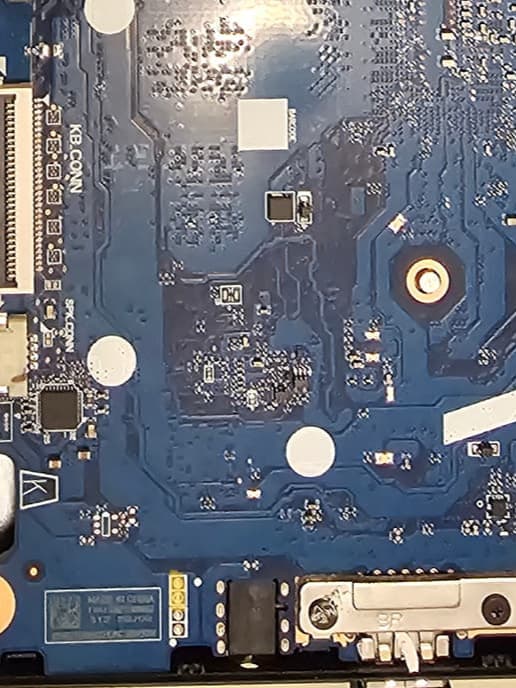
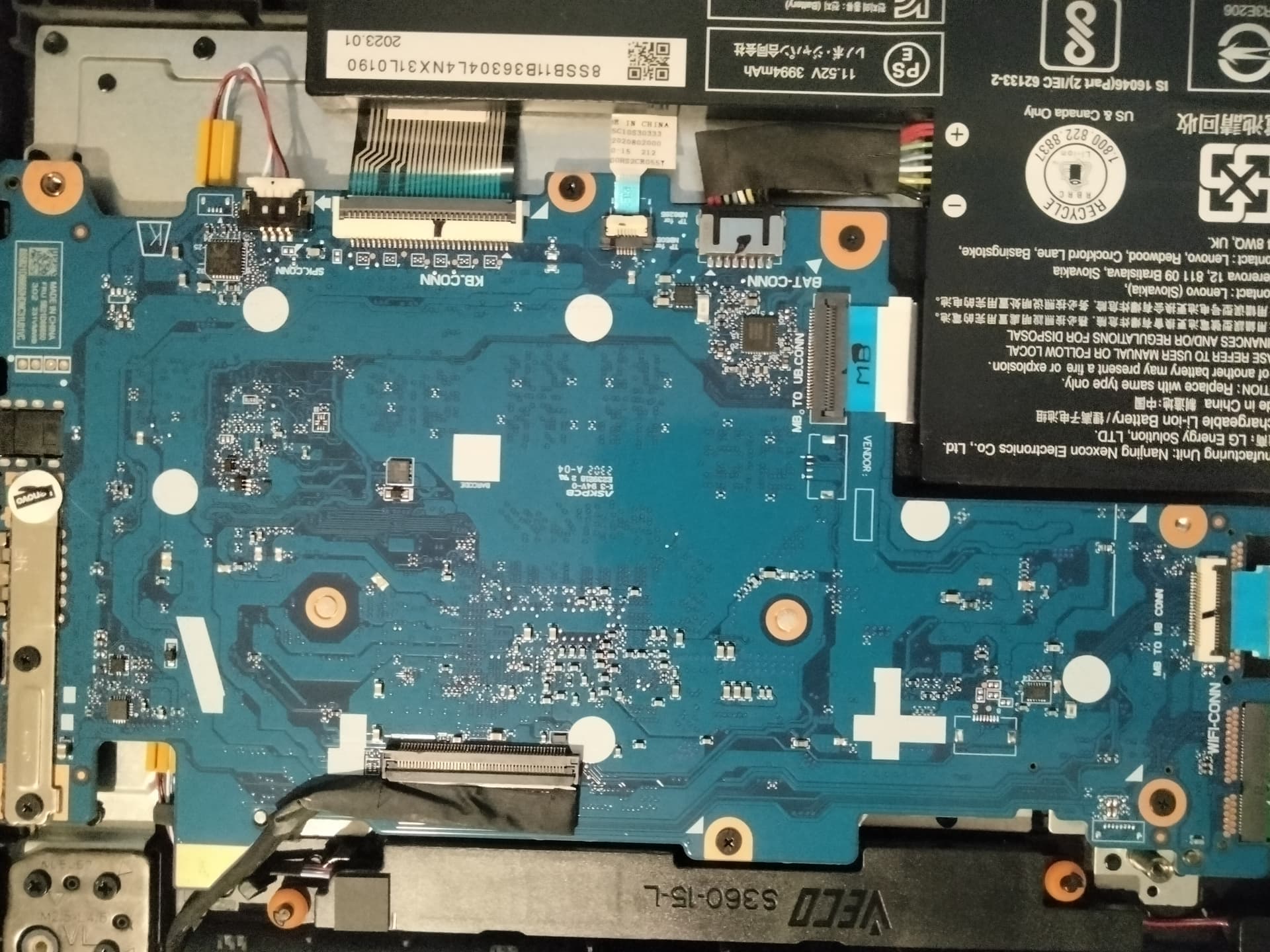
Hello, I have the same device - Lenovo IdeaPad 3 Chrome 15IJL6 (BLIPPER-SBBR). I’m trying to flash MrChromebox UEFI firmware to install Windows. Battery disconnect did NOT disable write protection - Fw WP still shows “Enabled” in the firmware-util script. Can someone please mark the exact WP jumper location on my motherboard photos? I see “TP for NB6057” and “TP for NB6285” labels near the BAT-CONN, but I’m not sure which pads to bridge. Here are clear photos of my motherboard:
Thank you in advance!
@MrChromebox @macoryx Hello! I have the same device
(BLIPPER-SBBR). Battery disconnect did not disable WP.
Could you please mark the exact jumper location on my
motherboard photos?
there’s a picture for this exact device on my website, what more do you want?
of course disconnecting the battery isn’t going to do anything - that’s not how WP is disabled on this platform/family of devices. Which is again, listed on my website.
Hello MrChromebox,
Thank you for your previous reply pointing me to the BLIPPER
jumper photo on your website.
I have a Lenovo IdeaPad 3 Chrome 15IJL6 (BLIPPER-SBBR) and
I’m trying to disable WP to flash UEFI firmware.
I followed your photo and bridged the two right gold pads
(near the BAT-CONN, the ones marked in red on your image)
using aluminum foil pressed firmly with tape.
The battery is fully disconnected from the motherboard,
and I’m running on the AC adapter only.
However, firmware-util.sh still shows “Fw WP: Enabled”.
Could you please advise what I might be doing wrong?
Should I try a different method (solder bridge, SuzyQ cable)?
I have attached photos of:
Thank you for your time and help!