Hello! 
First of all, I truly want to thank the Chrultrabook community for their incredible work!
I used MrChromeBox’s firmware 2503.0 to install Ubuntu 25.04 on my Lenovo Flex 5i (TAEKO) chromebook. My kernel is 6.14.0-32-generic. Upon successful install, I used WierdTreeThing’s audio script to enable audio.
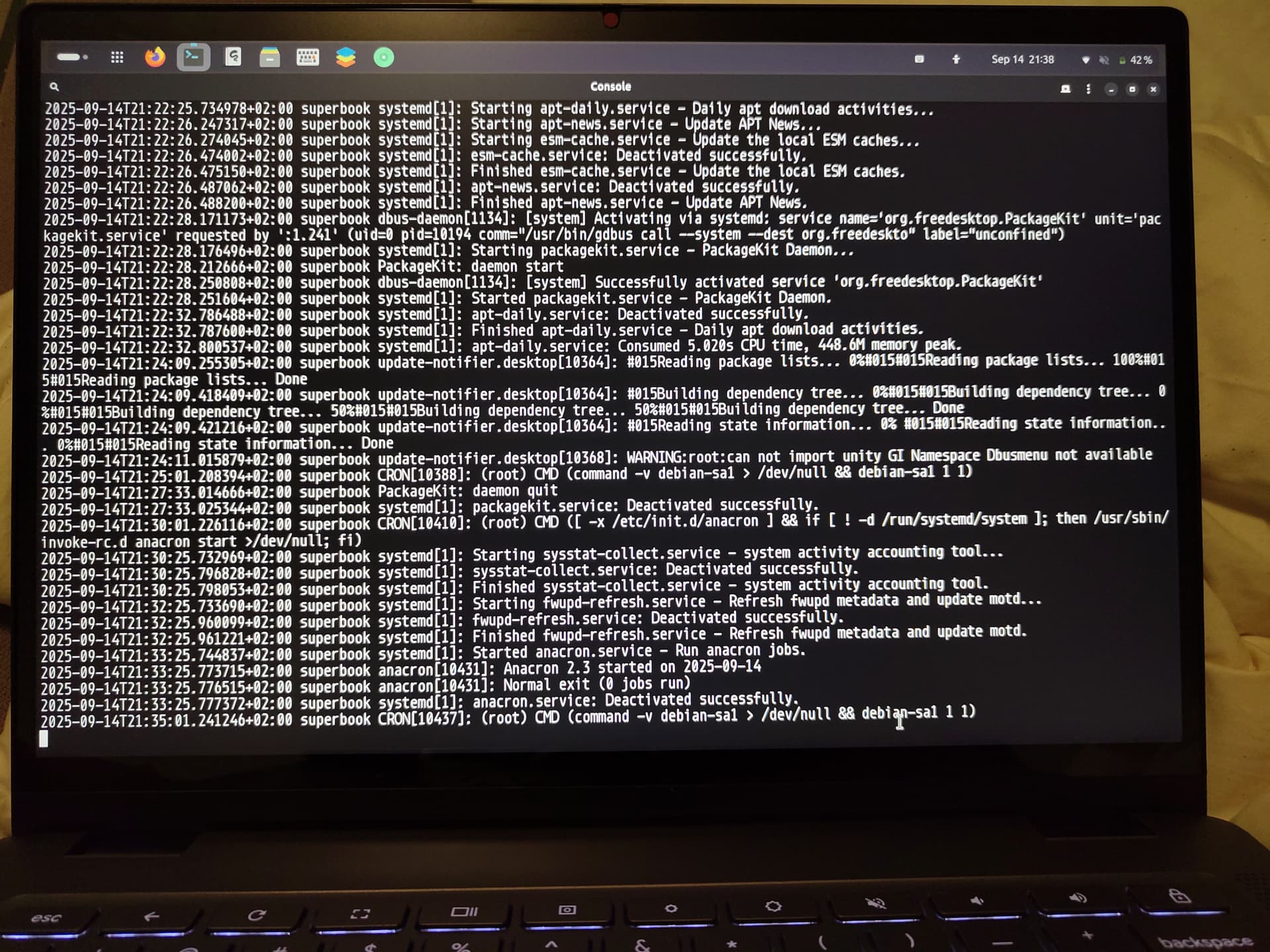
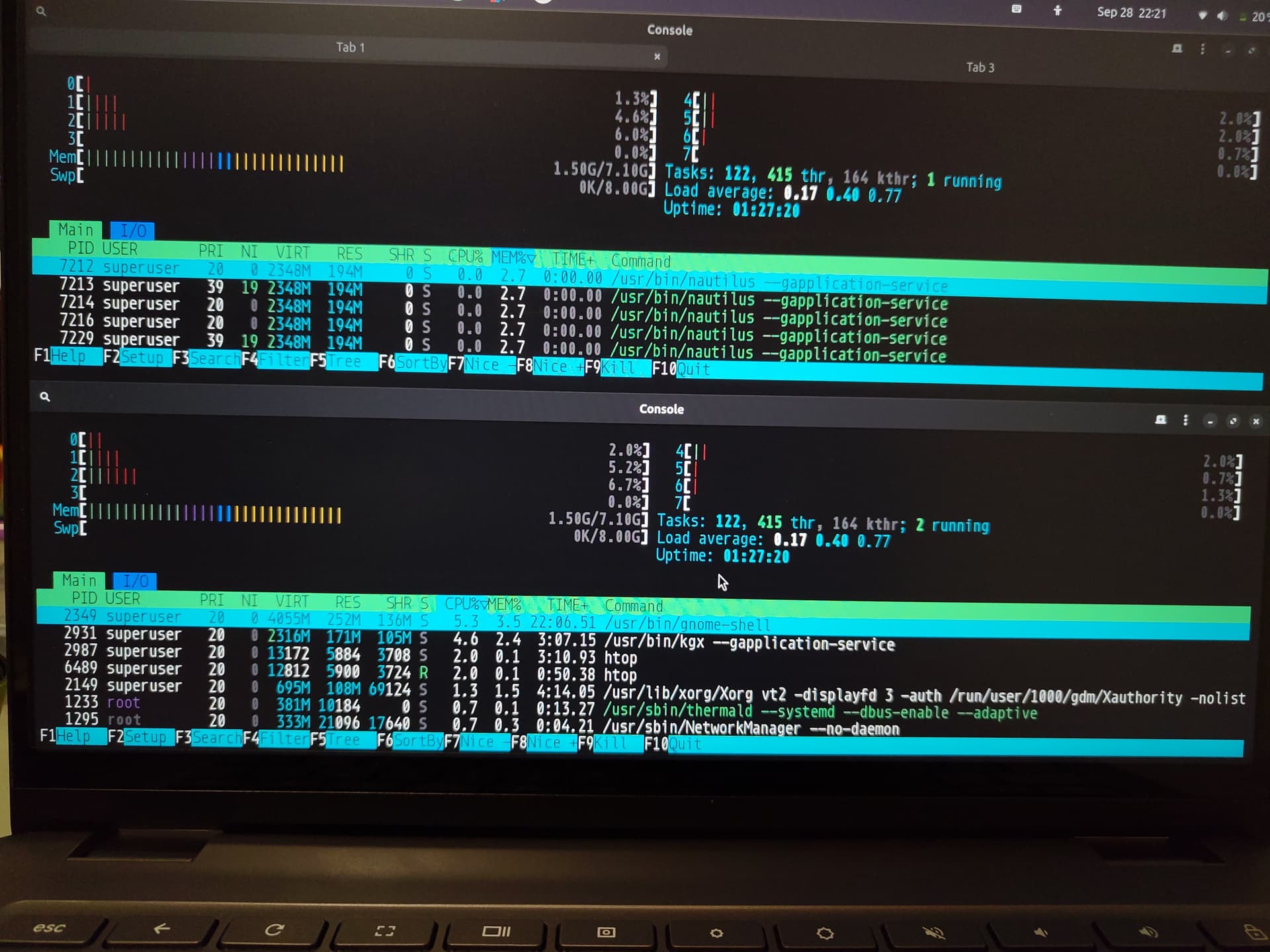
Unfortunately, I am facing random freezes where even REISUB doesn’t work (with an external keyboard plugged in and recognized at boot to get the SysRq key). I have to physically press the power button until the system shuts off. I have tried to access log files, but have not done any hardcore linux debugging before (it’s all a learning experience  ), so I could not figure out which logfiles would provide anything useful. I also don’t know how to access the logs after a fresh boot (sorry!). I have used both Debian and Ubuntu for around a year on the chromebook and always faced these freezes. The freezes always occur at random times, usually after not touching the chromebook for a while. I remember ChromeOS was stable the few days I used it, but I don’t want to revert unless I have to, because I love GNU/Linux and the Linux support in ChromeOS is sandboxed without good file transfer. I use Debian and Ubuntu on 2 other computers, but like the chromebook for drawing.
I attached a picture from my phone with logs from dmesg (sudo dmesg -w -P), as new users can only embed one photo.
Do you have any advice on what might cause the issue or what I could do to troubleshoot it?
Any help is greatly appreciated! Thank you!