Hello everyone,
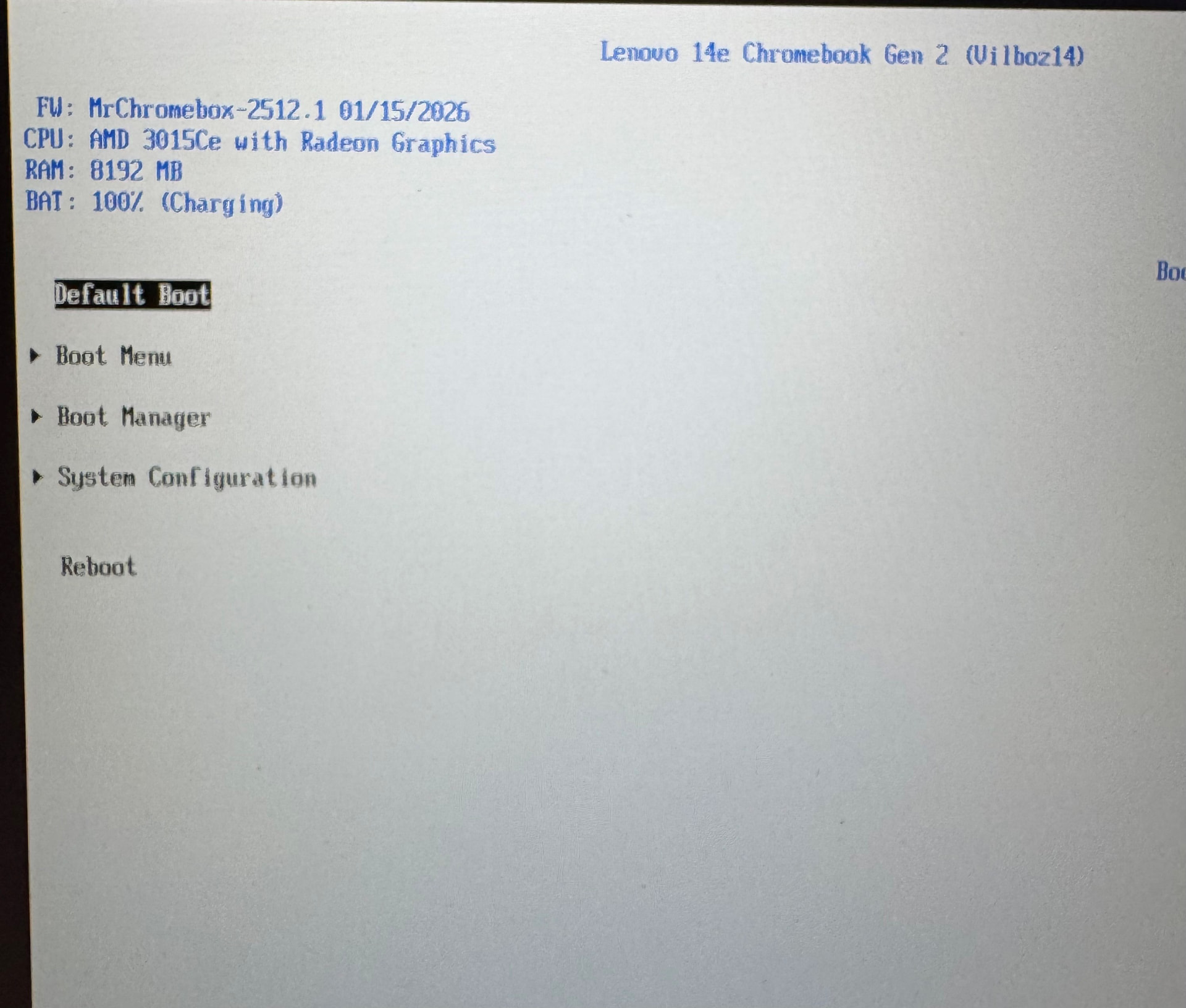
I have a Lenovo Chromebook 14e Gen 2 updated to the latest UEFI (Full ROM) firmware version.
I would like to install Windows 11, but when booting from a USB flash drive I get the ACPI_BIOS_ERROR.
I have tried recreating the USB drive and changing the BIOS settings, but nothing worked.
Thanks to anyone who can help me.
BOARD NAME
make/model is USELESS. “latest version” is USELESS
exact board name and firmware version/date from UEFI setup screen
no issues here with MORPHIUS, same platform/baseboard.
provide an ACPI dump as per Debugging | Chrultrabook Docs
looks like I missed one of vilboz’s touchpads, I’ll push a fix shortly
Fixed image pushed - update via script under Linux, then boot/install Windows
Hello, thank you very much, it worked perfectly.