System Details
- Device: [Atlas]
- OS: [ChromeOS 146.0.7680.169]
- Firmware Type: [RW_LEGACY]
- Firmware Version: [Google_Atlas.11827.198.0]
- Internal storage type: [NVMe]
Summary of the Issue
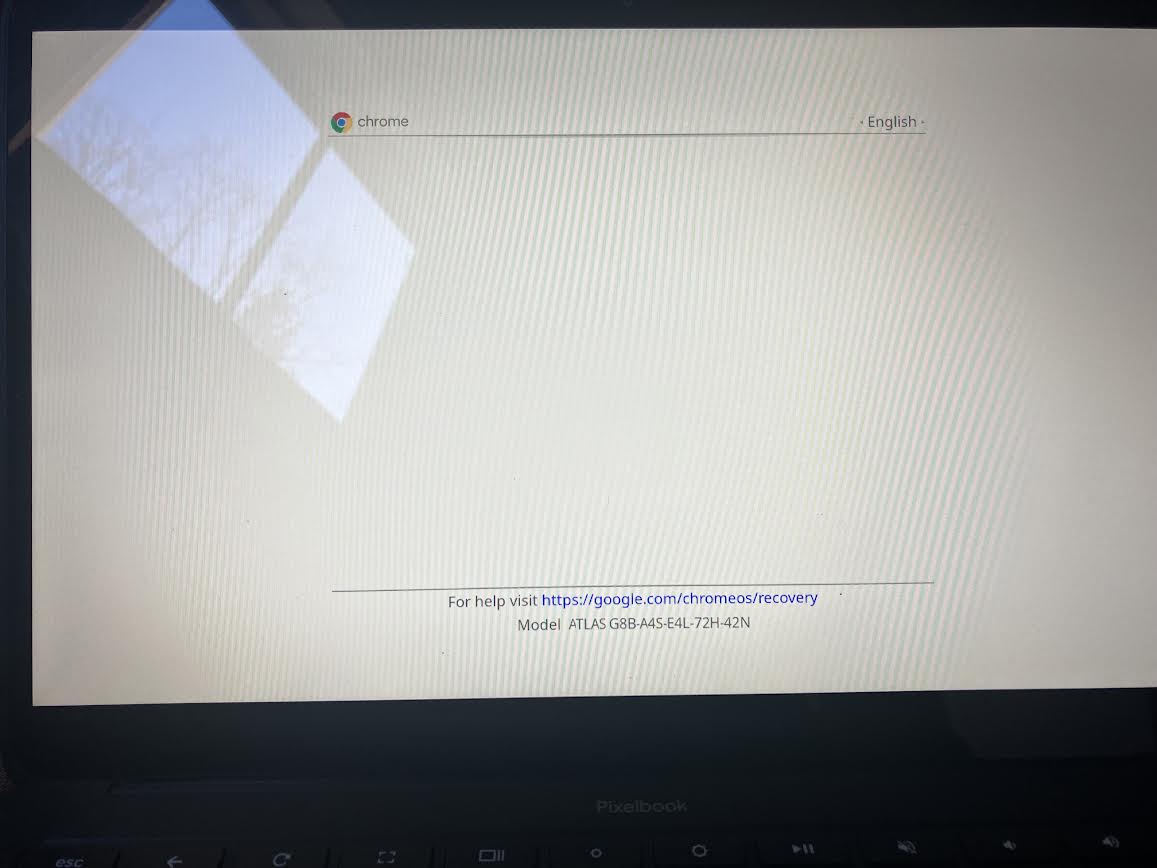
Trying to dual boot Linux using RWLegacy, however when I get to the developer mode warning screen and press Ctrl L the warning disappears but nothing happens. The Firmware Utility Script says that RWLegacy was successfully installed.