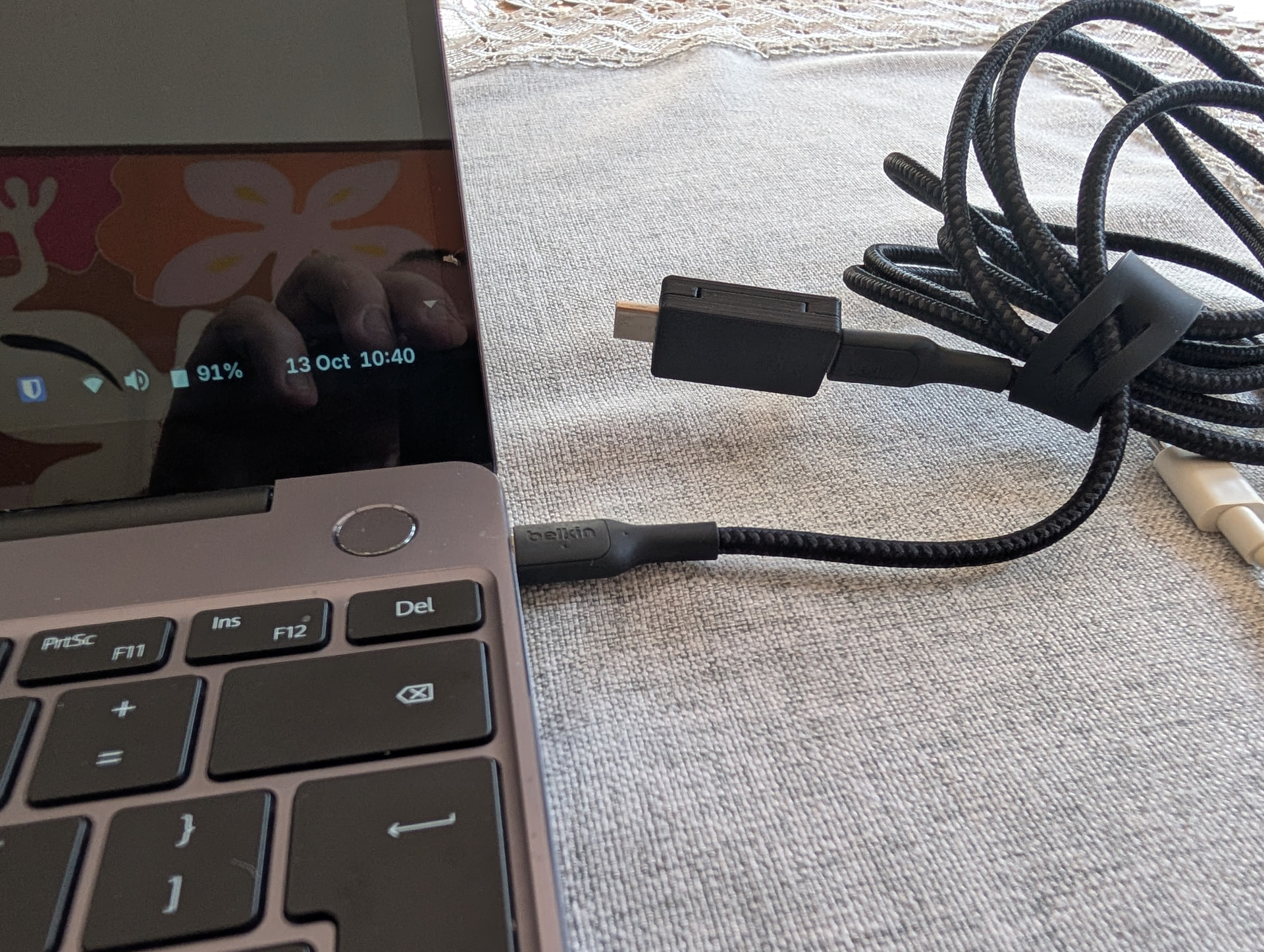
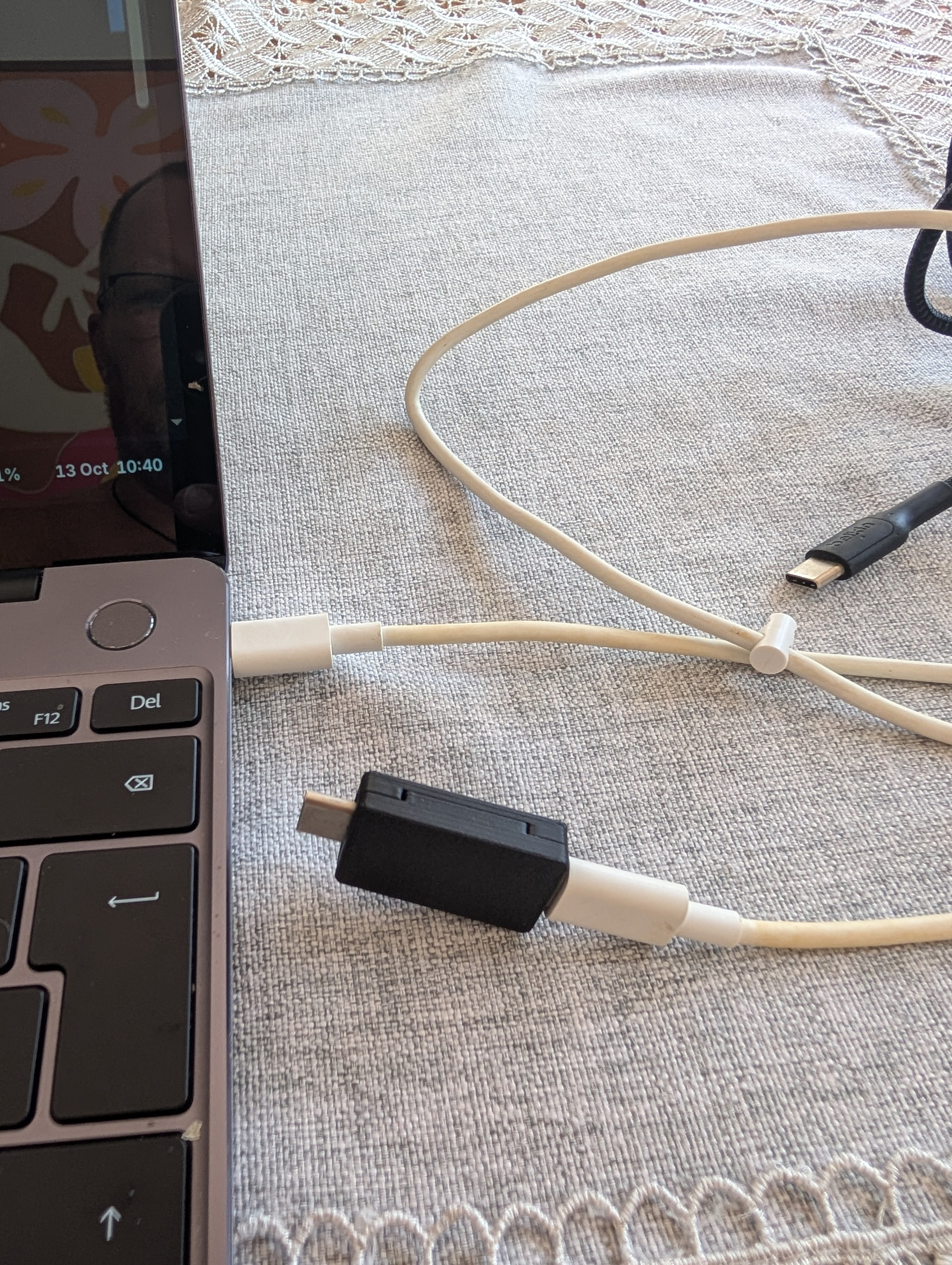
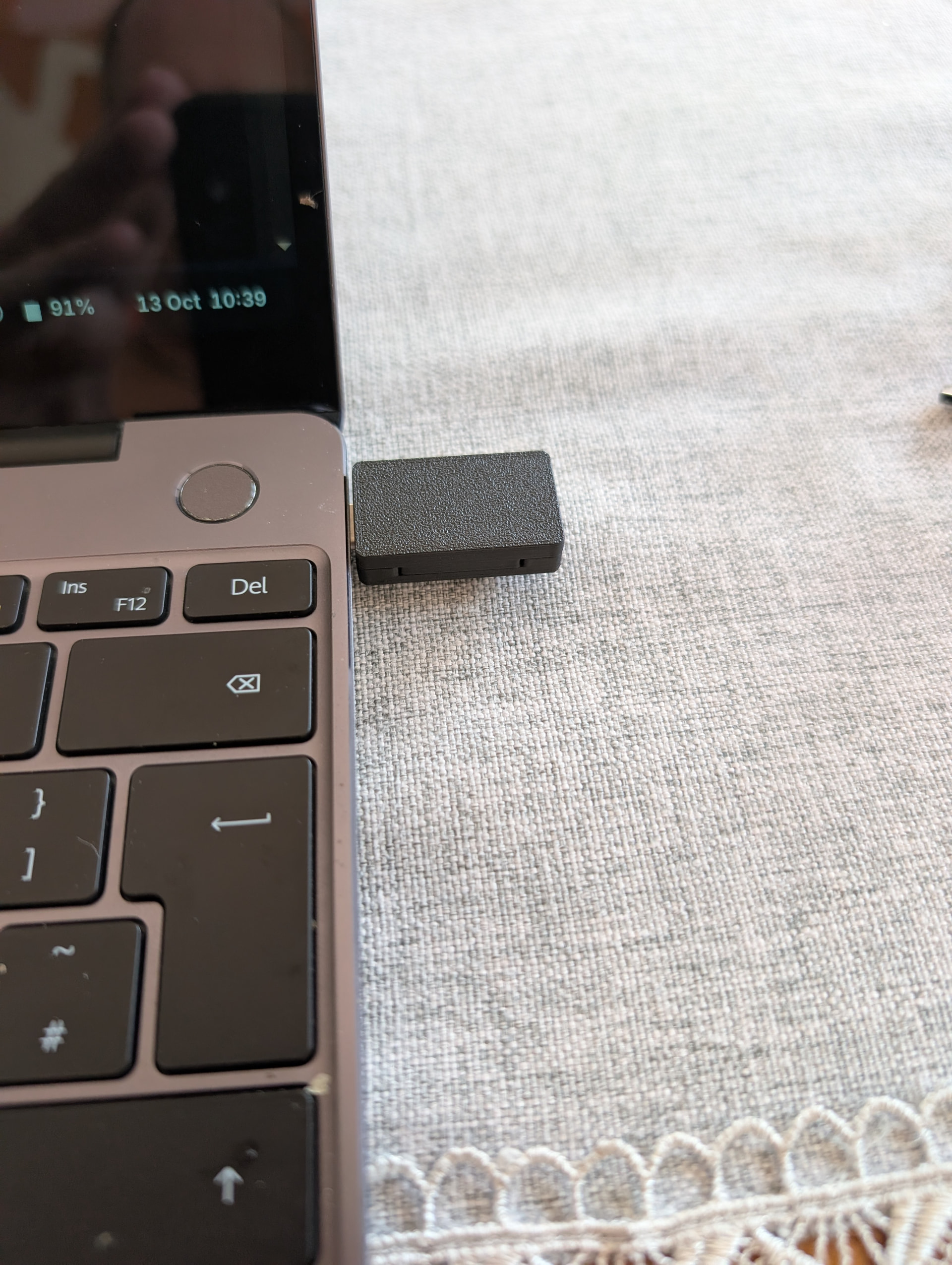
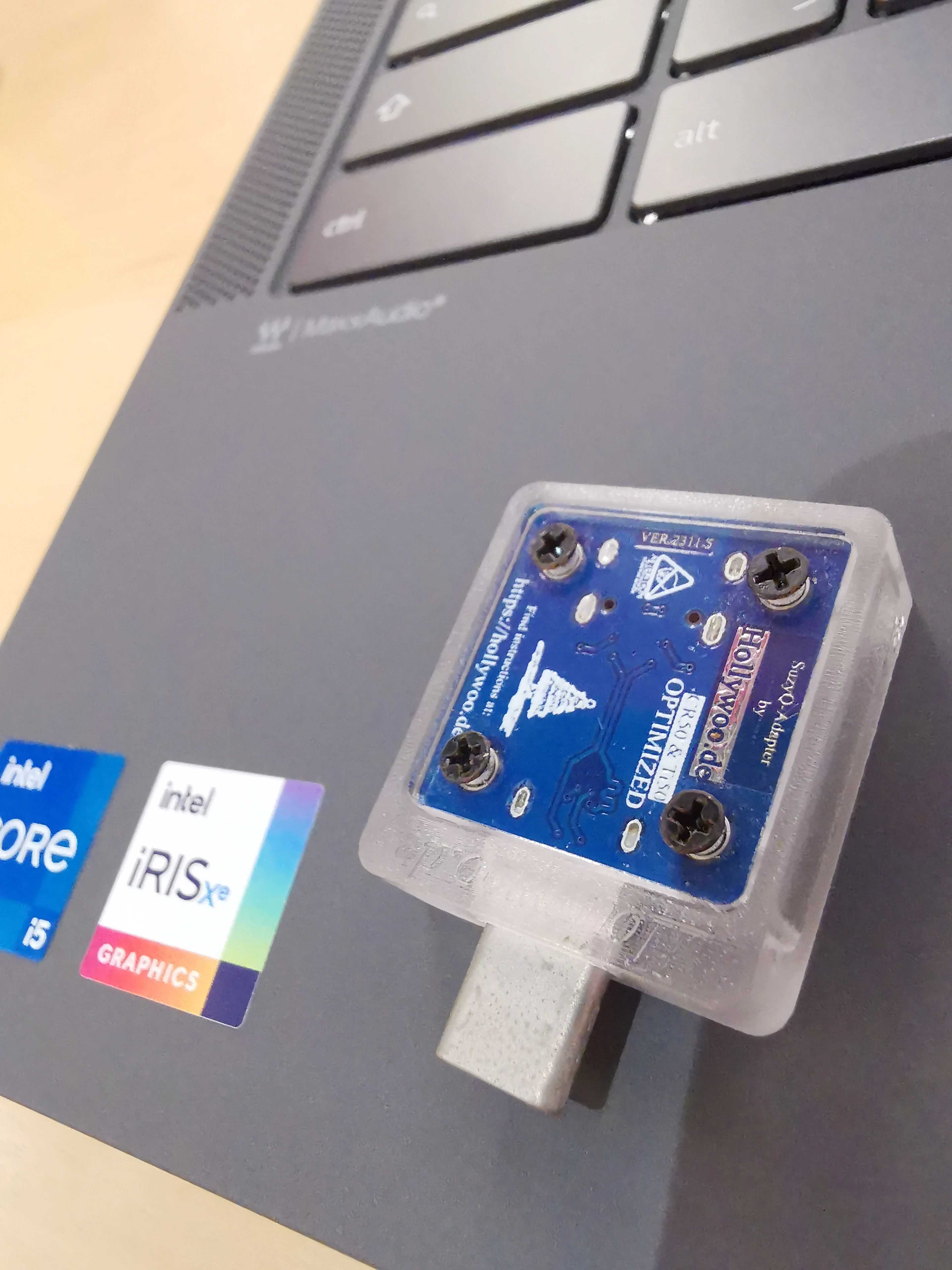
I purchased the board from fyralabs. I’ve tried both USB c sides, flipped the board on each, plugging in via USB c to USB A. Tried on another Linux laptop, tried on a Linux mini pc and a windows desktop. The board doesn’t show up. Is it a dud? Anything else I can try to get it to register?
I’ve tried my pixel USB c cable, an anker USB c cable and a Google TV USB c to A cable. I’ve tried different ports, I’ve tried the dingle flipped I’ve tried the USB c female end connected, this way flipped and on multiple ports. I’ve tried all this on a Linux laptop, a windows desktop and a Linux server mini pc
This is the point where MrChromebox should weigh in; the SuzyQ debug board is a device developed by members of the Chultrabook project, and it differs significantly in appearance from the SuzyQ unit I use (the Chinese version, known as the SuzyQable Suzy-Q debug board).
I cannot determine the specific model of your Chromebook because I cannot see a clear photo of it. Furthermore, the device in your photo is not a Chromebook; Chromebook keyboard layouts do not feature a row of function keys (F-keys) at the top.
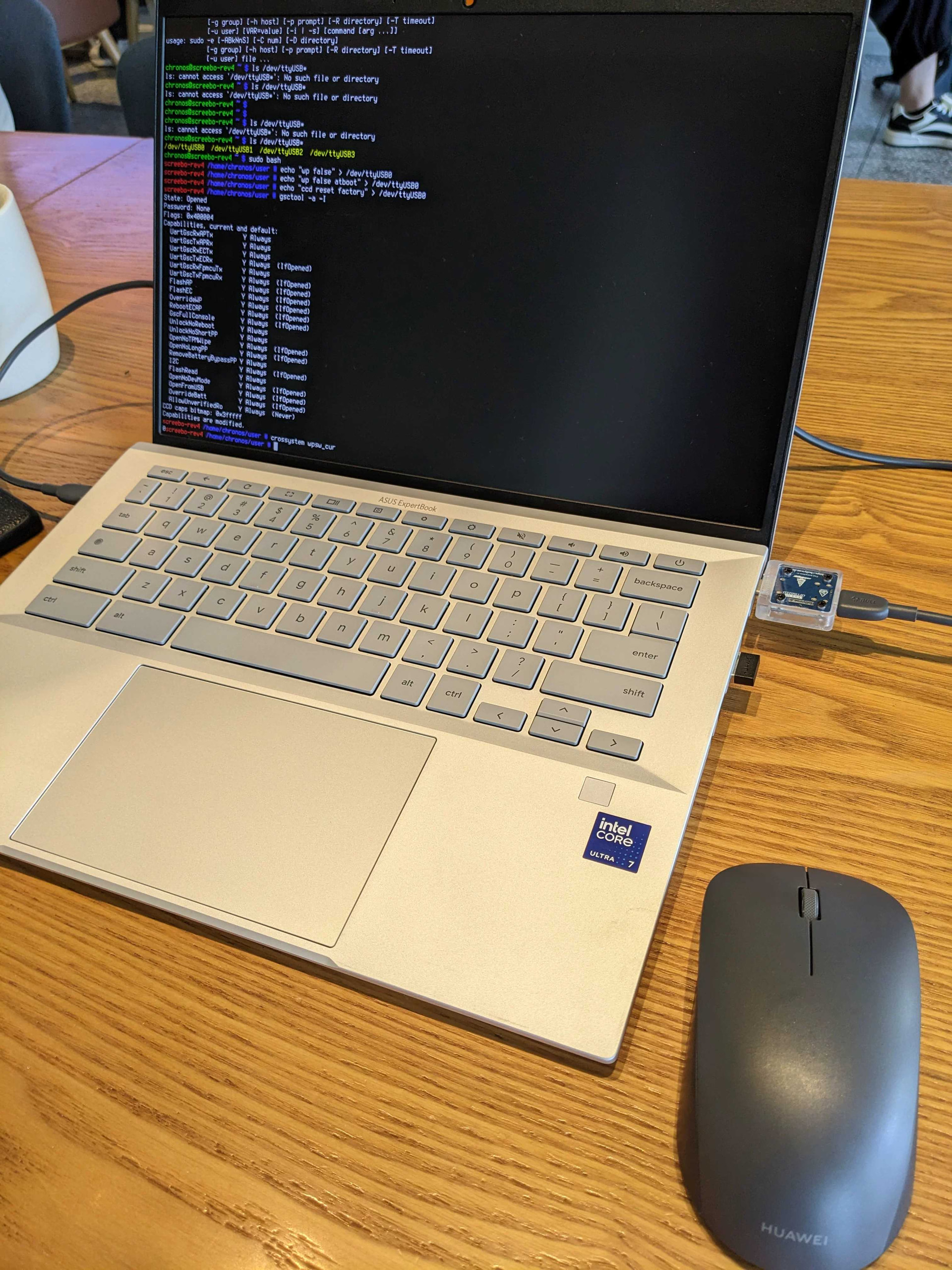
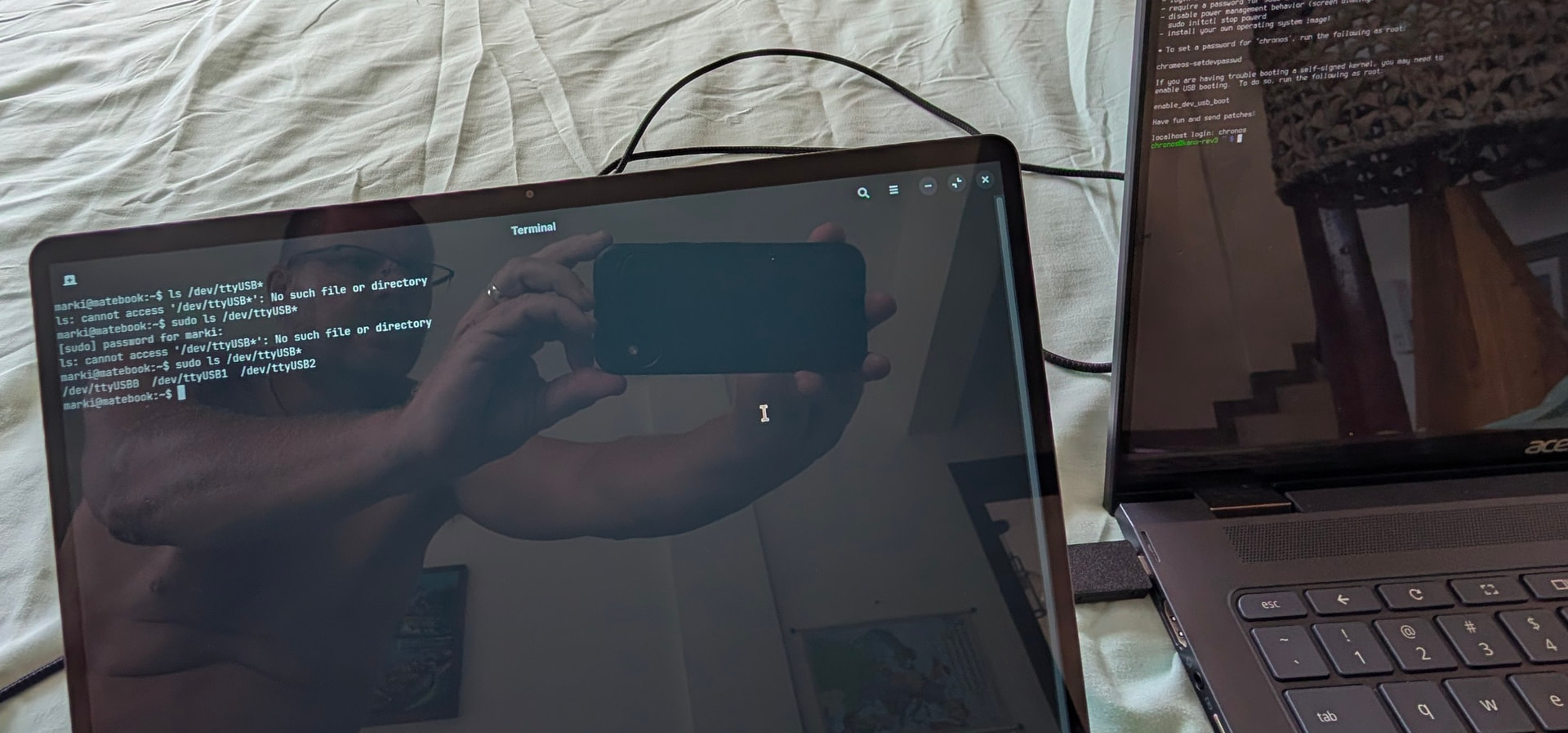
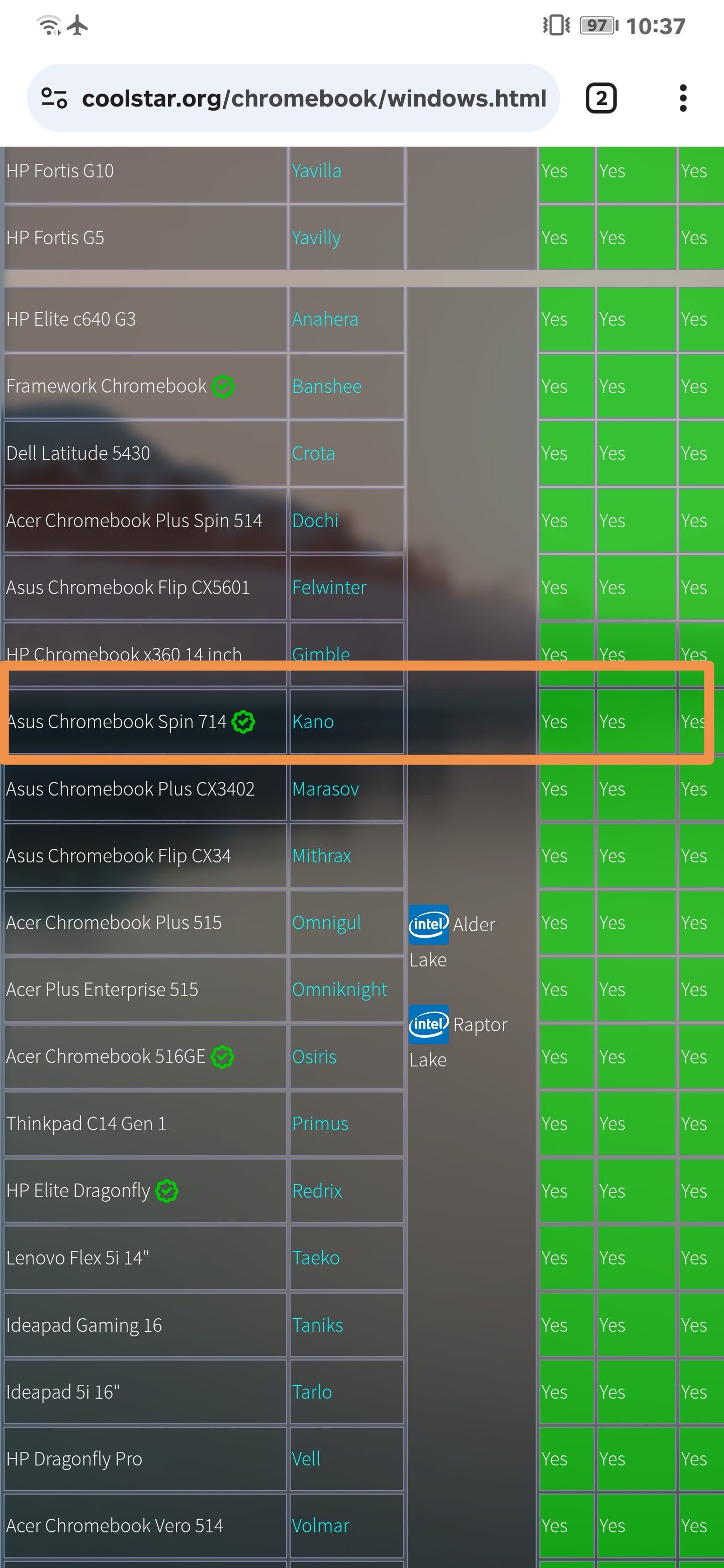
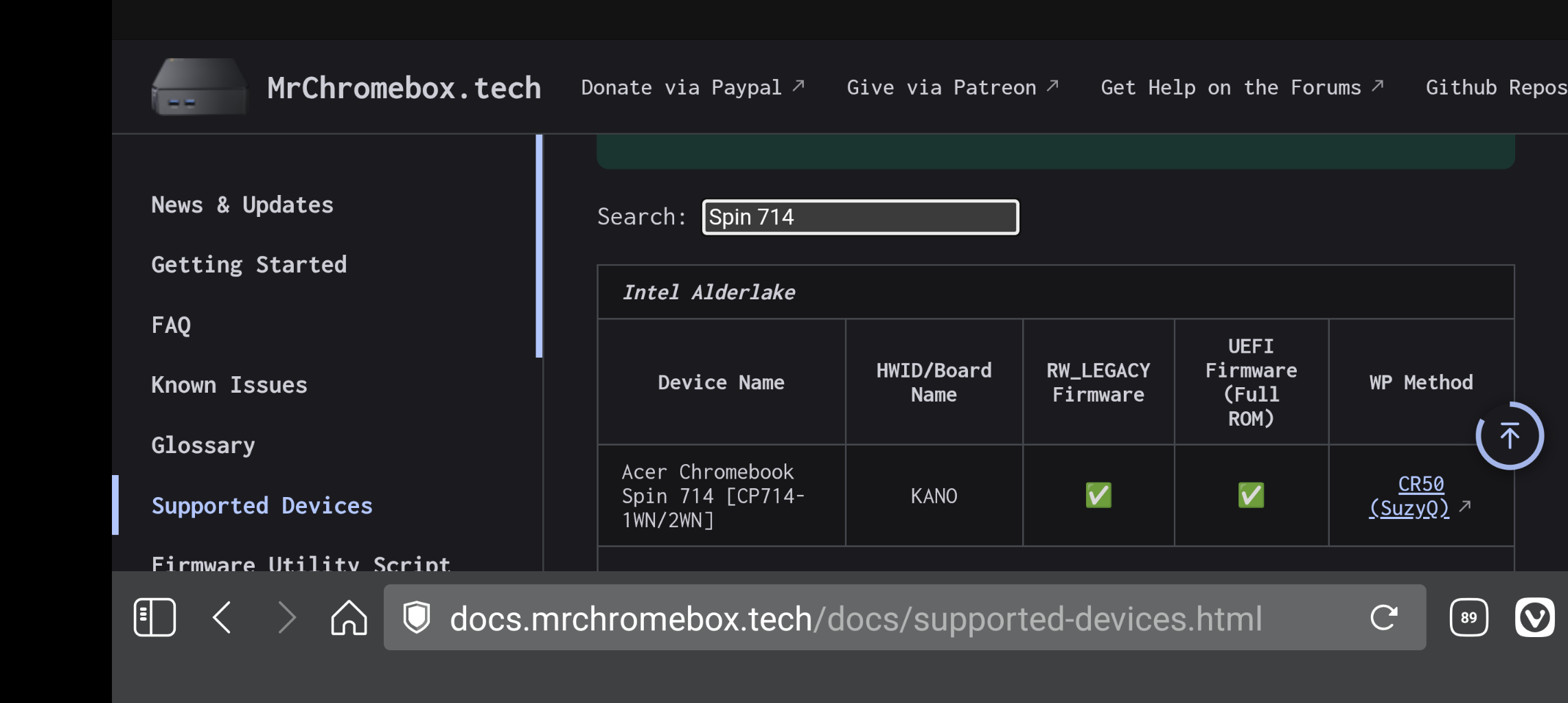
It’s an Acer spin 714, kano. The image is of my laptop linked to the chromebook via suzyq board. It’s showing my laptop picking up the chromebook as ttyUSB
Is it possible to flash the firmware to coreboot from Linux with the battery disconnected?
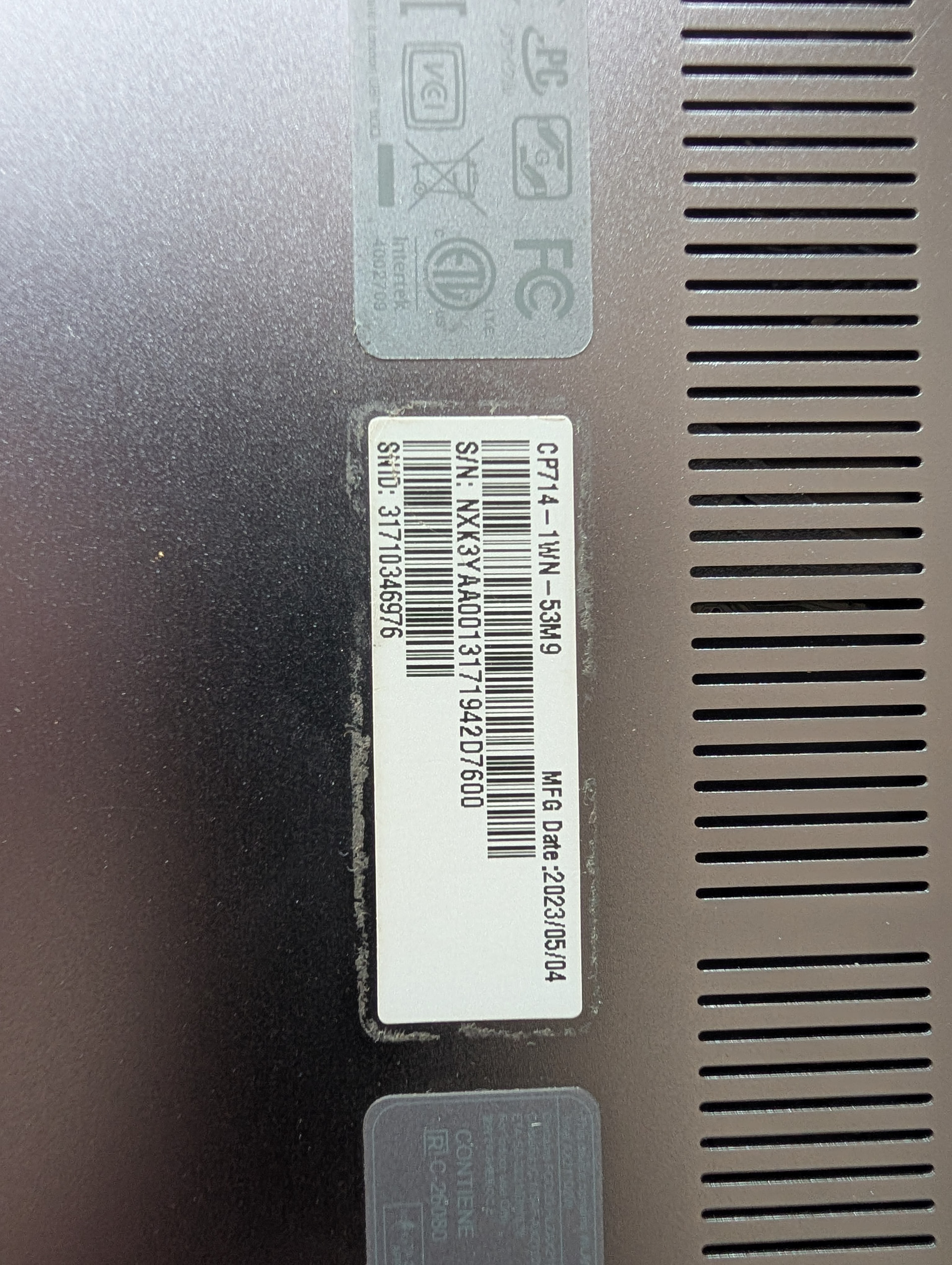
Looking at the glue marks of the original label, it is a label that has been torn off, and the label is wrong. It’s weird, why can’t you take a complete keyboard photo?
Chromebooks have disadvantages when the battery is turned off and flashing into UEFI, and the device unlocking is not completely incomplete. Subsequent UEFI/ The BIOS upgrade is at risk of bricking. If the battery is cut off, the protection and flashing into the UEFI are only the surface operation of the physical layer. If the operation is not appropriate, the static electricity of the human body will break through the internal circuit of the device. There are also many unknown and strange bugs in the subsequent use. CCD communication unlocking is a deep-level operation of the ChromeOS core, which is more thorough. more secure.