System Details
- Device: Toshiba Chromebook 2 Model GANDOF D24-A4G-B7Q-A82
- OS: ChromeOS
- Firmware Type: stock
- Firmware Version: script won’t run, that is the reason for this post.
Summary of the Issue
Upon following the instructions here: Firmware Utility Script | MrChromebox.tech
If you encounter certificate related errors when downloading the script from ChromeOS, then add -k to the curl command to bypass SSL certificate checking as so: cd; curl -LOfk https://mrchromebox.tech/firmware-util.sh && sudo bash firmware-util.sh and press [ENTER].
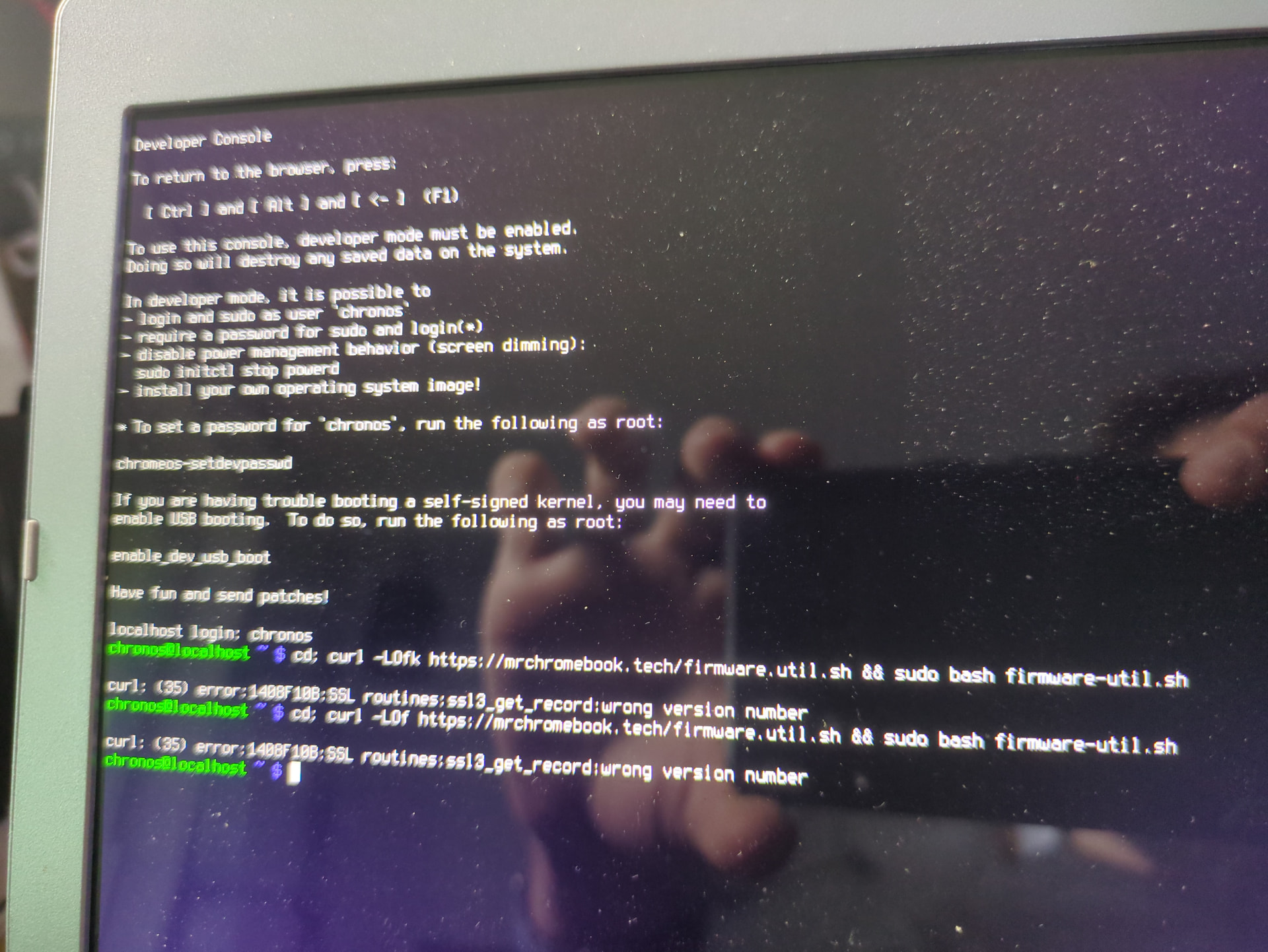
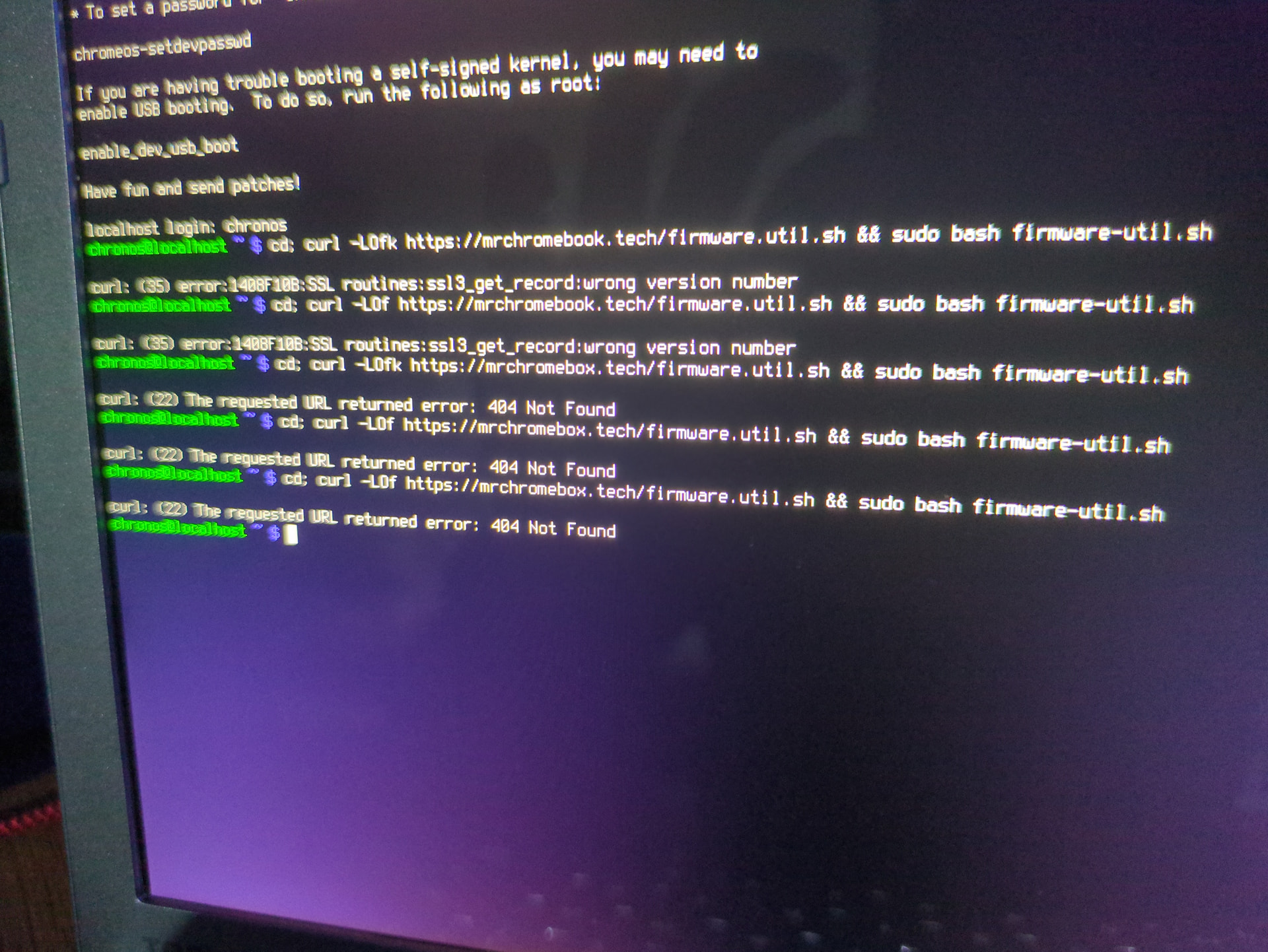
Using this code, with and without the k I get “curl: (35) error:1408F10B:SSL routines:ss13_get_record:wrong version number
I have repeated this about 10 times in total so it should not be a typo on my part.
This is being done from the “Developer Console” that I used ctrl + alt + F2 or right arrow to enter.
I am logged in with “chronos”
I am in developer mode, and I have removed the screw from the motherboard, removed the sticky washer, and covered where the washer was with a small square of electrical tape.
I have wifi connected and I get this same issue from guest mode and logged in to my primary gmail.
The issue is that I am stuck and can’t download the script from chromeOS. I am trying to install a form of linux because my chromebook is past end of life and is 5 years out of date on updates.