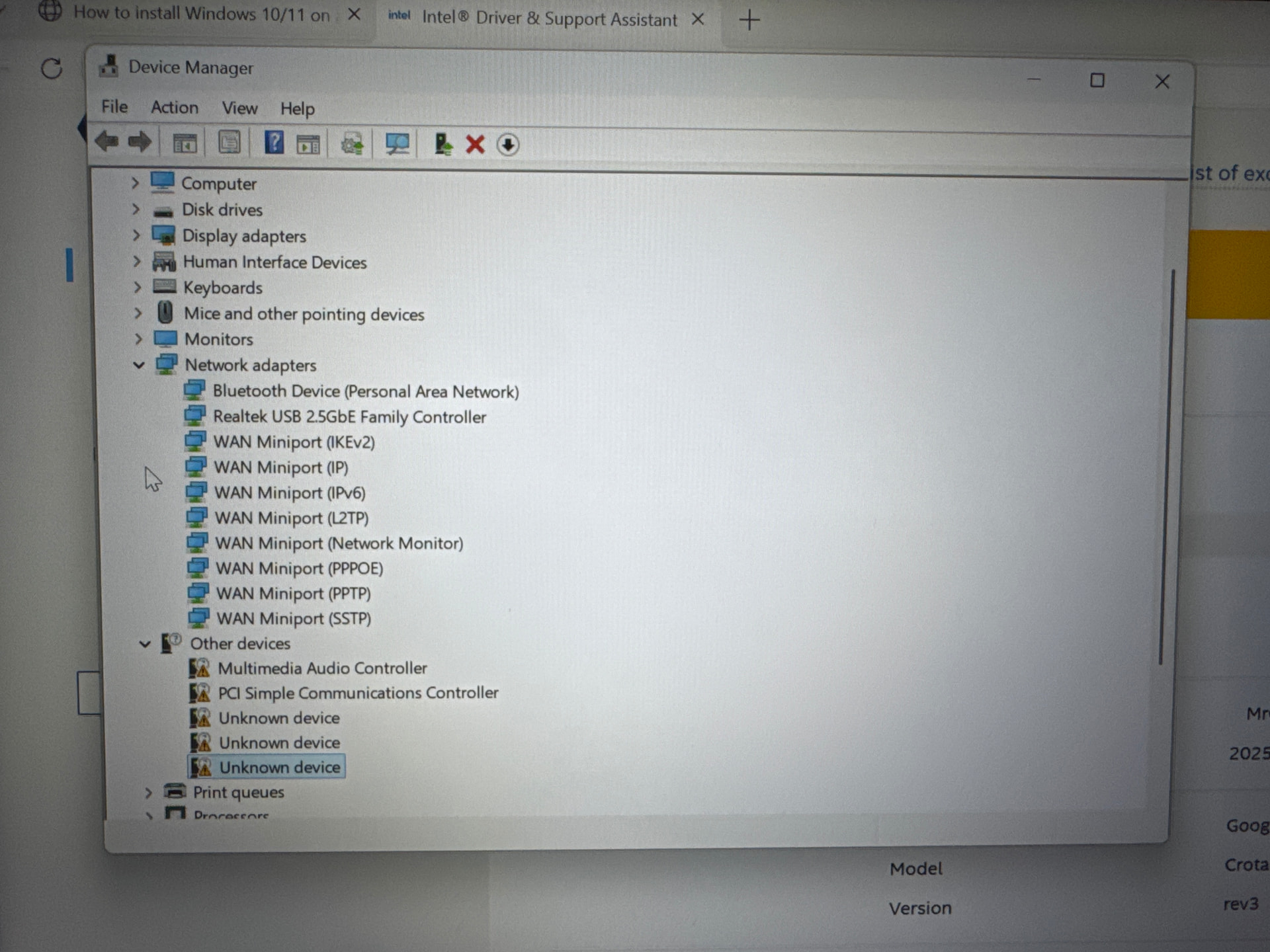
Hello, I have recently upgraded the Intel AX211 in my Dell Chromebook 5430 2-in-1 (Crota360), replacing it with the Intel BE200. I have also replaced the HK Hynix 256 GB M.2 NVMe SSD with a 2 TB Crucial Micron P310 PCIe Gen4 NVMe 2230 M.2 SSD (CT2000P310SSD2). After a clean install of Windows 11 IoT Enterprise LTSC 2024, I followed the instructions on coolstar.org. Everything seemed to install just fine apart from the Intel BE200 driver I installed directly from Intel’s website (installing fine, wifi doesn’t work), then updating using the Driver & Support Assistant tool. I can only get Bluetooth functionality, not Wi-Fi connectivity or functionality.
I am unsure if there was an issue on my part as I had checked if the card was keyed correctly beforehand. I suspect it could be either a driver or BIOS issue, though more so leaning toward a driver issue. I would not think the firmware payload to have a whitelist of some sort.
If it helps any, I have an unknown device listed in device manager with the location “on Intel(R) Serial IO I2C Host Controller - 51E8”.
No, I did not have any of these issues beforehand with the previous configuration.
Please excuse the photos. As annoying as it is, I am currently unable to take proper screenshots and transfer them to my phone at this time.