System Details
- Device: HP Chromebook 14a-ne0013dx
- OS: LinuxMint Cinnamon v22.3
- Firmware Type: RW_LEGACY & UEFI Full ROM
- Firmware Version: ChromeOS 146.0.7680.199
- Internal storage Type: 64 GB eMMC
Summary of the Issue
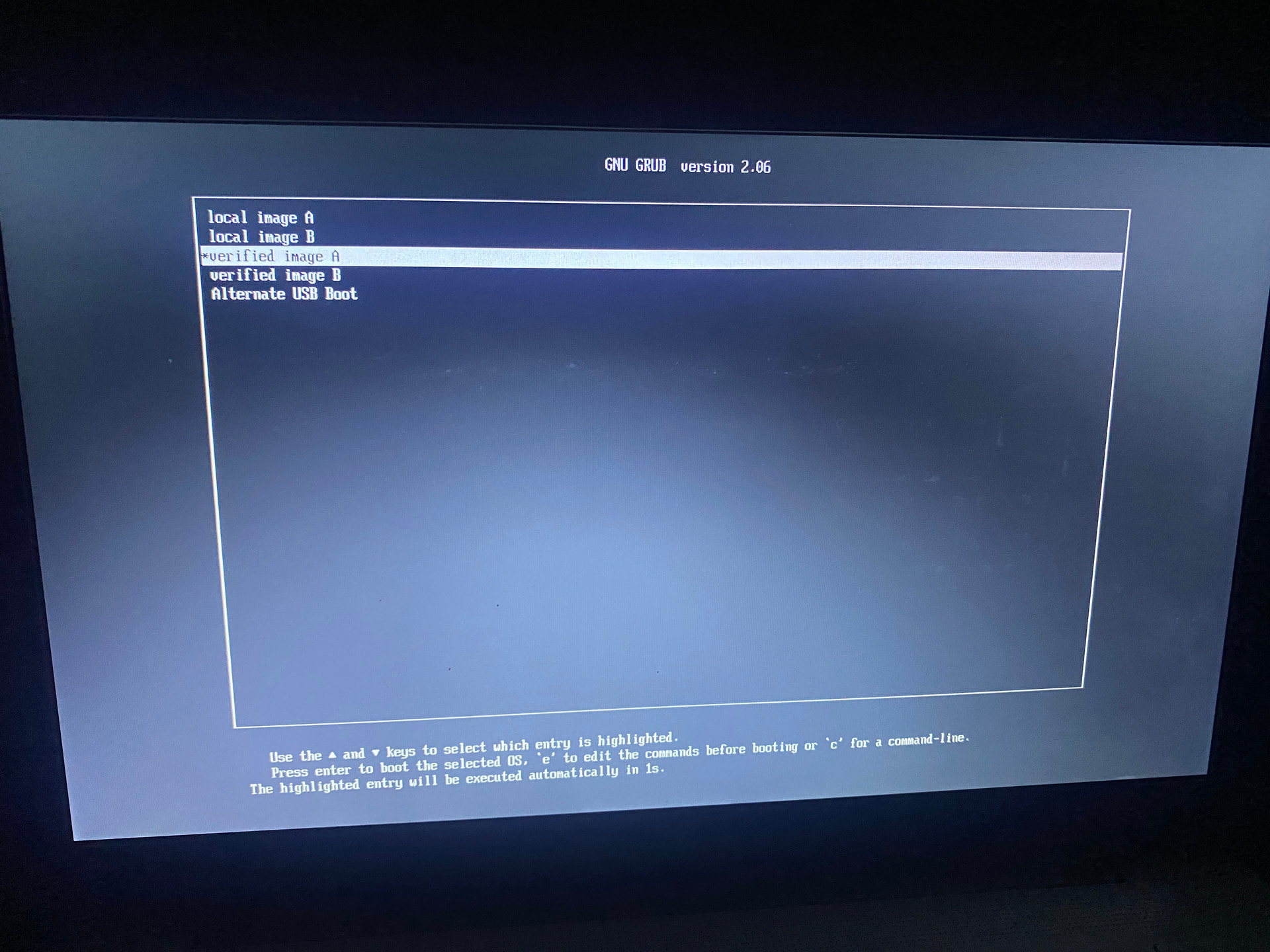
So now when I turn on my Chromebook I’m on GNU GRUB. I had misunderstood some steps while attempting to flash Cinnamon on my computer.
Now, I did not do this while it was flashing, but I was trying to figure out why it wasn’t selecting the USB and I had accidentally shut off my computer.
Not sure where to go off from here, since im not very experienced with this whole thing… I tried watching some videos and research but they didn’t work.
ive tried using the alternate USB boot but that didn’t work either.
Steps to Reproduce
-
Download both RW_LEGACY & UEFI Full ROM
-
Shut off computer while trying to figure out how to flash on a USB
That’s the remnants of the ChromiumOS bootloader, unused by ChromeOS. It is non-functional.
Press ESC on the boot splash screen when prompted, select your USB from the boot menu, then install your OS
Didn’t work, shows this instead.
What else should I try?
what “didn’t work”? that’s a meaningless phrase. You have to say “I did x, then y, and the result was z” I don’t have time to play 20 questions here
I’m sorry,
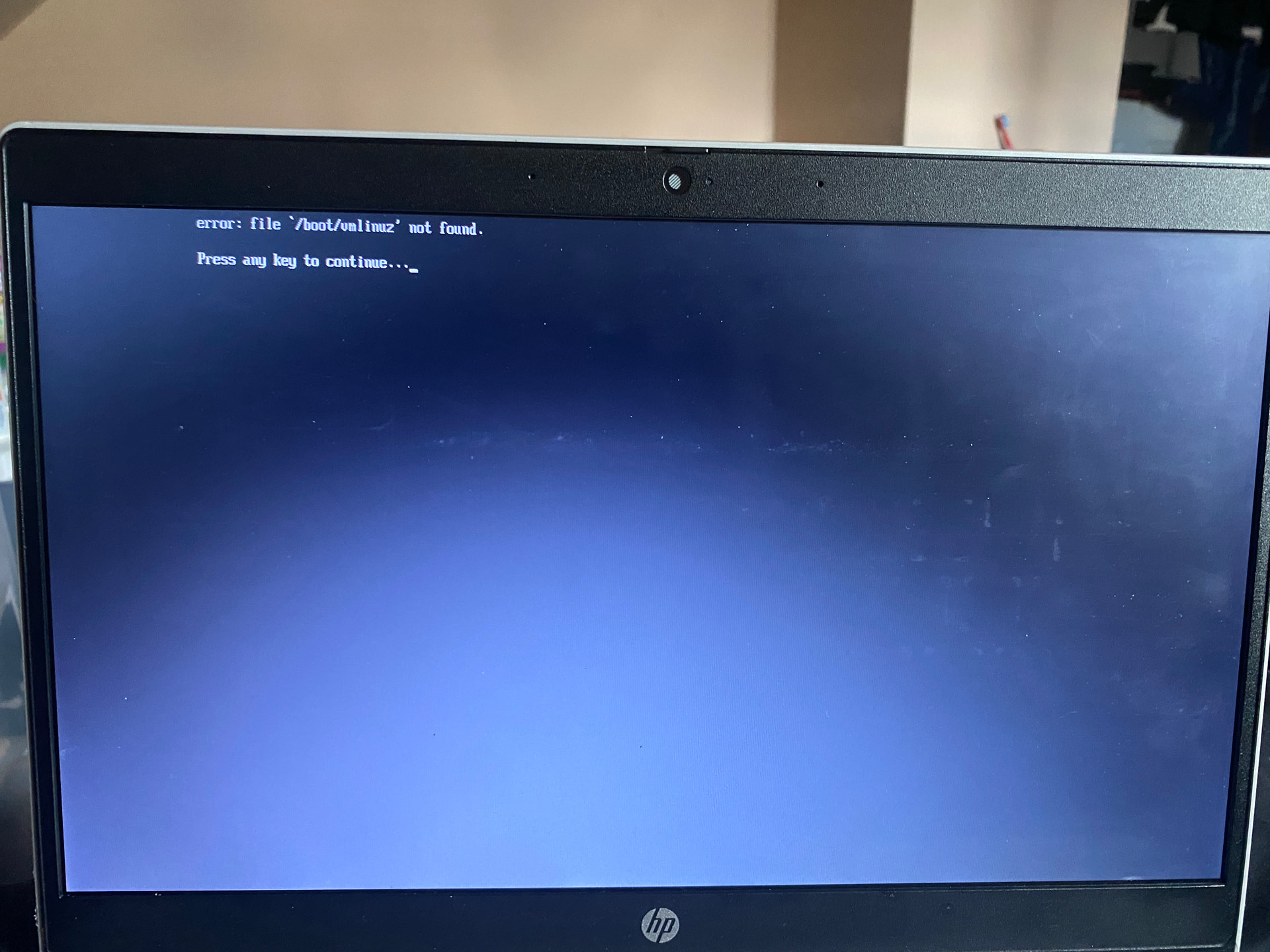
I’ve pressed ESC on the boot screen, nothing appeared to happen, then I pressed ENTER on the Alternate USB Boot, and it gave me the
“Error: file ‘/boot/linuz’ not found.”
And then went back to the boot screen.
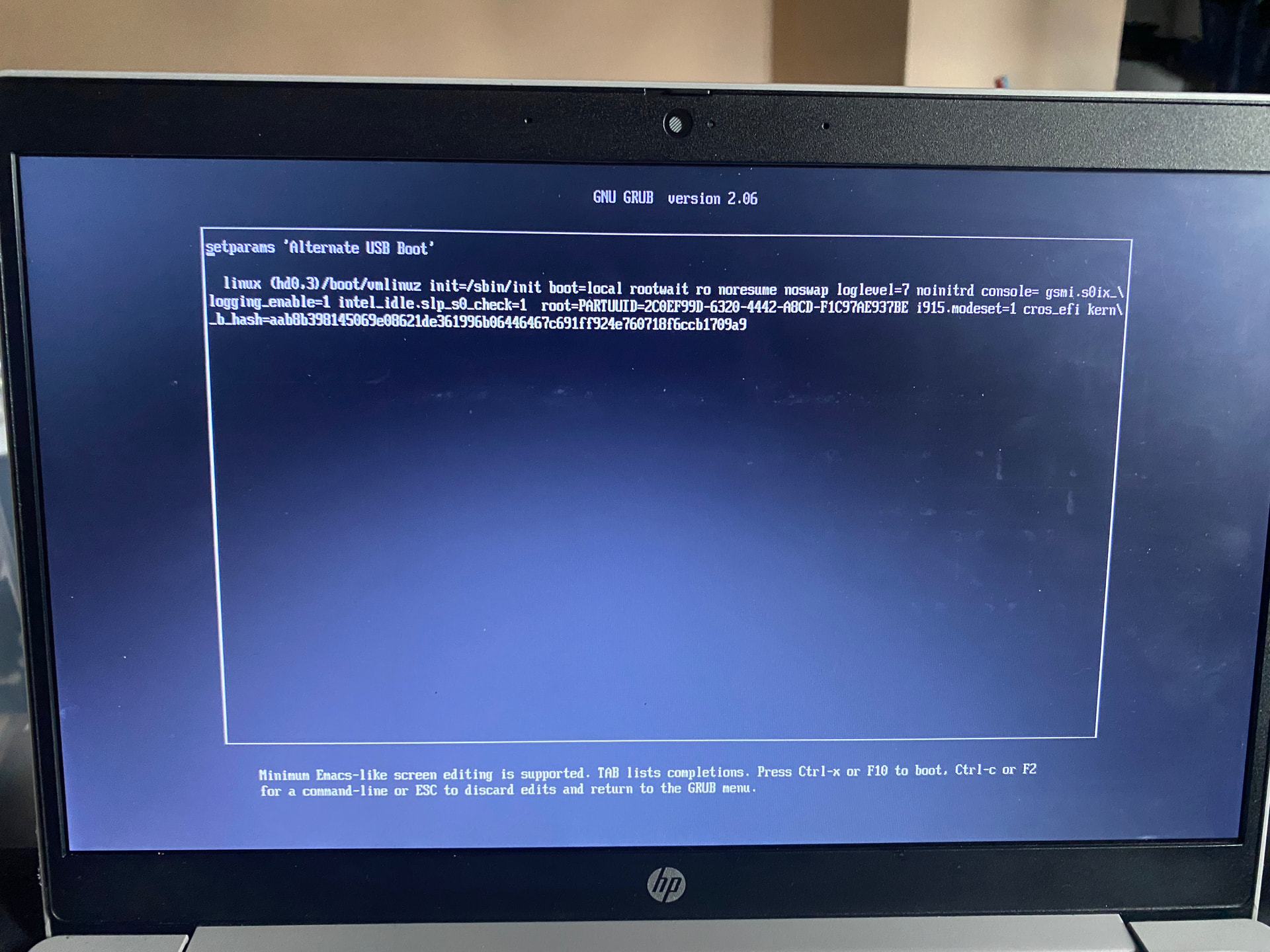
After that, I decided to press E on the Alternate USB Boot and it shows me this.
Nevermind, I just missed something before.
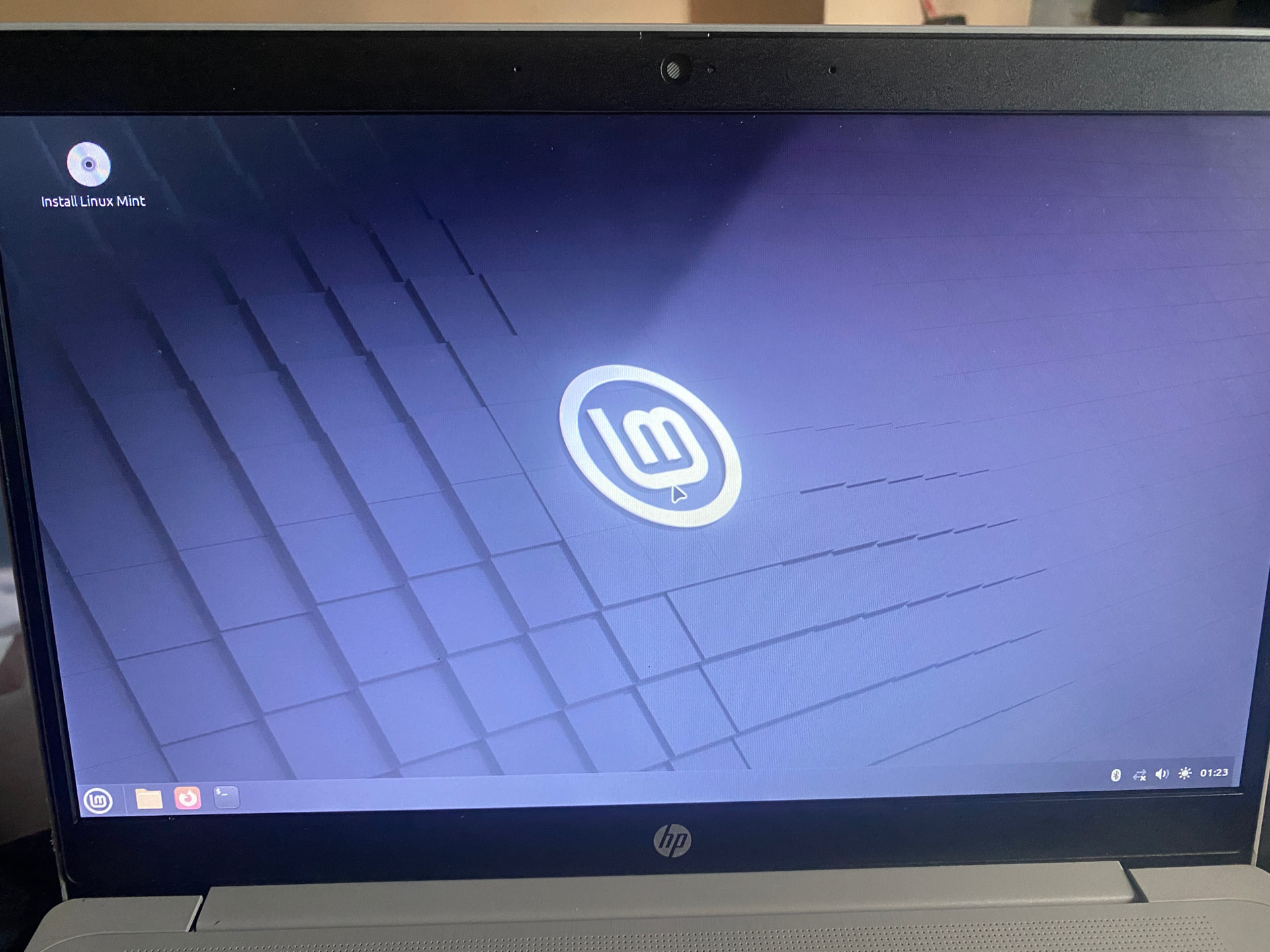
while booting up, I followed your instructions before, Pressing ESC, selecting Boot Manager, and then I selected my USB drive.
right, as I said, select your USB from the boot menu to boot / install your OS.
1 Like
Thanks a ton for the help 
1 Like