Device : [Magolor]OS : [chrom flex]Firmware Type : [uefi mr chromebox]Firmware Version : [As reported by the script]Internal storage type : emmc] (if applicable)
Hello imtryo to add VPD to the ufei rom before putting it in tho the chip is there a way i can do that
get rom
update vpd with info
flash
the uefi should have updated with vpd
Tayne
June 30, 2026, 10:20pm
2
You can modify the rom file with vpd tool. I’m on my phone so bear with me…
Run
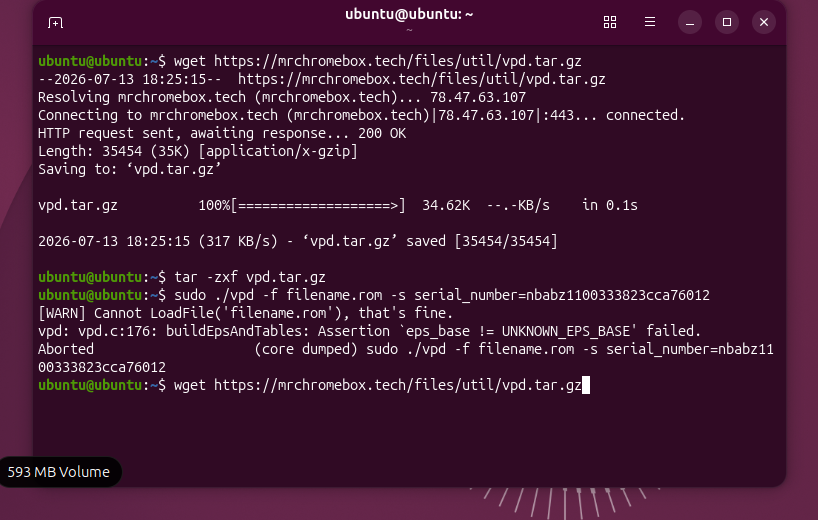
wget https://mrchromebox.tech/files/util/vpd.tar.gz
tar -zxf vpd.tar.gz
Then modify the file
sudo ./vpd -f filename.rom -s serial_number=xxx
And whatever else you need to do
Edit: just reread your post. This is for stock firmware, not sure if it’s possible or if there’s a reason to do it to uefi firmware
the frimware is not stock and i need to testfor a project though i do need to put it in maumlly
I have a question: should I perform these modifications using the firmware flash utility, or can I do this via an Ubuntu VM, as that is the environment I am currently using
Ubuntu VM is the stupidest move id say
If you are on anything but linux, do a libe boot for all of this
From that 593mb volume I can tell it’s a live boot. Good job
oh um thanks.sosuggesting i justuse libre okay
hey tayne this is the error im getting is did normal
no, “filename.rom” is a placeholder, you have to put the name of the file you’re trying to modify there
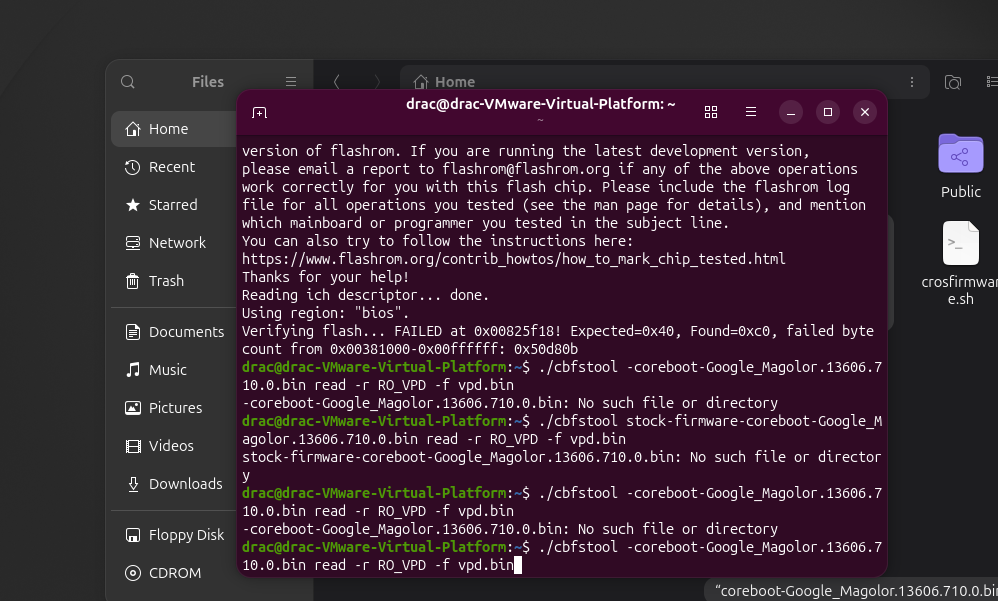
oh okay i have the shell bal for the stock from ware but im trying to modify it before i flash it everytime i put the file name it can not find the file
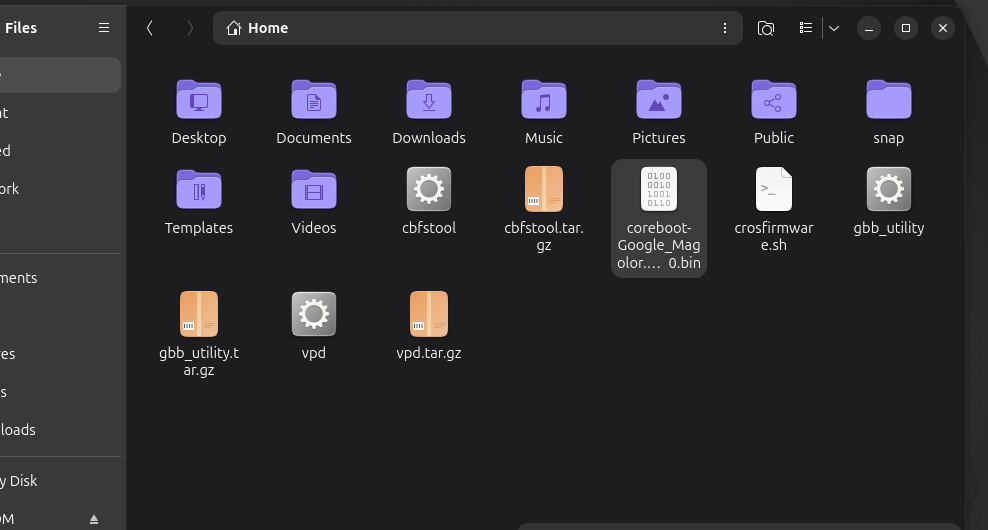
well, either you’re not using the correct file name, or the file isn’t in the same directory as you’re running the vpd command.
i have put them in the sameplace but im still getting the same error
you need to read what you type more closely. you added a - before the filename in the cbfstool command.
edit: also, why are you trying to read the VPD from the shellball rom? it’s empty
I managed to resolve the VPD issue, but now I’m having trouble with recovery. I tried using a USB drive to recover ChromeOS, but the screen stays black during boot. It only displays an image when I use the button combination to enter recovery mode. Any advice on how to fix this?
what does this mean?
you boot to recovery. you insert the USB. then what? does it perform a recovery? complete successfully? something else?
well it said it succesfully installled but once i take out the usb it restarts but the screen is black and doesnt boot at all