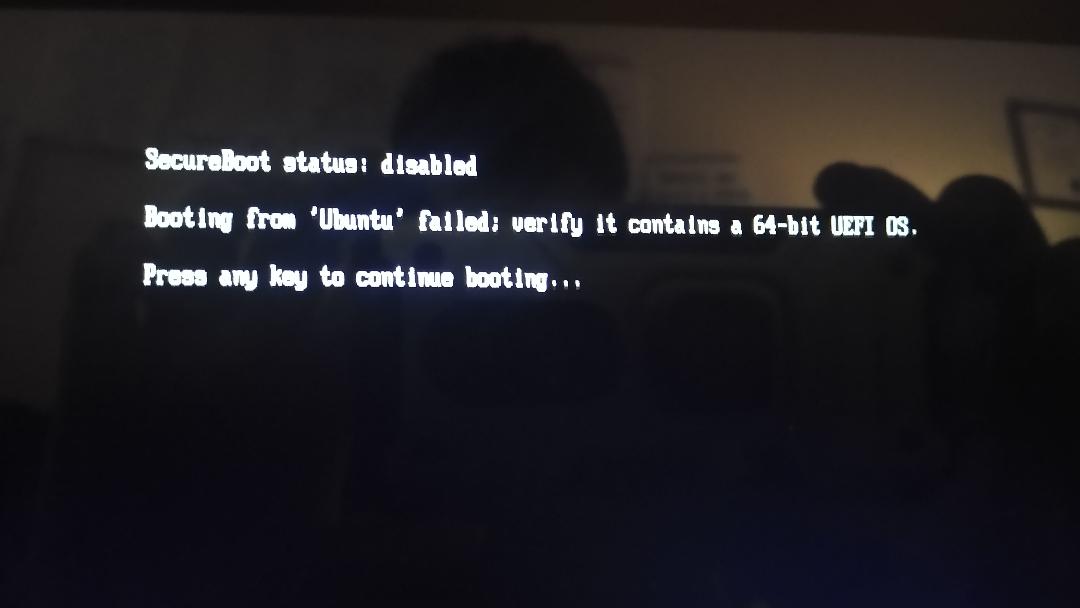
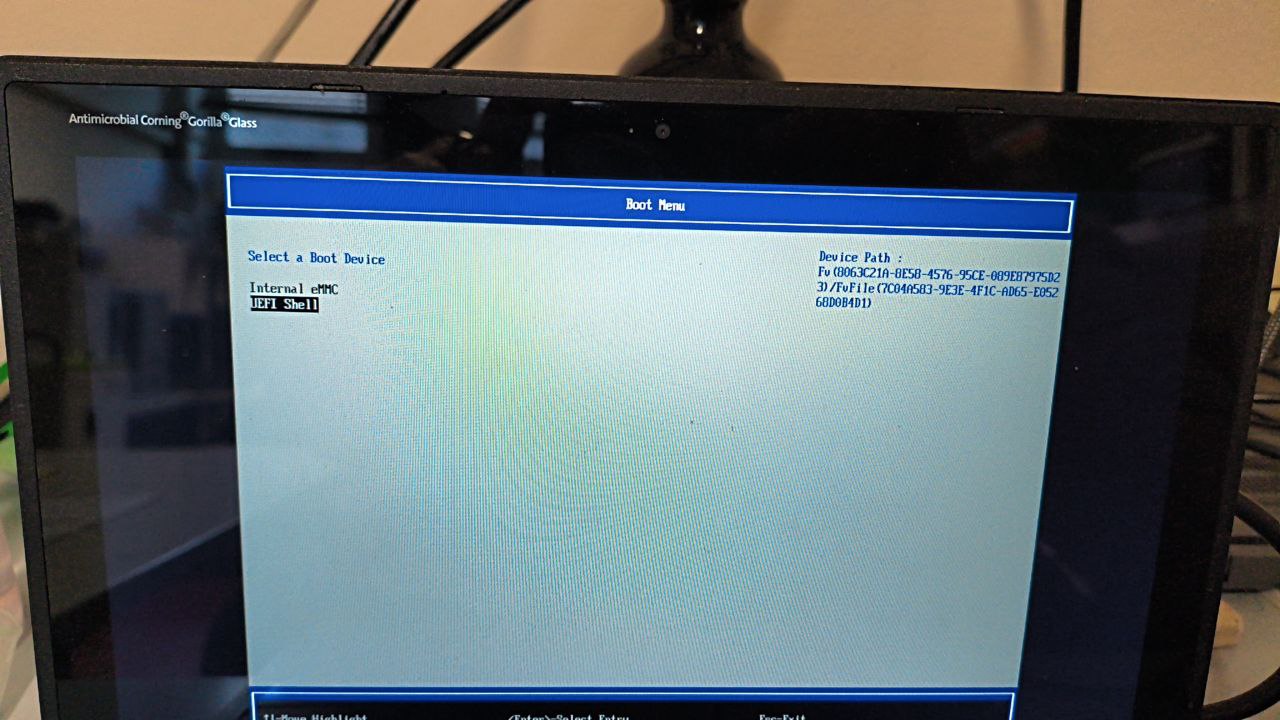
I installed Kubuntu to an Acer Chromebook Spin 511. Whenever I turn it on and try to boot to the new OS I get this error message. After a couple of reboots it just boots me right into Kubuntu so it kind of works but it’s super annoying.
I followed all the steps and even tried reinstalling the firmware to make it work. I’m really really annoyed and need some help.
You created your USB with GPT? I had this error when I used MBR.
the OP has already installed their OS on internal storage, this has nothing to do with a USB
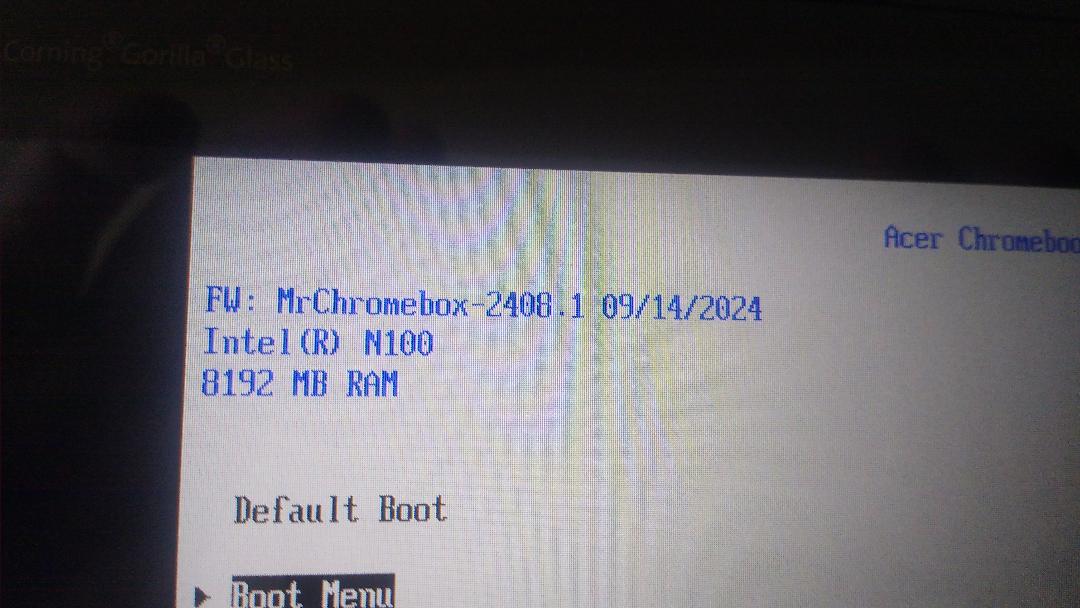
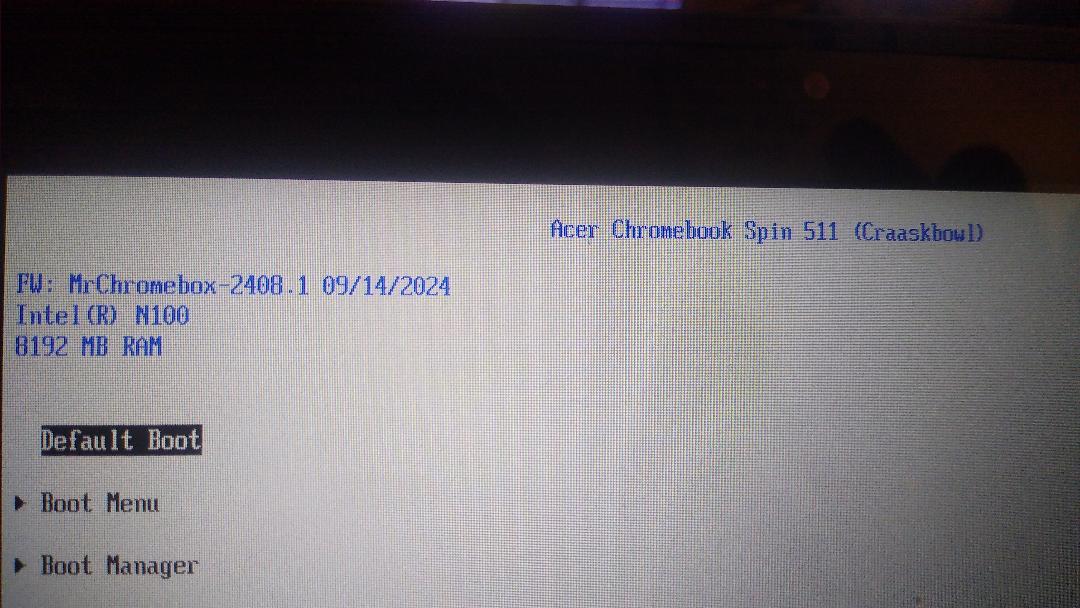
board name, internal storage type, firmware version?
[facepalm]
you literally cropped off the board name from the right side of the pic
[facepalm] Sorry wrong pic:
is the internal eMMC listed under the Boot Menu?
It’s just:
Ubuntu
UEFI Shell
P.S.
I just turned it off and back on and now it’s
Ubuntu
UEFI Shell
eMMC Device
sounds like the eMMC isn’t getting detected on a warm boot maybe? or just intermittently not being detected
What can I do about that?
I’ll need an edk2 debug log to try and see what’s going on. DM me and I’ll give you an image to flash manually to get the required info
Hi i’ve the same issue how can i make a edk2 debug ?
i need Help XD can i send a photo for model and state ?
also my bios lose some action like add new boot or load boot from attached device 
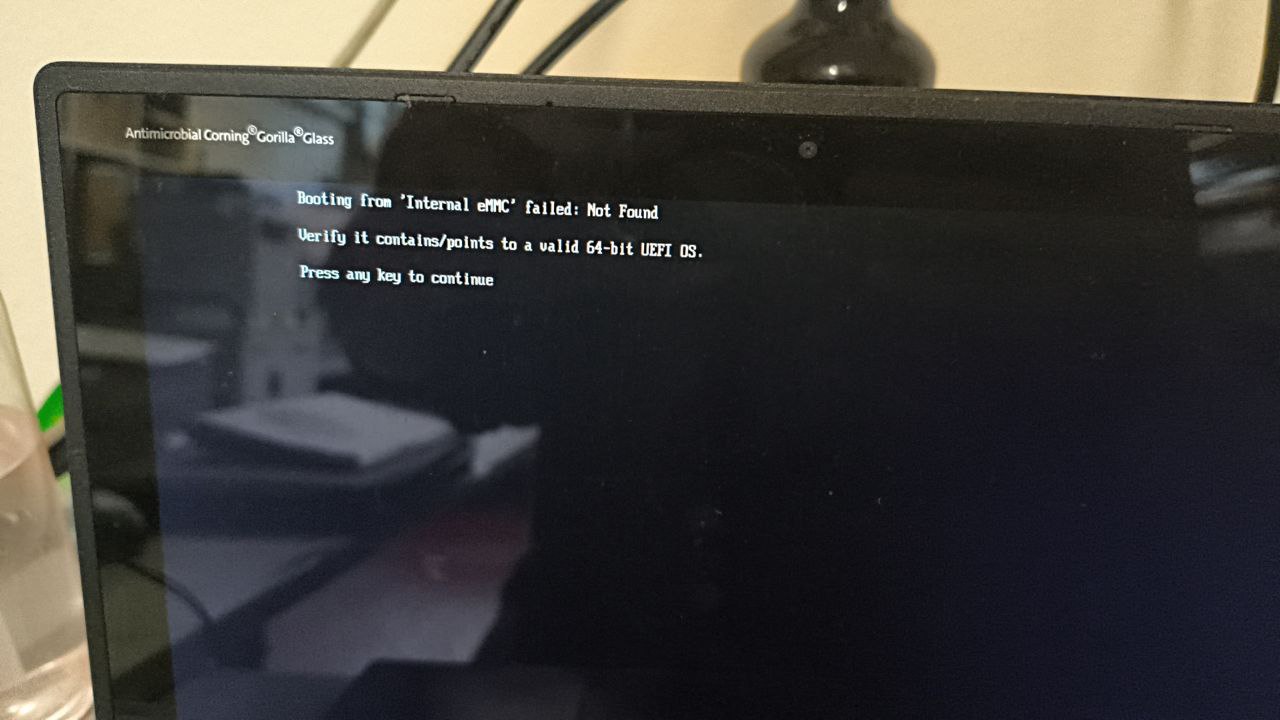
Hi i’ve see an different issue, i have em
mc but i cant load anything : can anyone can help me ?
not with the lack of info provided.
- board name?
- firmware version?
- pic of boot menu listing
- do you actually have an OS installed on the eMMC?
a picture of an error with no context is useless and just annoys anyone who might be inclined to help
1 Like
Hi, I’ll try to answer you as best as I can:
board name? bobba360
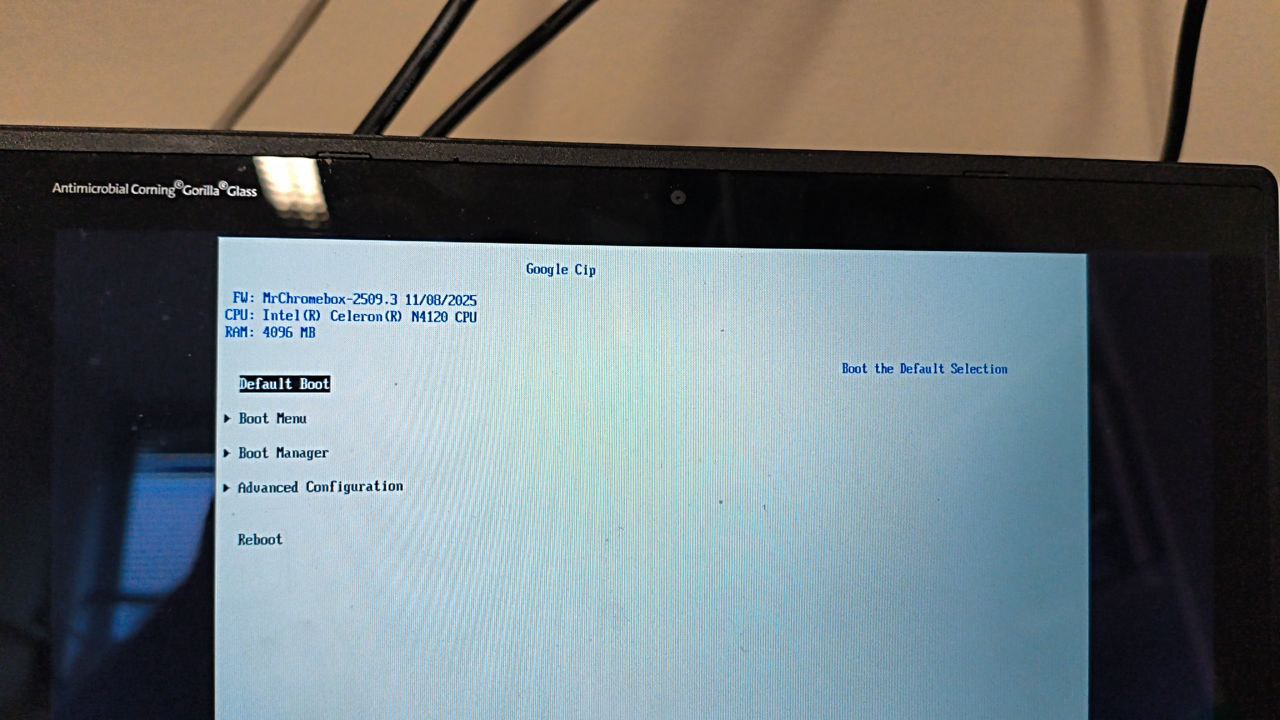
firmware version? I don’t know, and I hope it can be useful to you, EDK 2
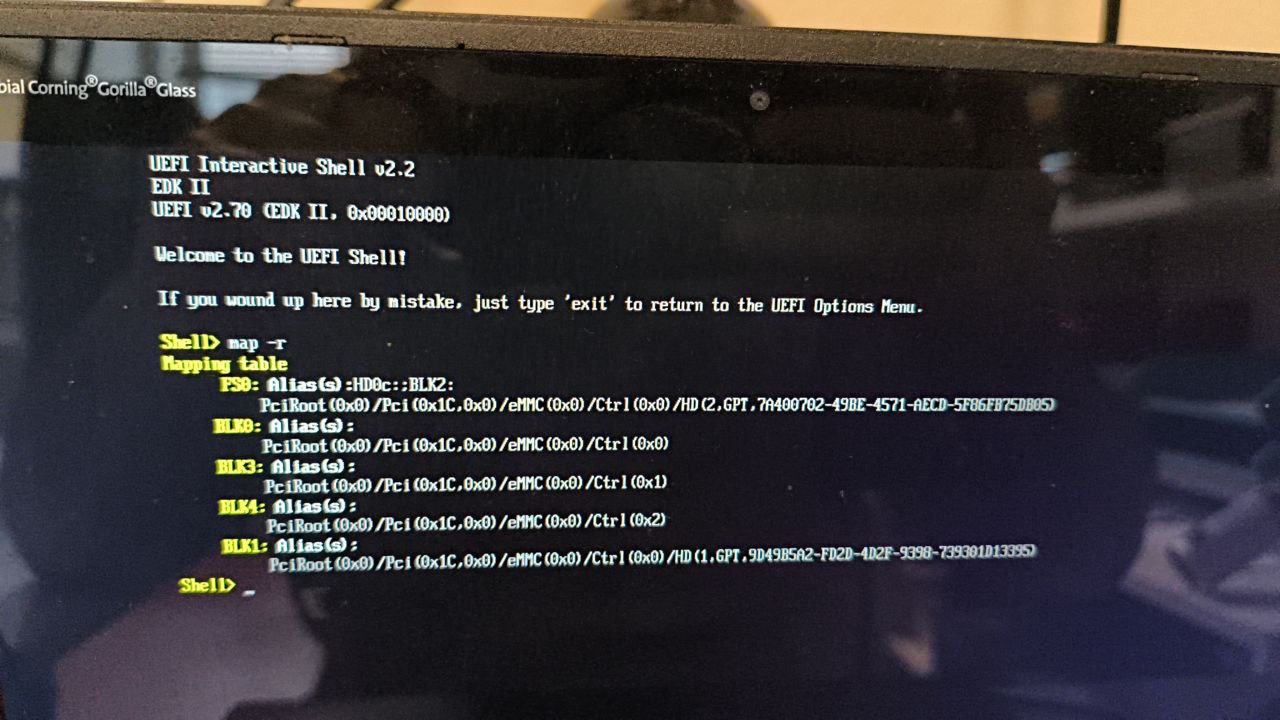
I took a pic of the boot menu listing and I’ll add a mapping that I think is where the problem is.
do you actually have an OS installed on the eMMC? There is an OS (lubuntu) installed on the machine’s eMMC, but it doesn’t boot; I have installed it several times.
I’ll add more photos that I hope will be useful to you
i add more photo in this Drive CHROMEBOOK PROBLEM - Google Drive
the firmware version is on the main screen, in the upper left corner
Sorry my bad and thank you for support