System Details
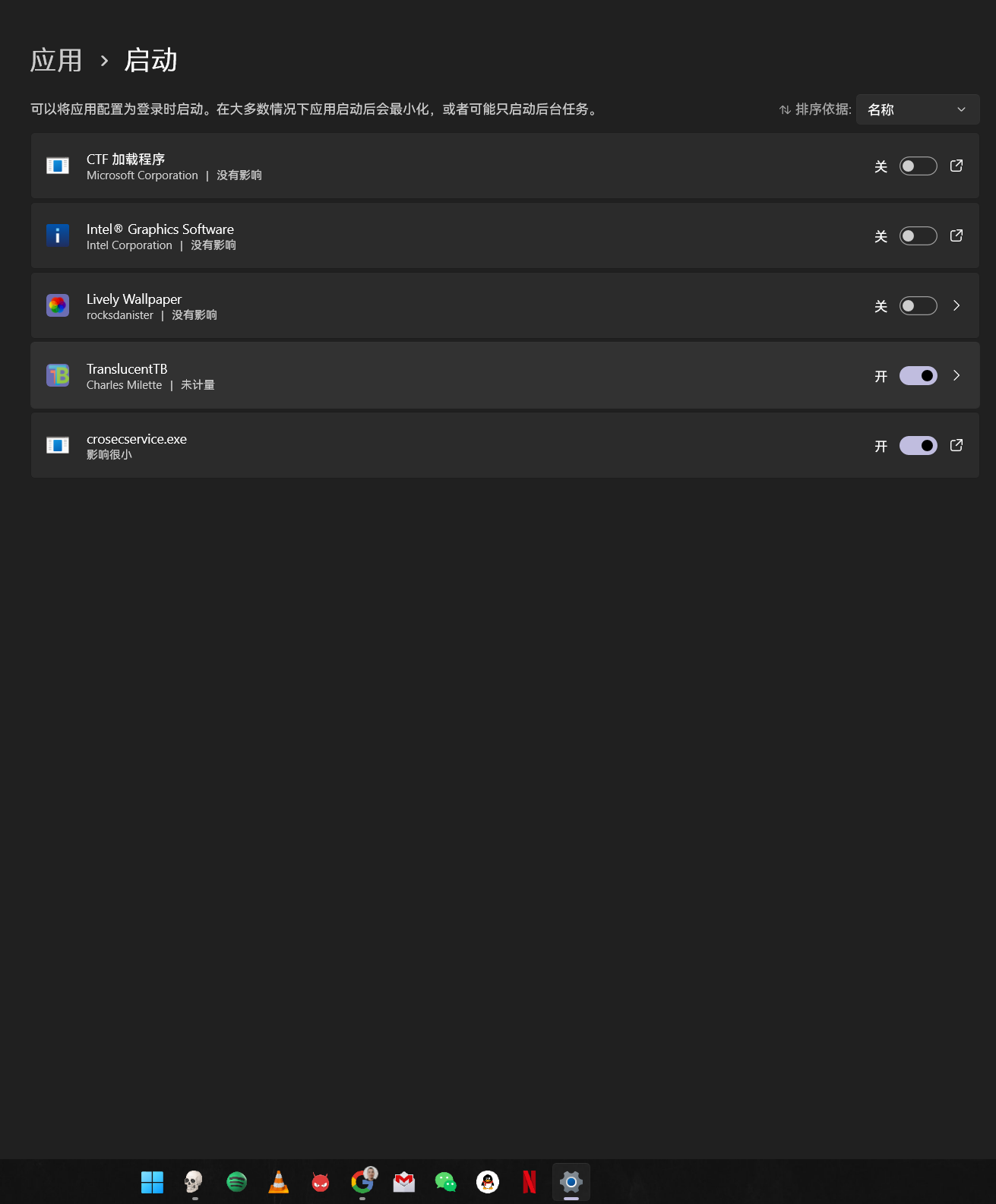
- Device: HP Elite Dragonfly Chromebook (Redrix / Brya)
- OS: Windows 11
- Firmware: MrChromebox UEFI Full ROM, coreboot MrChromebox-2609.1 (01/10/2026)
- Drivers: CoolStar drivers, crosec 2.0.7
Summary of the Issue
The keyboard backlight does not work at all when the Chromebook powers on by opening the lid after being shut down for a long time (several hours).
What works and what doesn’t:
- Power on with the power button → backlight works, Ctrl + Brightness toggles it normally.
- Shut down and open the lid again after a short time (a minute or so) → backlight works.
- Shut down for a long time, then open the lid (auto power-on) → backlight never turns on. Ctrl + Brightness does nothing for the whole session.
When it fails, ectool shows:
C:\Program Files\crosec\ectool.exe pwmgetkblight
Keyboard backlight disabled.
C:\Program Files\crosec\ectool.exe pwmsetkblight 100
ioctl errno 4d5, EC result 255 ()
Dynamic Lighting in Windows Settings shows “No compatible devices found”.
It looks like the EC doesn’t initialize the keyboard backlight when it wakes from a long power-off via the lid switch. Is this a known issue on Redrix, and is there any way to re-enable the backlight without rebooting with the power button?
Thanks!