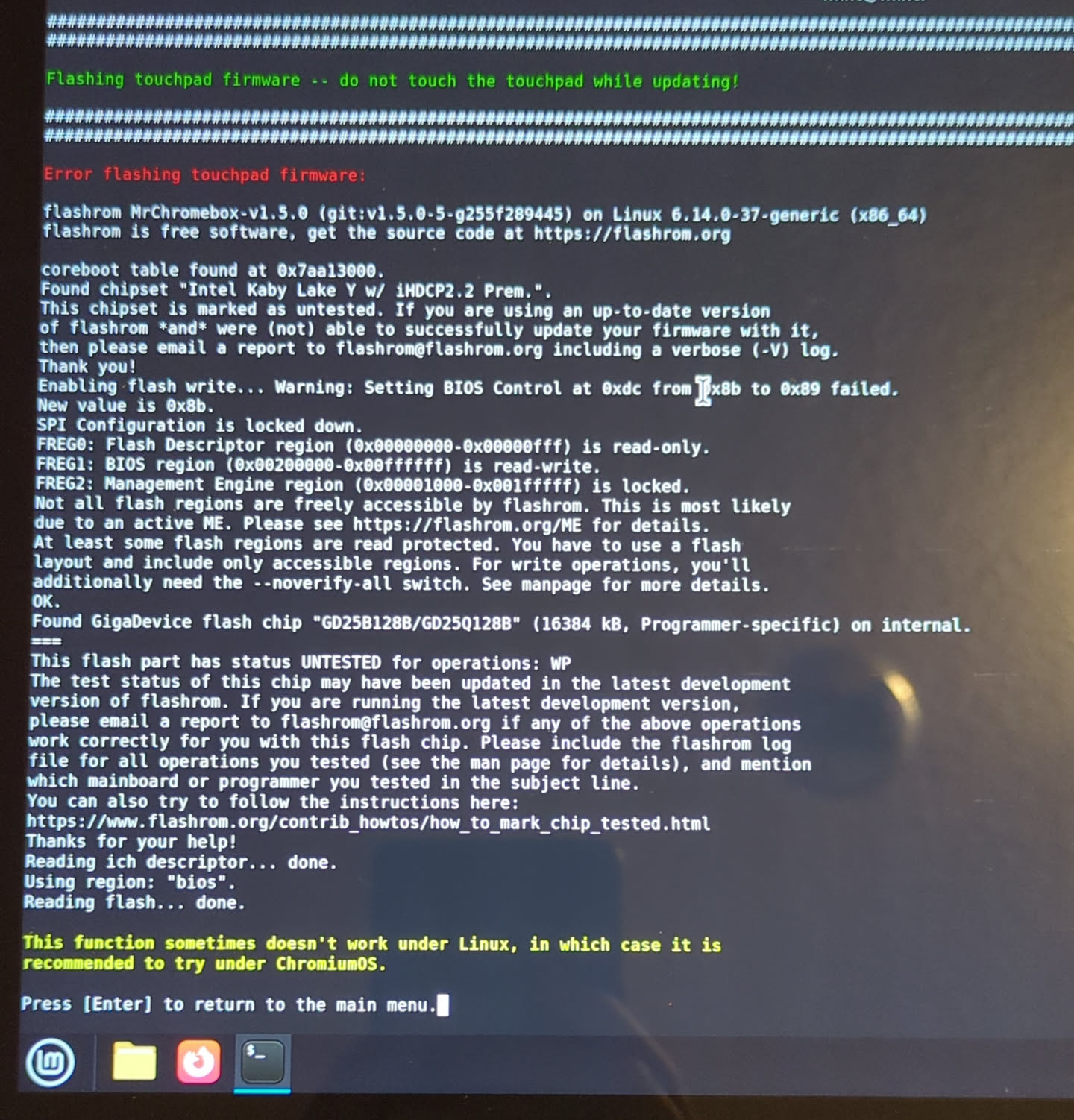
System Details
- Device: Pixelbook EVE (i7, 512G SSD)
- OS: ChromeOS
- Firmware Type: RW_LEGACY (Also tried on Stock. Write protection unlocked with SuzyQ that I do not have access to anymore)
- Firmware Version: 9584.230.0 (09/06/2021)
- Internal storage type: Unsure, probably NVMe? It’s the 512G model
Summary of the Issue
When attempting to downgrade the trackpad firmware from the chronos terminal, flashrom encounters an error. I originally attempted this the recommended way (after flashing the UEFI firmware) but I was able to recreate the exact same error messages without flashing UEFI.
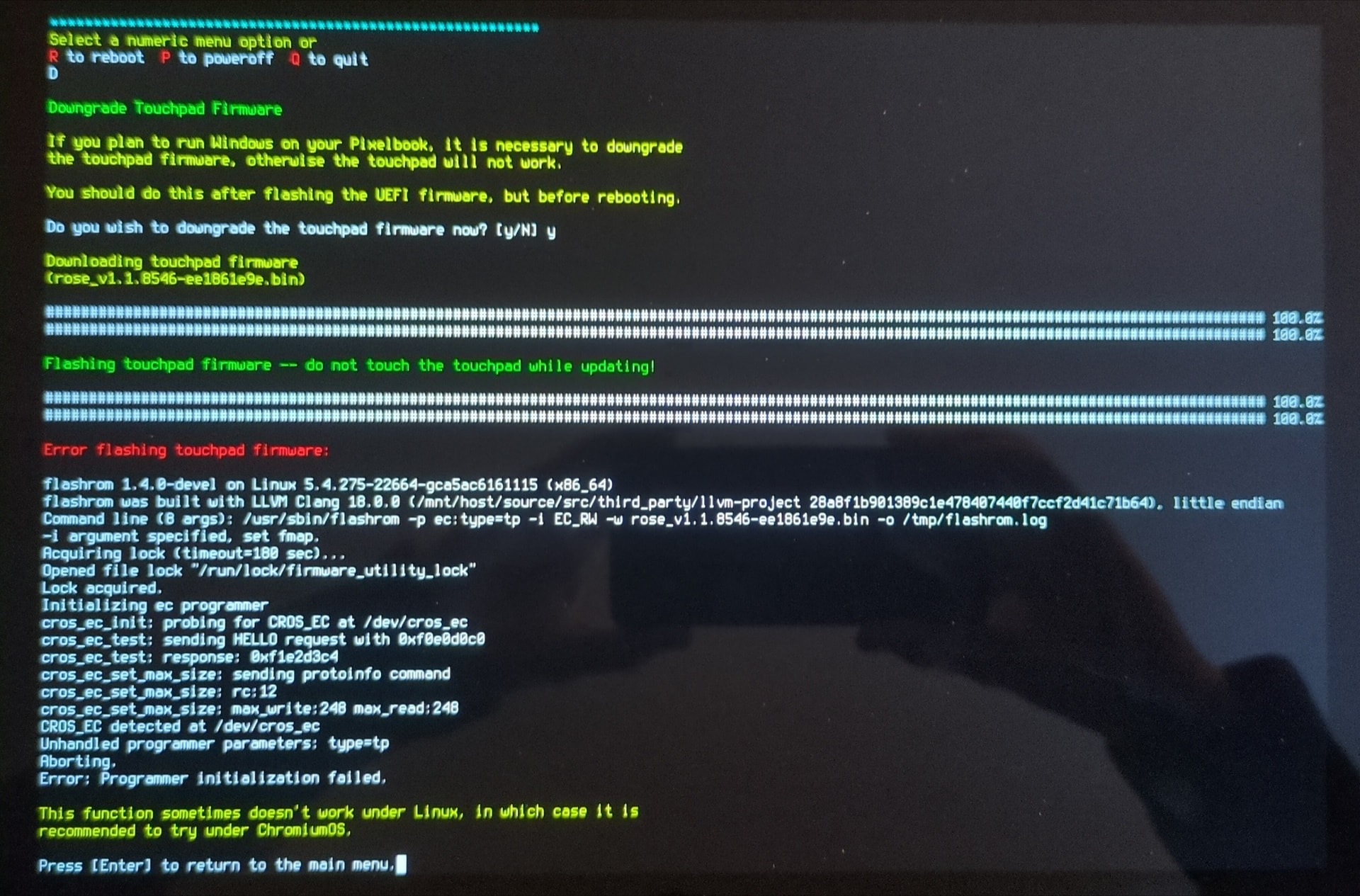
Steps to Reproduce
-
Install ChromeOS from USB (126.0.6478.132, no valid hardware ID due to previous owner’s actions)
-
Launch a chronos terminal, run the Firmware Utility Script
-
Install UEFI firmware, select ‘downgrade touchpad firmware’
Expected Behavior
(I have never successfully flashed the firmware on this trackpad. I don’t know what it’s supposed to look like…)