not sure how many times we have to say this, you can’t switch to Dev Mode with the battery disconnected (or without a functional battery).
The video does nothing to show what the problem is. “I can’t access dev mode” is meaningless. It doesn’t tell us what you did, or what the outcome was.
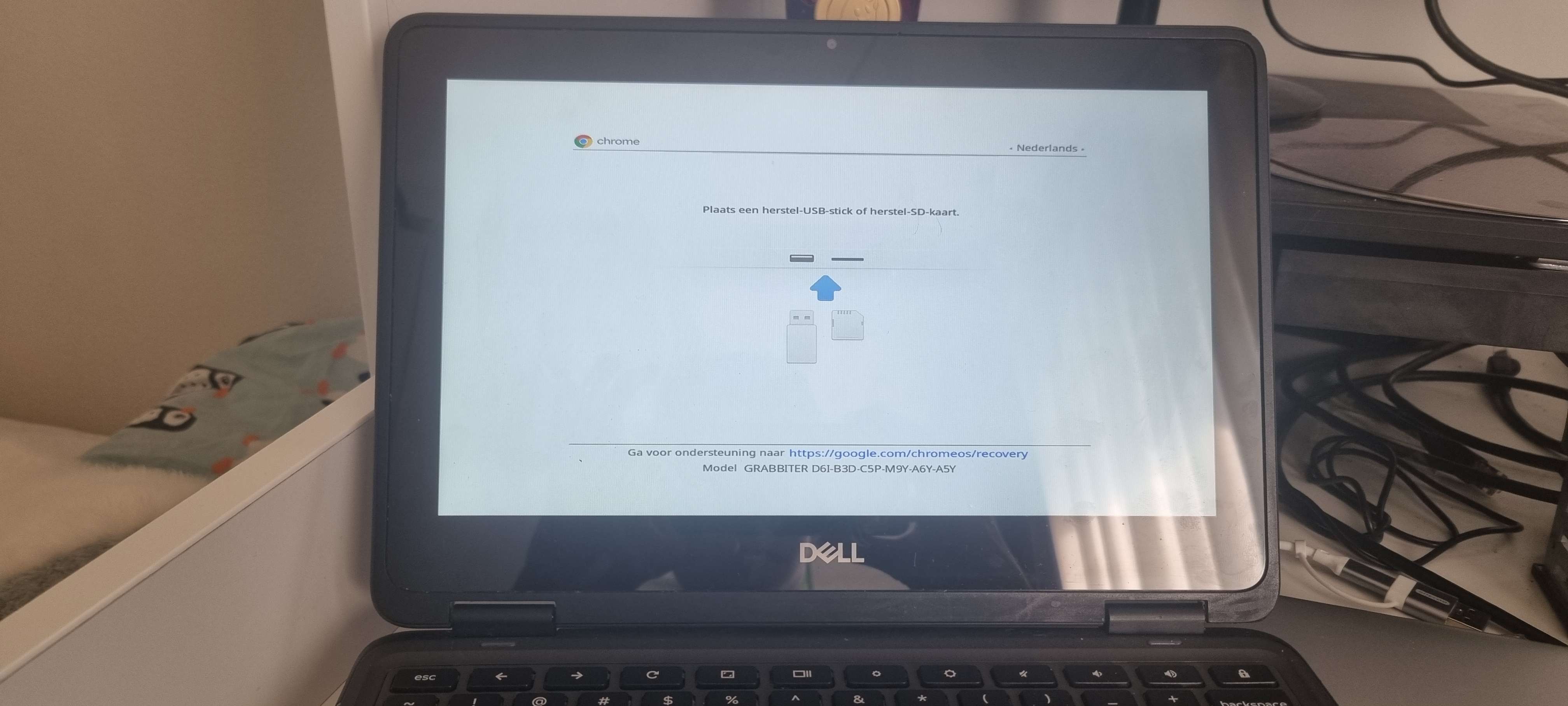
Sorry, I thought I made it clear my bad. I’ve tried to get into dev mode with and without the battery and I can get into recovery mode but when I press ctrl D it doesn’t show anything and the arrow keys also. I was managed by a school which I recently got rid of so I’m going to try and power wash it again to see if that helps. (Also mabye put that in the docs because it isn’t)
When I’ve had this issue, it was usually on devices that had a bad sensor port or it was disconnected (does the screen properly rotate when you rotate the CB outside of recovery)? If not, check the cable. Otherwise, sometimes recovery would fix it.
In chromeos when I put it into tablet mode (flip the screen) it does go into tablet mode but even with auto rotate on it doesn’t want to rotate and when I put it normally again it gets stuck in tablet mode.
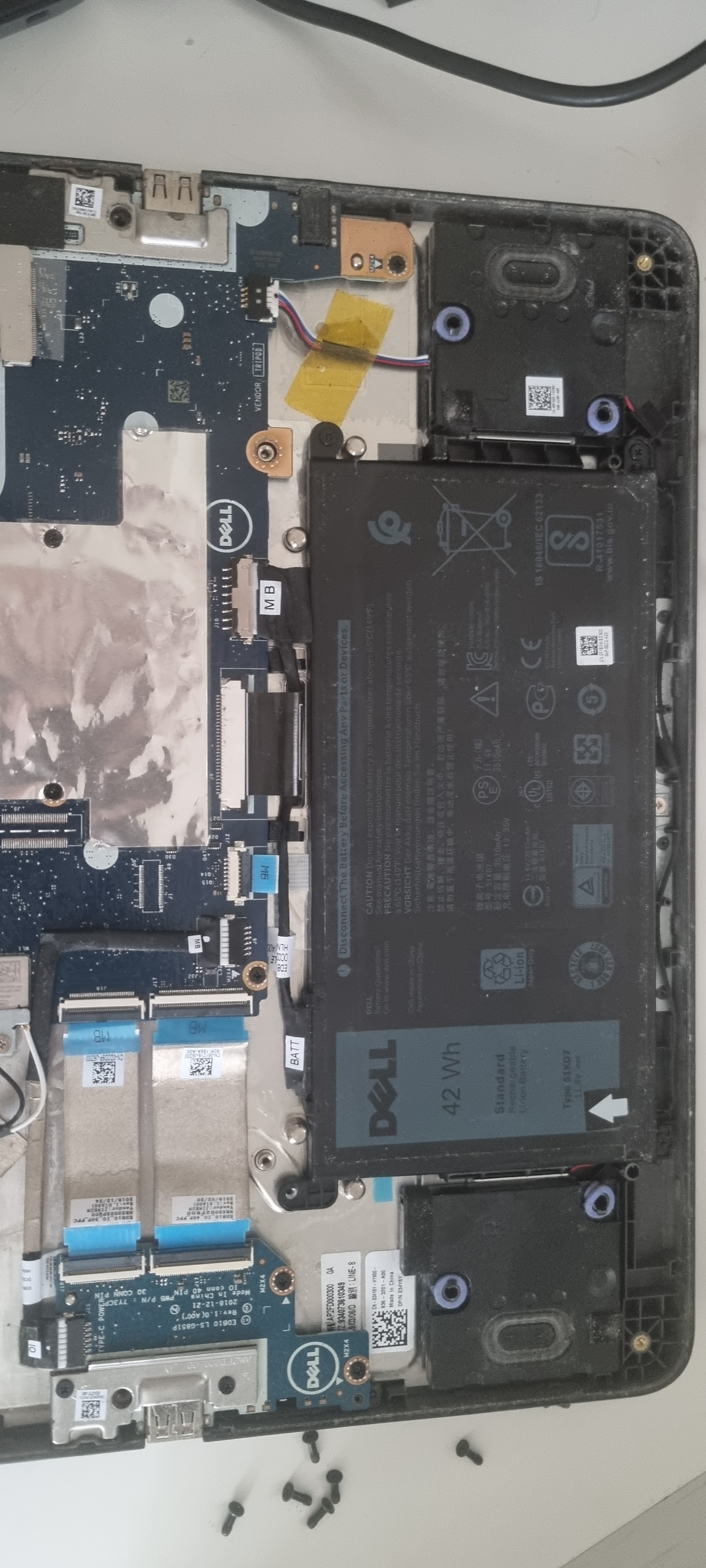
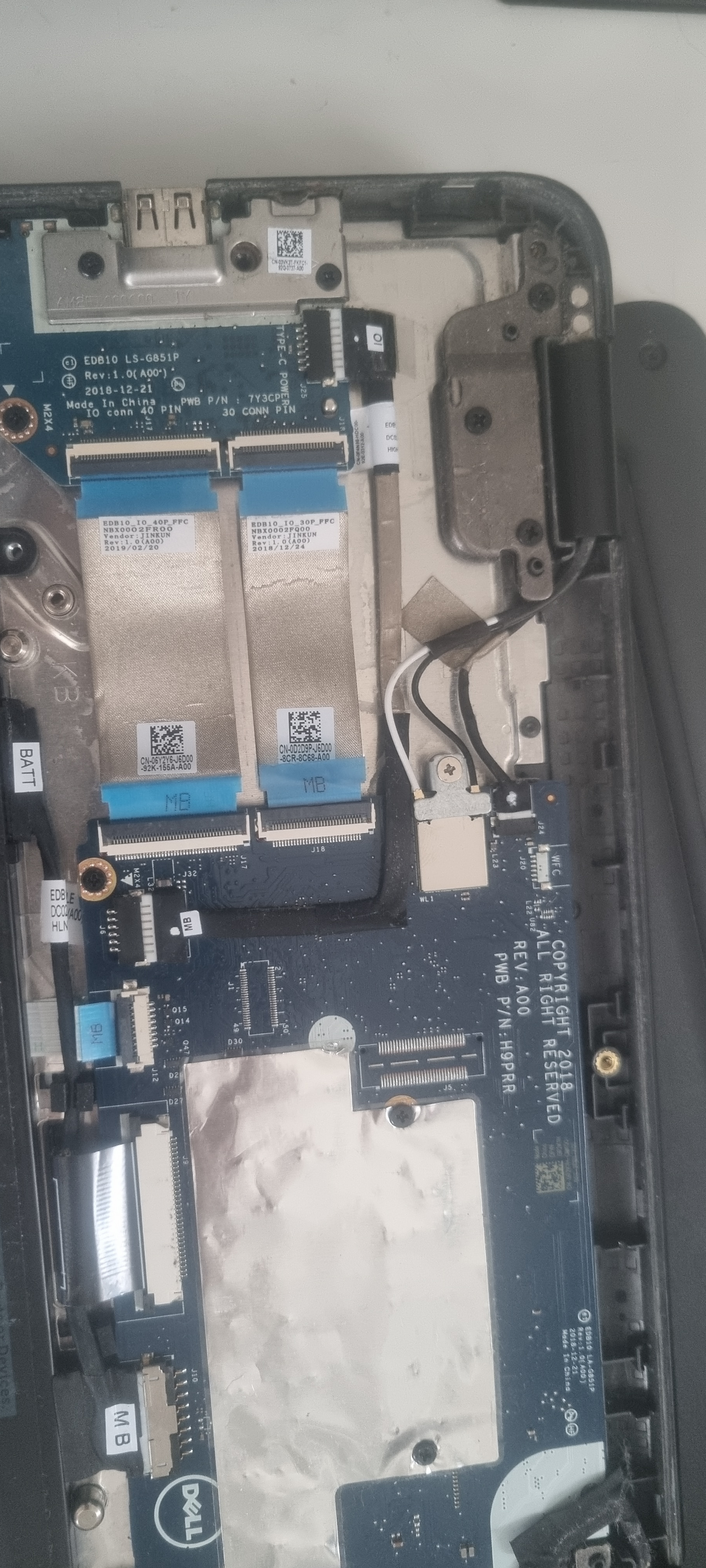
I don’t know what to specifally look for but for just openning up the case I can’t see anyone wierd things with the cables. Sorry for my bad english btw
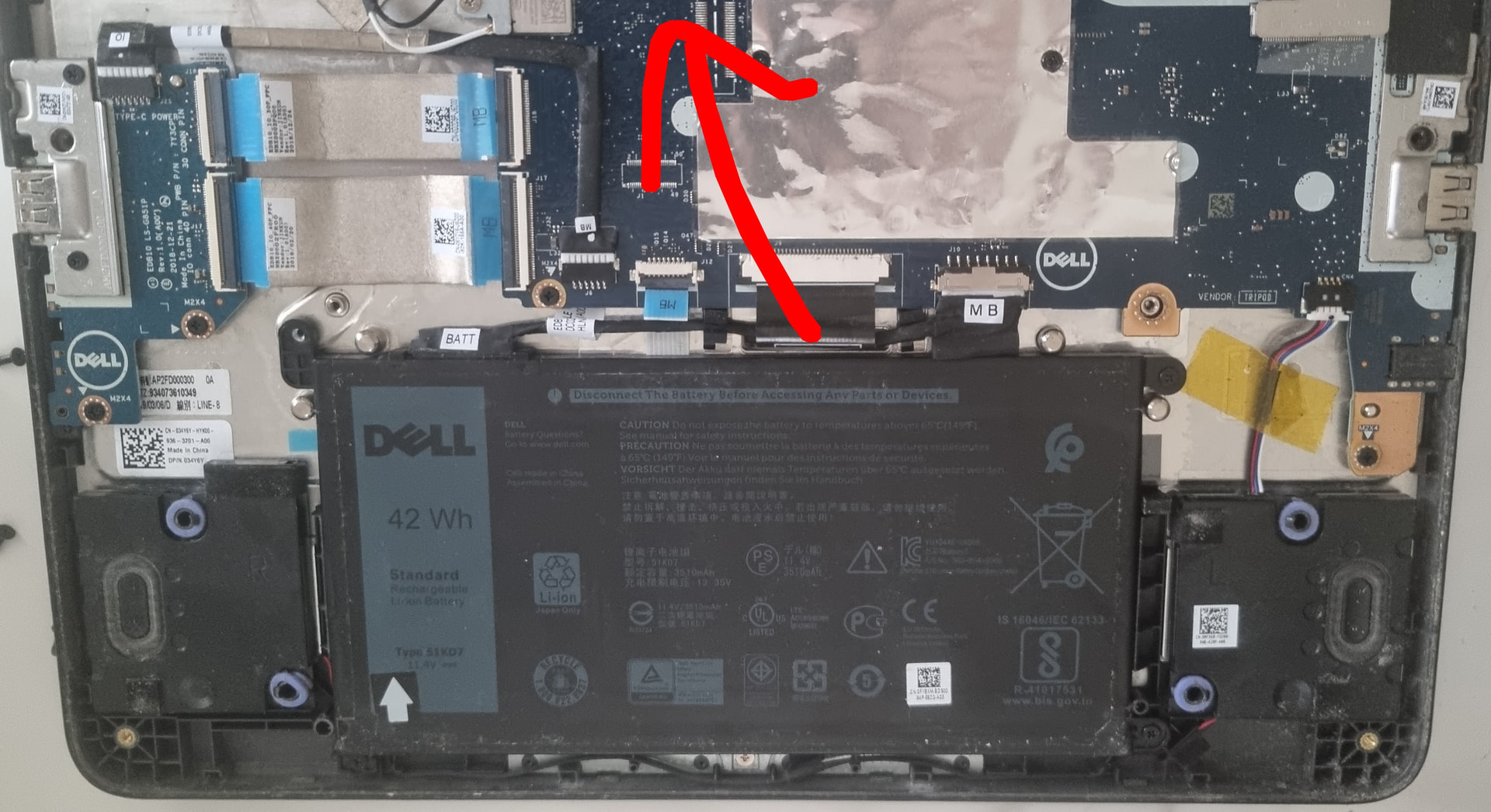
Unfortunately your picture cuts off the area where the sensor port is, but it’s above the arrow in this pic. Check that it’s connected on the motherboard and where it connects to the lcd