System Details
- Device: [Acer Chromebook 14]
- OS: [Ubuntu /Gallium]
- Firmware Type: [UEFI Full ROM]
- Firmware Version: [not sure where to check]
- Internal storage type: [] (if applicable)
Summary of the Issue
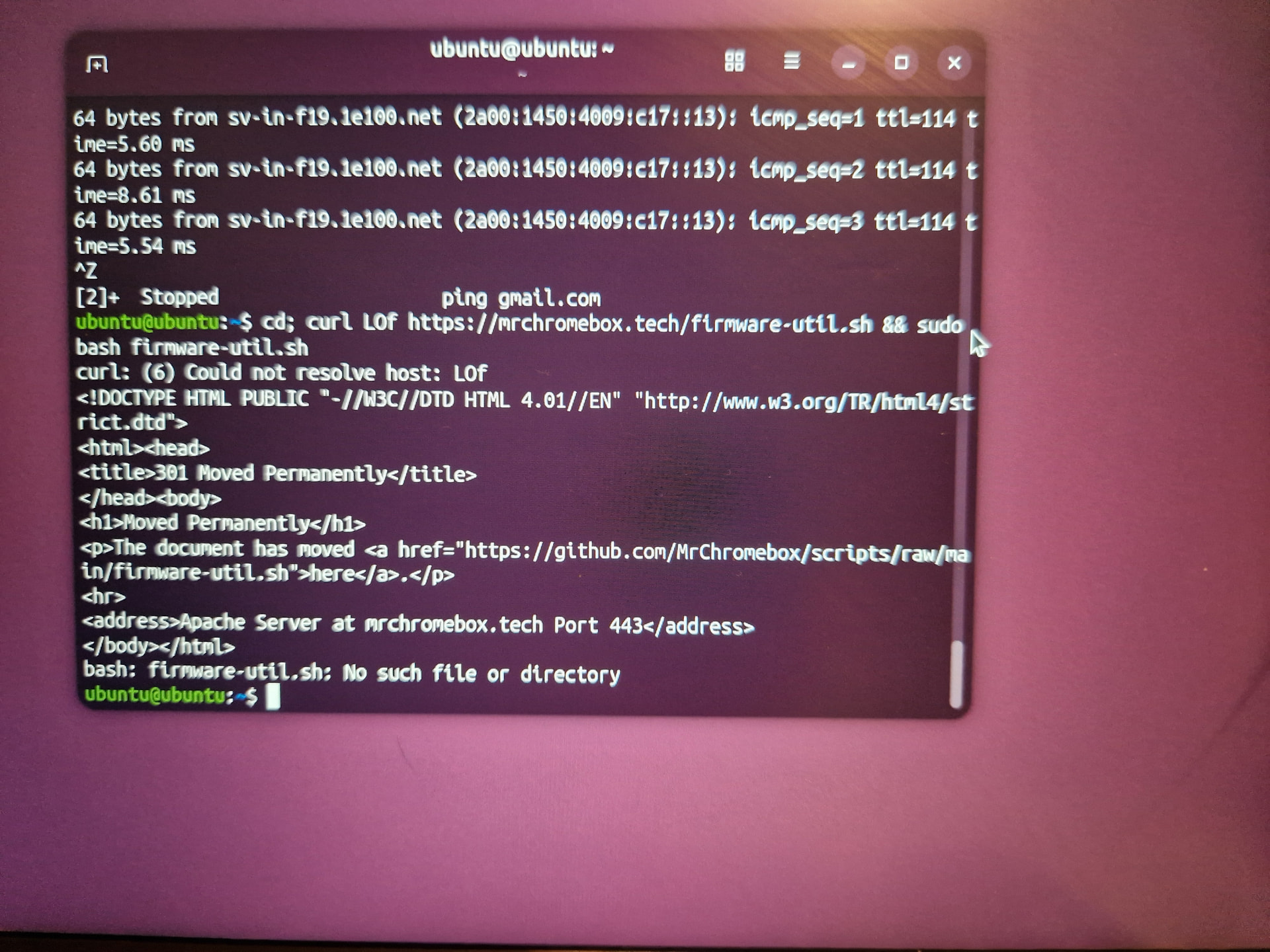
I am trying to restore my ChromeOS from the backup file that I saved from when I first changed the OS however I can’t seem to run the firmware utility script again. I have tried the following steps from bootable USB containing Galium and Ubuntu and have the same error.
For reference, until now I have not touched this laptop since March 2026
Steps to Reproduce
-
Open command prompt
-
Ensure curl is installed using curl -V or sudo apt update && sudo apt install - y curl
-
Enter cd; curl - LOf https://mrchromebox.tech/firmware-util.sh && sudo bash firmware-until.sh
-
Errors displayed in attatched image
Expected Behavior
I would have expected firmware utility to run after step 3
Edit: I’m an idiot ty MrChromebox <3