System Details
- Device: Dell Chromebook 11 3189
- OS: ChromeOS
- Firmware Type: Stock
- Firmware Version: KEFKA
Summary of the Issue
I am walking through the Chrultrabook Mr.Chromebox docs to do a UEFI Full Rom and have successfully gone through setting up developer mode.
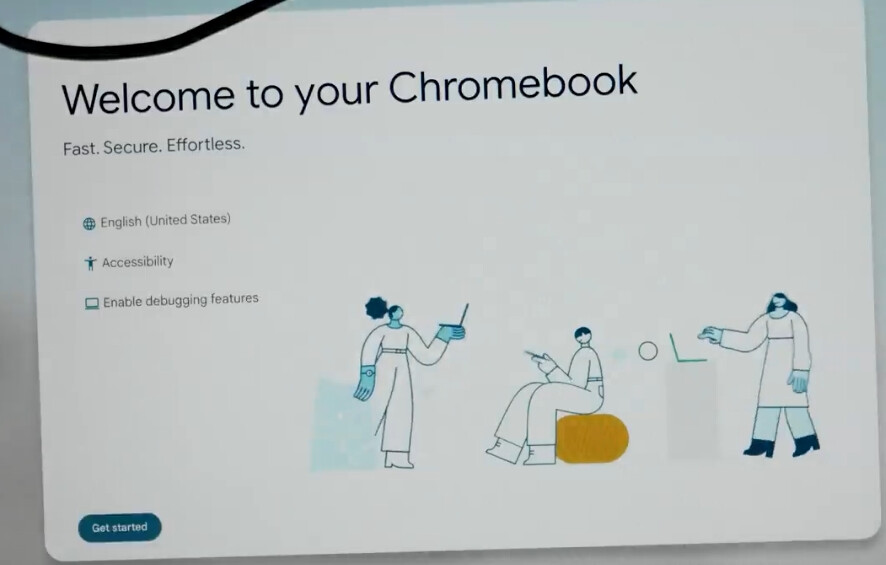
It brought me to a “getting started” screen where I did not enable debugging features as instructed. I connected to my wifi and when it came to the login page I attempted to do the “root-capable shell” step by pressing [CTRL+ALT+F2] and nothing happened.(it’s possible I’m not pressing the right F2 button if it’s not the right arrow).
I’m wondering if I’m doing this step wrong or if I am good to go ahead and move on to the hardware screw step now that I am in developer mode? And do I turn the laptop off to do this step? Thanks for the help 
Steps to Reproduce
-
Follow chrultrabook set up steps up to Developer Mode
-
Successfully turn on Developer Mode and see the start up screen
-
Continue to wifi connection
-
at login screen press
[CTRL+ALT+F2](nothing is happening when I do this)
Expected Behavior
Pull up a root capable shell I think? I’m not sure what to do from there if it did pull up.