Device info afaik: BLOOGLET board, model 14a-na0031wm, Gemini Lake generation, firmware flashed with the battery disconnect method.
Hey all, I’m still pretty new to this and could use some help.
I have an older Chromebook with a broken internal screen that I flashed with MrChromebox firmware. I was able to boot LibreELEC from a USB-C DisplayPort Alt connection to my TV, but then I started having problems.
At first, LibreELEC would softlock during initial setup when trying to connect to Wi‑Fi. After that, it got progressively worse: after a few minutes of booting it would freeze, then eventually it would stop booting properly and start throwing errors. From what I could tell, the RTW88 driver may have been involved.
For a while I tried to blindly enter the firmware/boot menu so I could boot a live USB, but I couldn’t get anywhere because I had no video output until LibreELEC actually loaded. Eventually I got back in, disabled Wi‑Fi, and that seemed to stabilize LibreELEC.
I then enabled SSH, but after failing to SSH over one network setup, I reconnected it to Wi‑Fi, SSHed in, and ran “dd if=/dev/zero of=/dev/mmcblk0 bs=1M count=100”
My intent was to prevent it from booting LibreELEC so I could hopefully force USB boot again. Now the Chromebook powers on, but I get no visible output and it seems unresponsive. Even with a SystemRescue USB plugged in, it won’t boot anything that I can see.
At this point, did I wipe something important, and is there any recovery path I should try first? Also, would this model be a candidate for SuzyQable/CCD recovery, or am I into external-flashing territory?
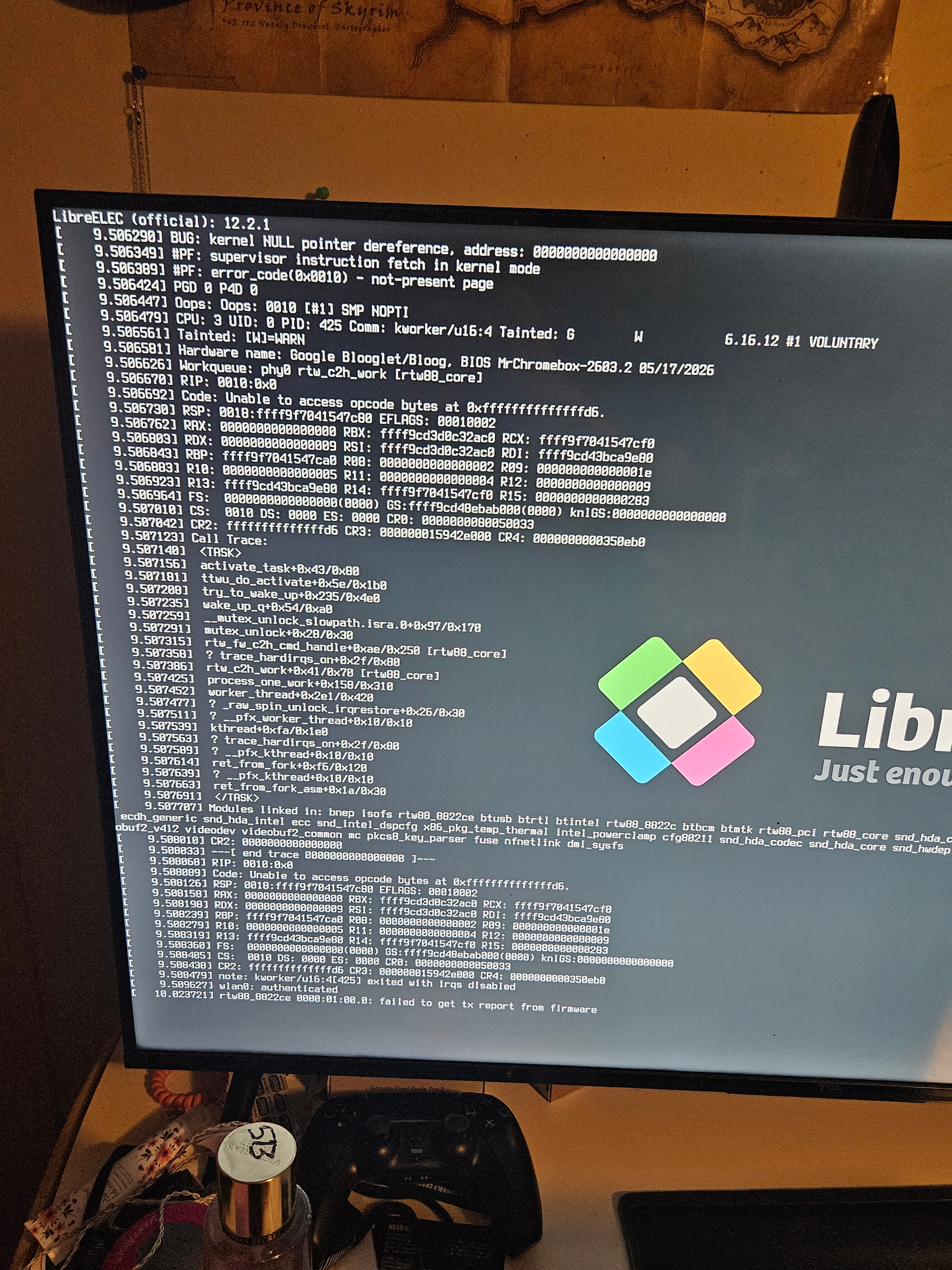
Thanks! (image of the main error I seen while attempting to boot LibreELEC, aside from the LOCKUP warnings)