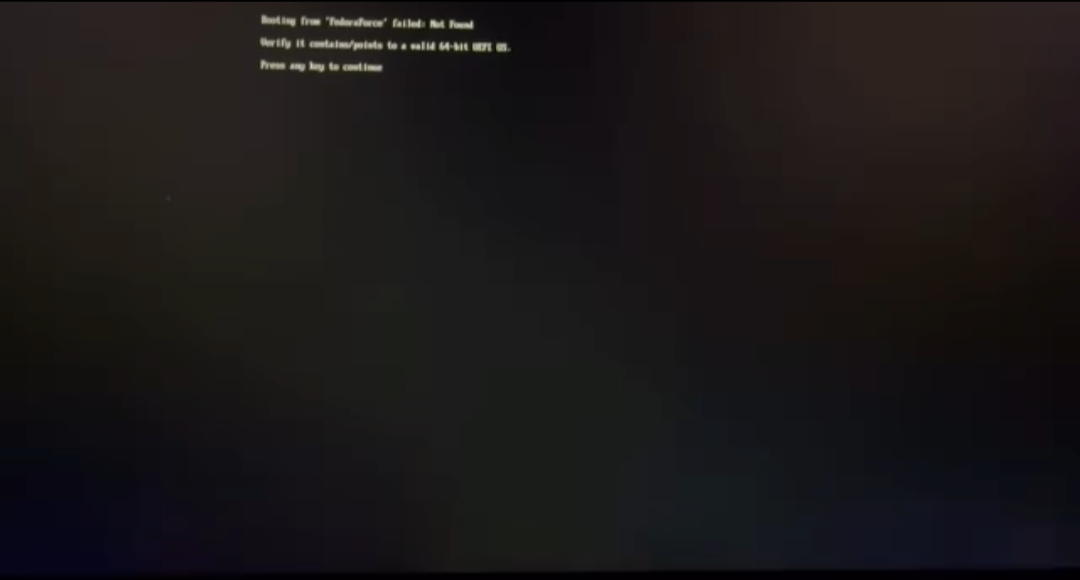
Booting from 'fedora' failed not found

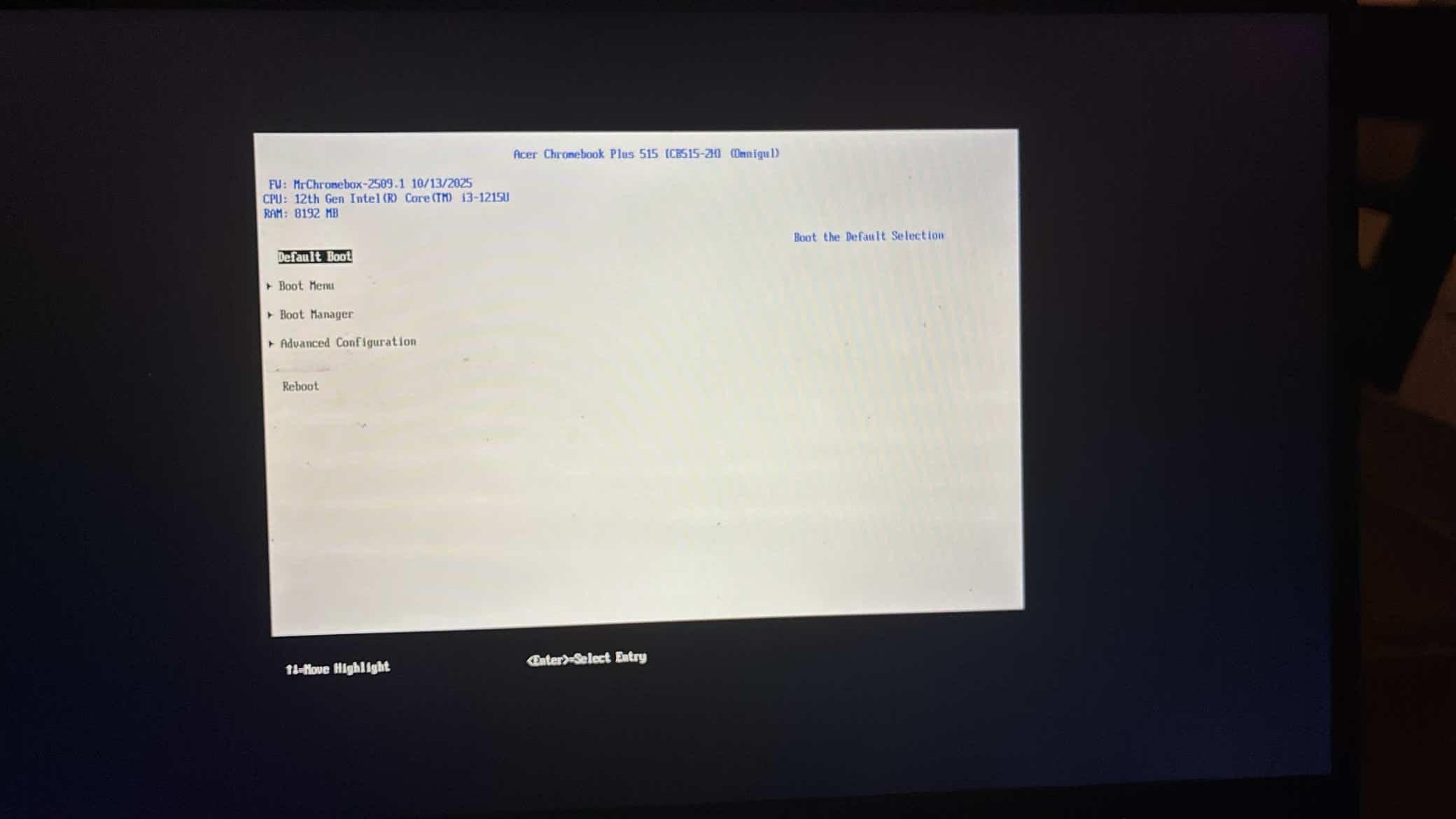
Im using a Acer Plus 515 Chromebook

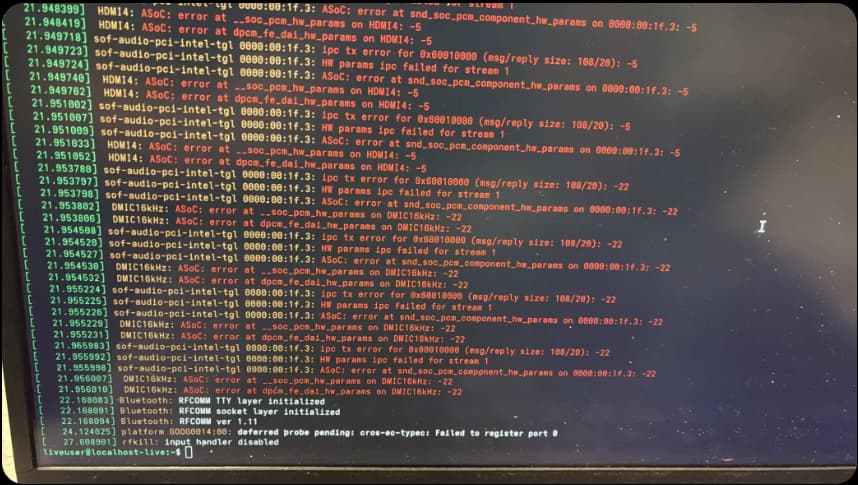
The install script worked, so I have the firmware. The problem I’m having is that I installed the OS from a live USB, unplugged it, and then rebooted — but my OS doesn’t boot up. I tested the boot issue with Kali. I’m also having an audio problem, but I’ll fix that later. I just thought I’d mention it in case it helps.
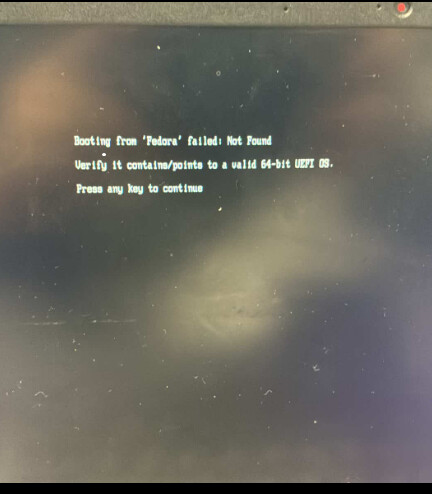
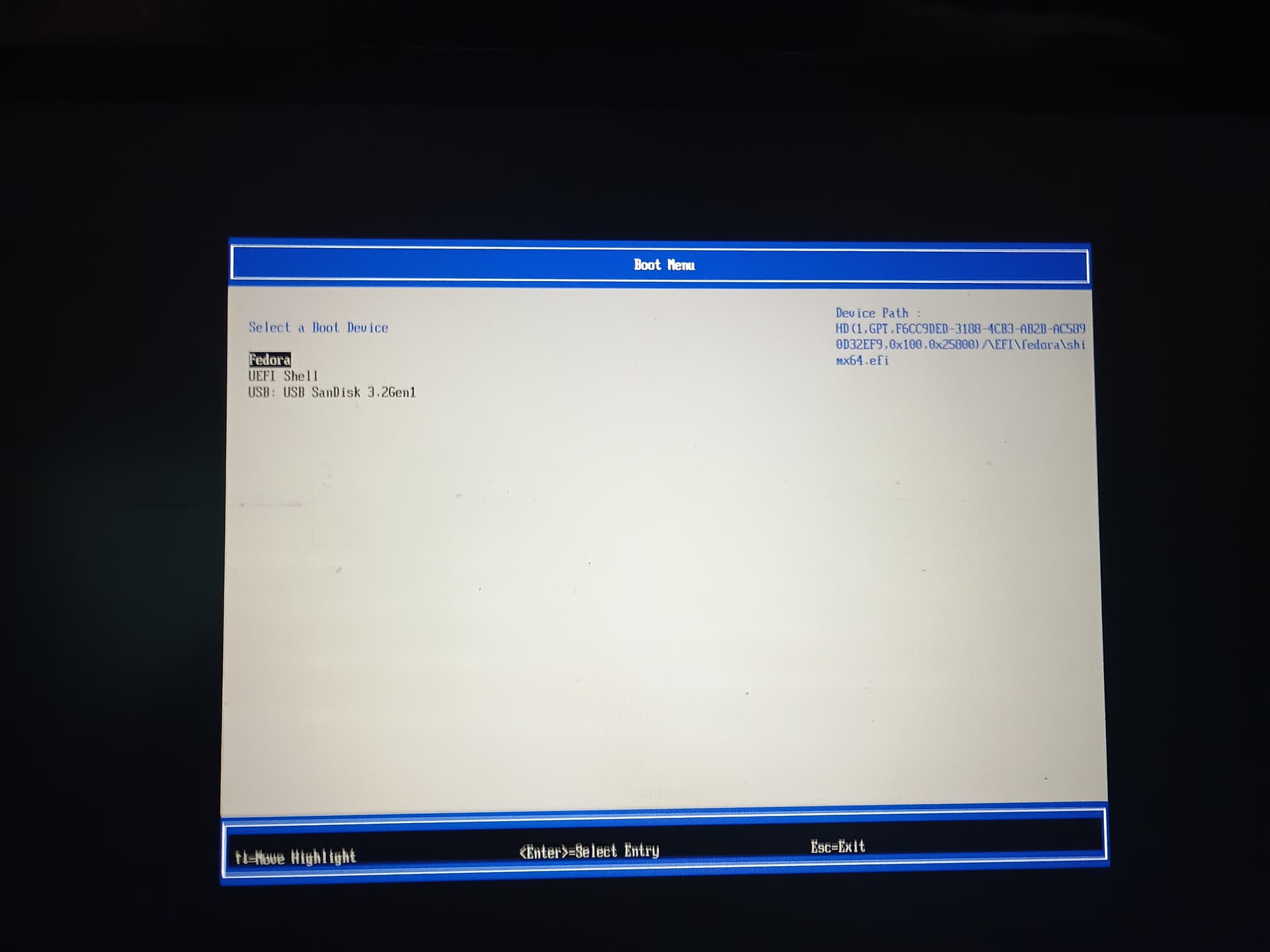
what does the boot menu show?
what type of storage does your device have?
what’s the board name? make/model are meaningless

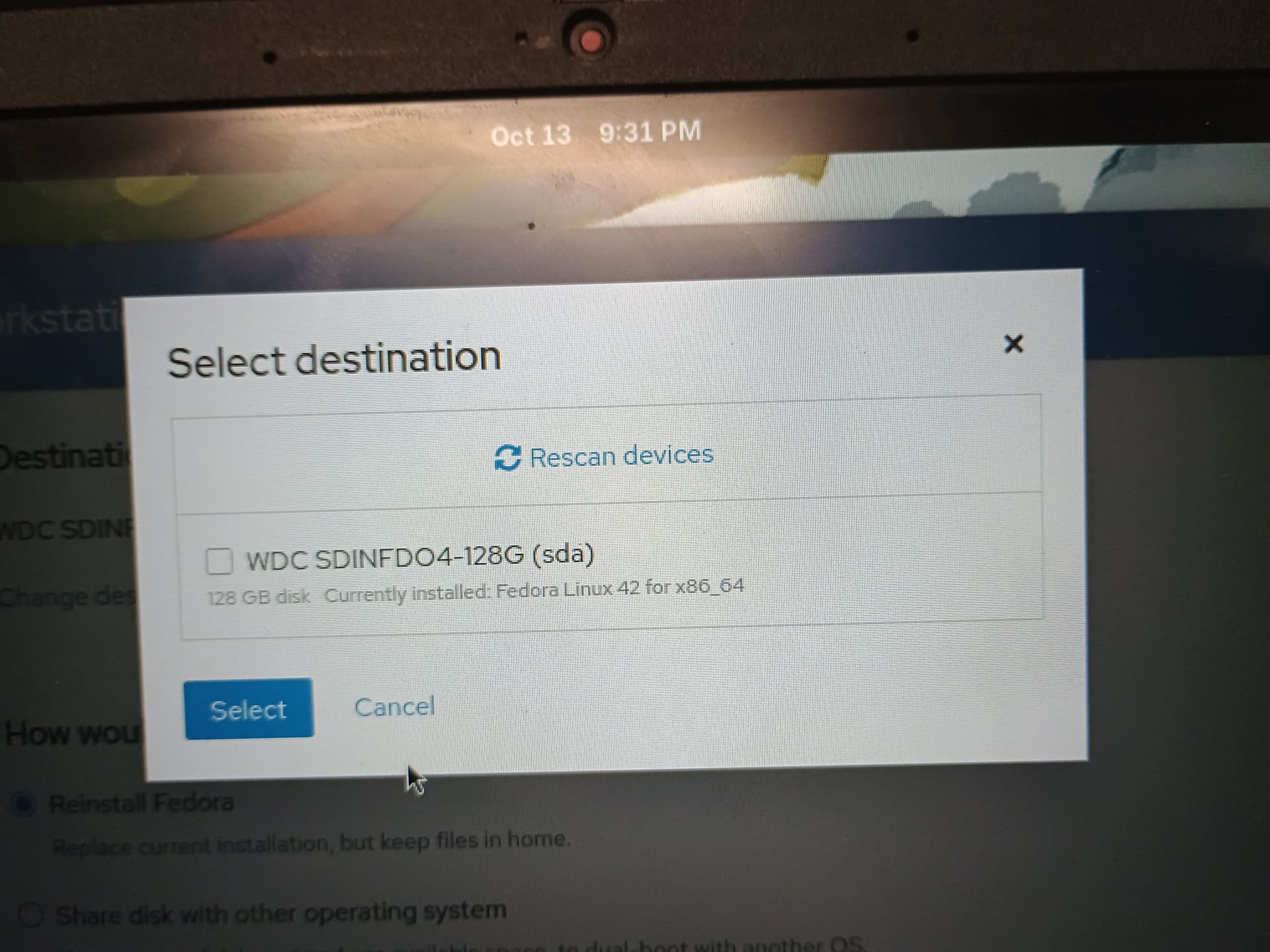
My device has a Omnigul board with WDC SDINFDO4-128G UFS storage.

Please post a picture from boot menu list. The internal drive is available or not?

The drive is not available in the boot menu list

then that’s why the OS is failing to boot.

what storage type does the OS identify the device as having when booting a Live USB?

when I tried to install kali it would only see the usb

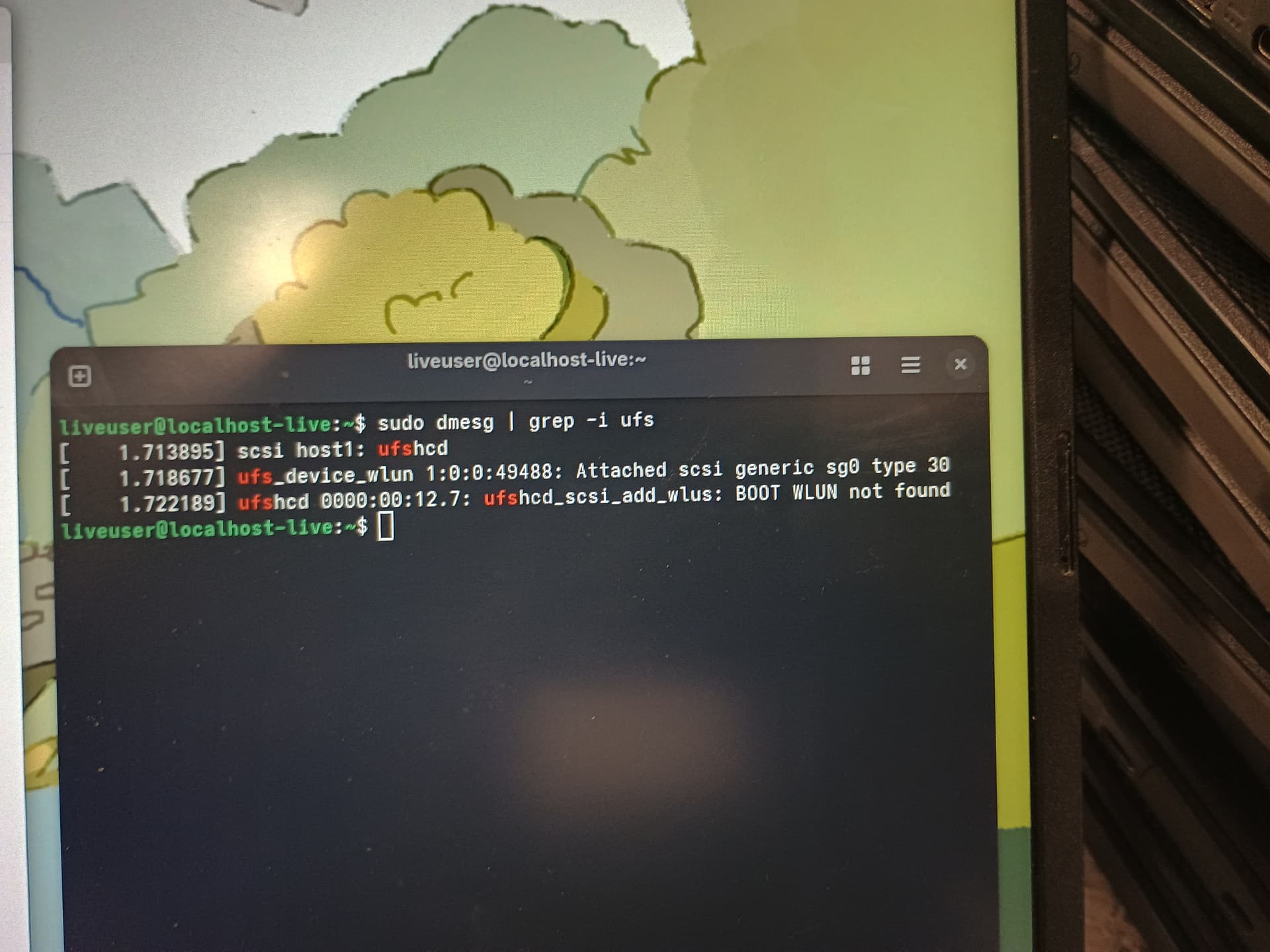
but fedora would see the UFS

omnigul is built with UFS support, would need to flash a debug log to try and see what’s going on / why it’s not detected

Is this what is needed?

like I said, the firmware is already being built with UFS support, so need to debug why it’s not being detected