System Details
- Device: Blipper
- OS: ChromeOS
- Firmware Type: UEFI Full ROM
Summary of the Issue
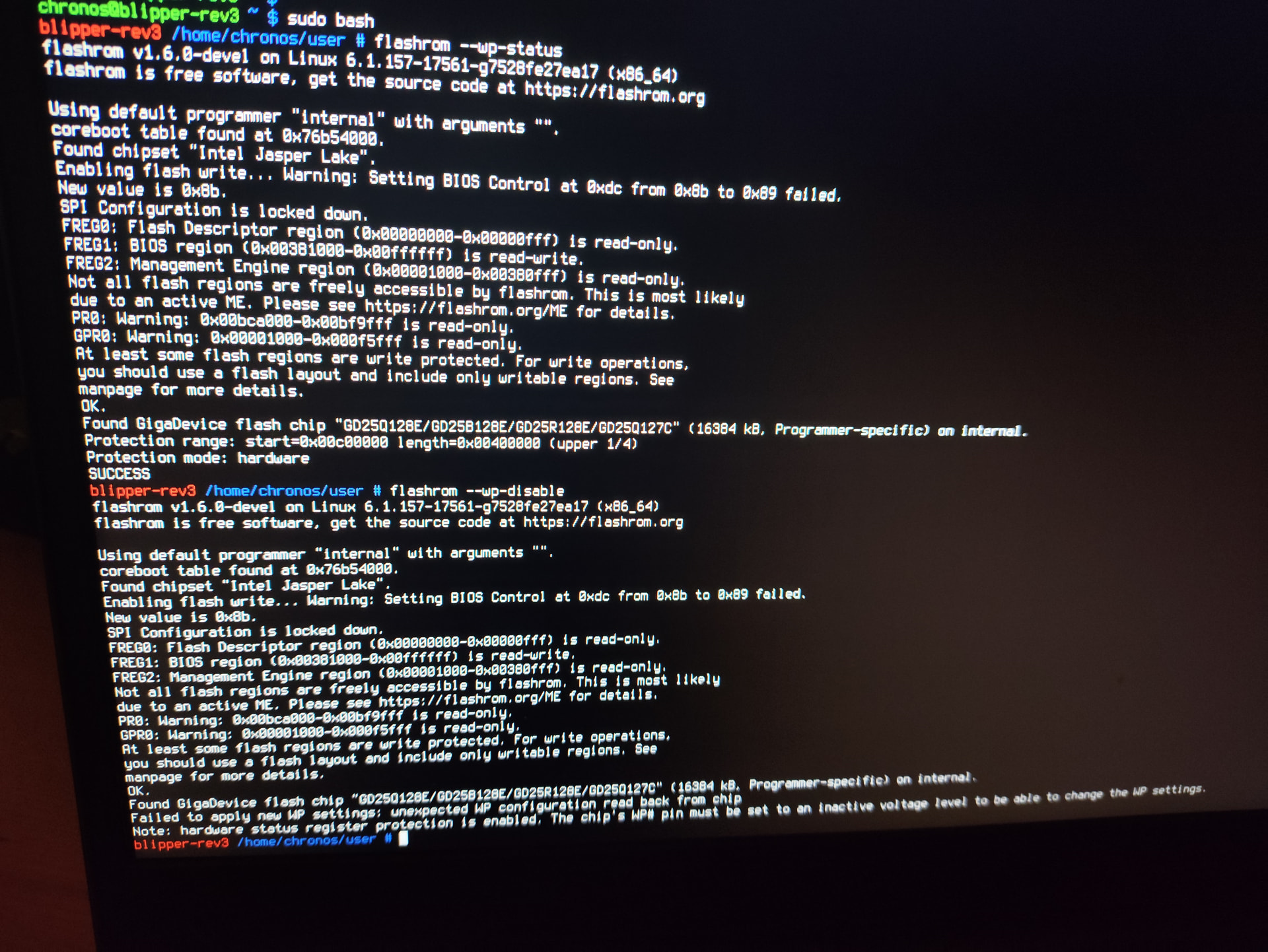
I have bridged the 2 pins as said on mrchromebooks website and nothing it still says wp hardware enabled through the install script and flashrom
I have bridged the 2 pins as said on mrchromebooks website and nothing it still says wp hardware enabled through the install script and flashrom
I have the same problem:
switched to developer mode
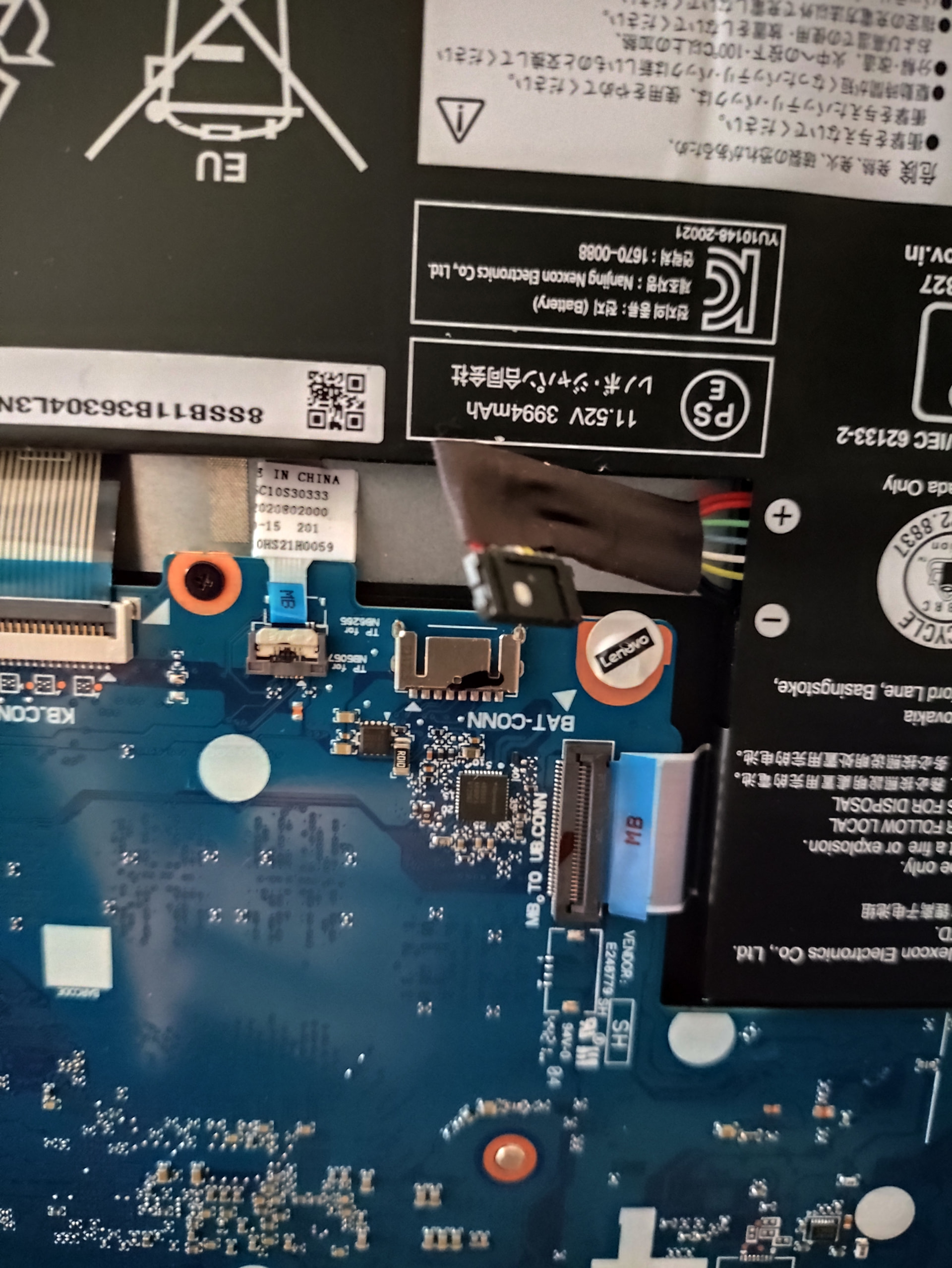
open the case an disconnected the battery (the battery-connector-cable)
fed power via usb + booted
switched to terminal (CTRL+ALT+F2) and logged in with user chronos
tried your scripts several times, no success.
hw flash protection seems to be on despite disconnected battery
any suggestions?
WHY???
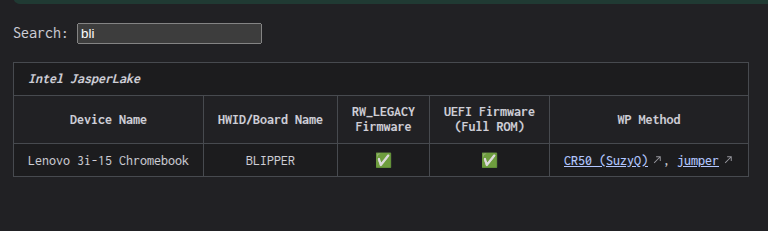
your device does not support battery-disconnect for WP disable.
The available WP disablement method(s) are listed for each board on my site
than I did not understand your descriptions correctly:
gsctool -a -w states “Getting WP
WP: 00000002
Flash WP: enabled
at boot: follow_batt_pres“
BLIPPER is CR50
and later you state:
“CR50, board has a battery WP method: disconnect the battery. Simplest.”
that led me into thinking that I could go the battery-disconnect-road.
will try the solution with the jumper tomorrow.
am I correct: not all CR50 support the battery disconnect solution?
thanks for clarifying
I don’t understand the confusion
SuzyQ or jumper, no battery.
nothing in my docs says to run gsctool -a -w or to use that to determine WP disablement
jumber worked!
thanks