Asus chromebook cx1505cka trackpad and audio not working

System Details

  • Device: [asus chromebook ]cx1505cka
  • OS: [liunx mint 22.3]
  • Firmware Type: [UEFI Full ROM]
  • Firmware Version: [MrChromebox-2603.2 (05/17/2026)]
  • Internal storage type: [eMMC]

Summary of the Issue

trackpad and audio

Steps to Reproduce

  1. when you turn on the computer

Expected Behavior

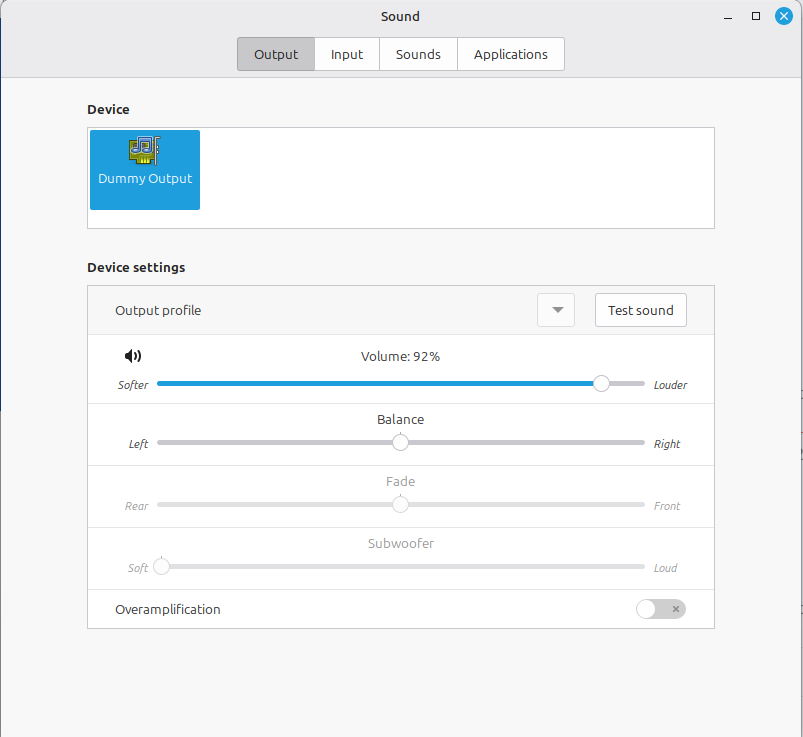
Trackpad is semi functional it will let me click but i cant move the mouse and the audio is not working at all. i know it work in chromeos.
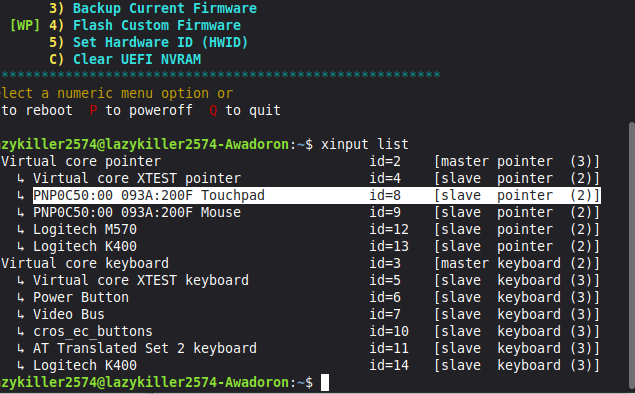
  1. search for PixArt touchpad in the forum, you will find solution
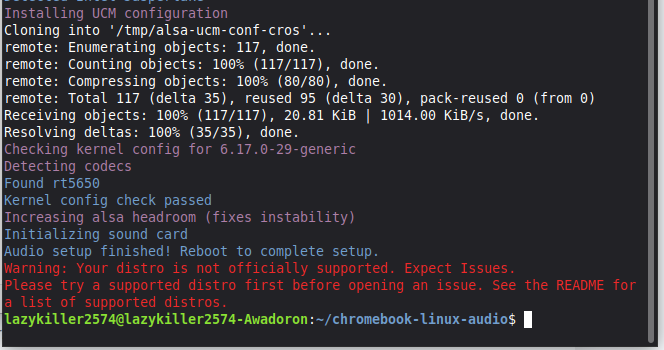
  2. run WeirdTreeThing’s audio setup script, as per the documentation here and on my site

i got touchpad working. thank you

i try to use the audio script it does not work at all

what do you mean it doesn’t work at all? did you even read what the output says?

“audio setup finished. reboot to complete setup”

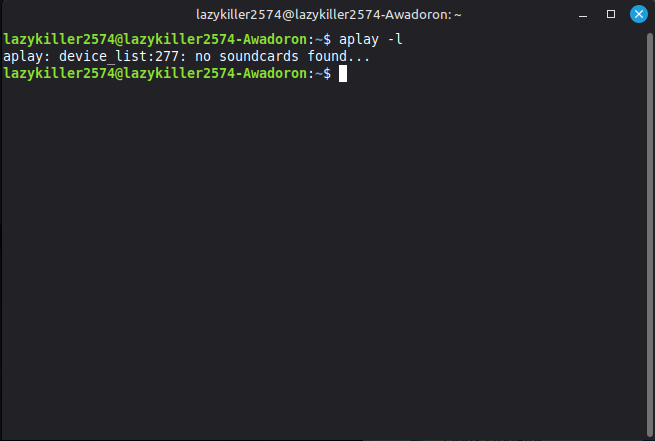
i reboot the computer its does nothing its say there no sound card

then now the part after what I quoted is relevant - you can either switch to a supported Distro (like Mint DE) or deal with audio not working